5
QUICK START
BATTERY INSTALLATION
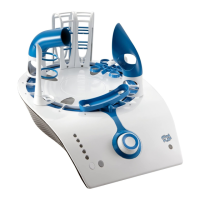
CONSOLE
1. Open battery cover with Phillips head screwdriver (not included).
2. Insert 4 ‘C’ alkaline batteries as shown.
3. Replace battery cover and tighten the screws.
For best performance, use only alkaline batteries. When the console’s status light begins to blink GREEN,
its batteries are low. Replace console batteries when console lights dim, sound becomes distorted or ball
can no longer achieve a maximum height of 5 inches when all 5 sensor LEDs are lit.
HEADSET
1. Open battery cover with Phillips head screwdriver (not included).
2. Insert 3 ‘AAA’ alkaline batteries as shown.
3. Replace battery cover and tighten the screw.
When the console’s status light or the headset’s power light blinks RED, the headset batteries
are running low.
Refer to the Troubleshooting section for descriptions of all status messages.


 To Next Page