HOW TO REPLACE BATTERIES
UNO ATTACK! requires 3 C size Alkaline Batteries (not
included). Use only Alkaline Batteries. Toy may not function
with other types of batteries.
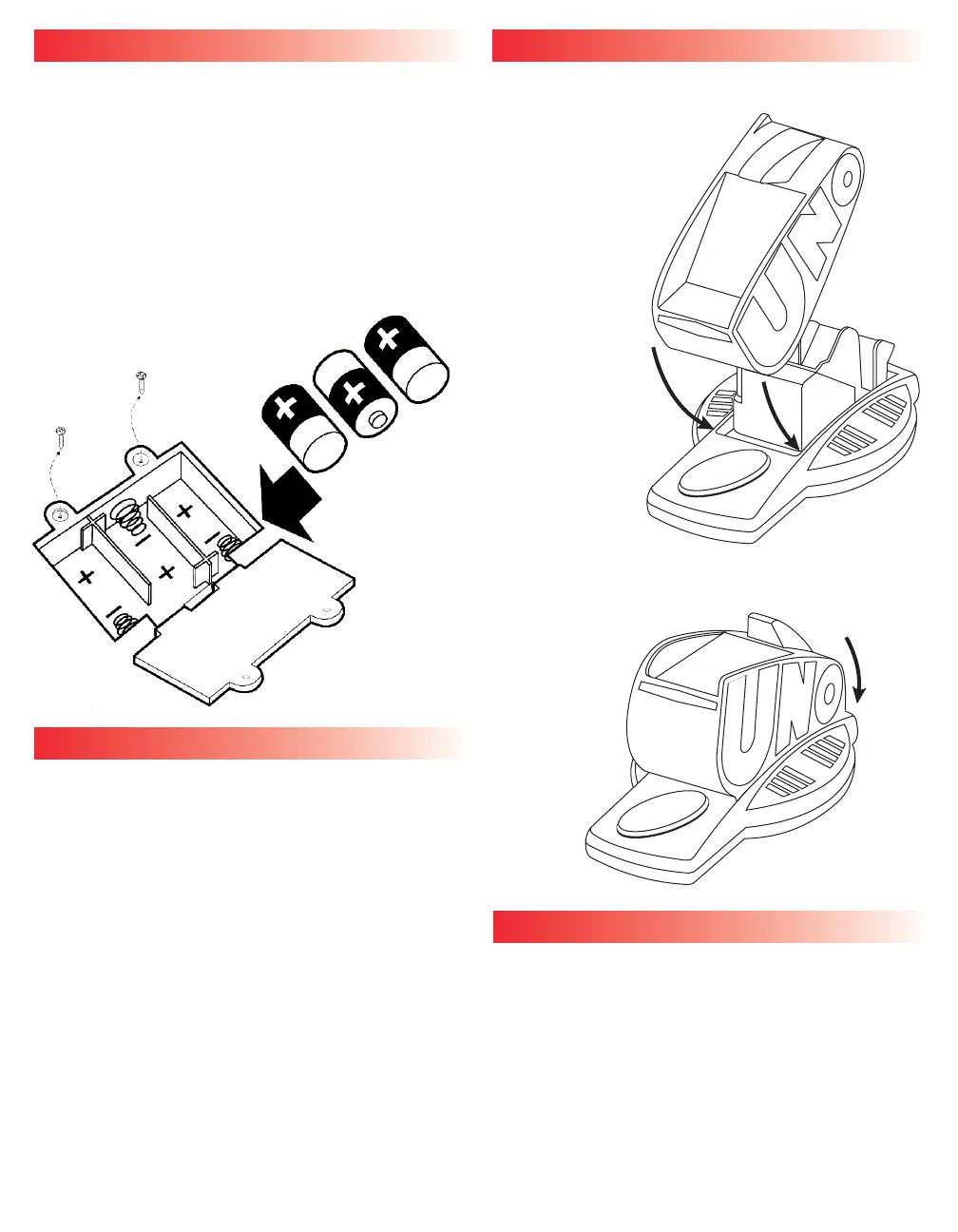
1. Unscrew battery compartment cover with a
Phillips screwdriver (not included) and lift open.
2. Install 3 C size Alkaline Batteries in compartment
as shown. (See Figure 1.)
3. Replace cover by slipping tabs
into place, pressing cover
down and screwing shut.
BATTERY SAFETY INFORMATION
• Non-rechargeable batteries are not to be recharged.
• Rechargeable batteries are to be removed from the toy
before being charged.
• Rechargeable batteries are only to be charged under
adult supervision (if designed to be removable).
• Rechargeable batteries are only to be recharged under
adult supervision.
• Do not mix alkaline, standard (carbon-zinc), or
rechargeable (nickel-cadmium) batteries.
• Never mix old batteries with new batteries (replace all
batteries at the same time).
• Only batteries of the same or equivalent type as
recommended are to be used.
• Dispose of batteries safely.
• Do not dispose of in a fire as batteries may explode or leak.
• Batteries are to be inserted with the correct polarity.
• Always remove old or dead batteries from the product.
• The supply terminals are not to be short-circuited.
SETUP
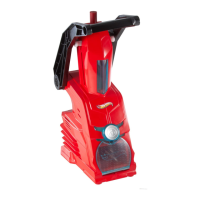
1. Remove Bottom and Top Halves of Launcher from
package.
2. Connect Launcher Halves
by pushing Red UNO
Top into Purple Base
at an angle until it
“clicks” into place.
(See Figure 2.)
3. Push back of Red UNO Top down to close.
(See Figure 3.)
OBJECT
Be the first player to score 500 points. The first player to get
rid of all the cards in their hand scores points for the cards
left in their opponents’ hands.
BOTTOM
VIEW
Figure 1
Figure 2
Figure 3






 To Next Page