6
EN
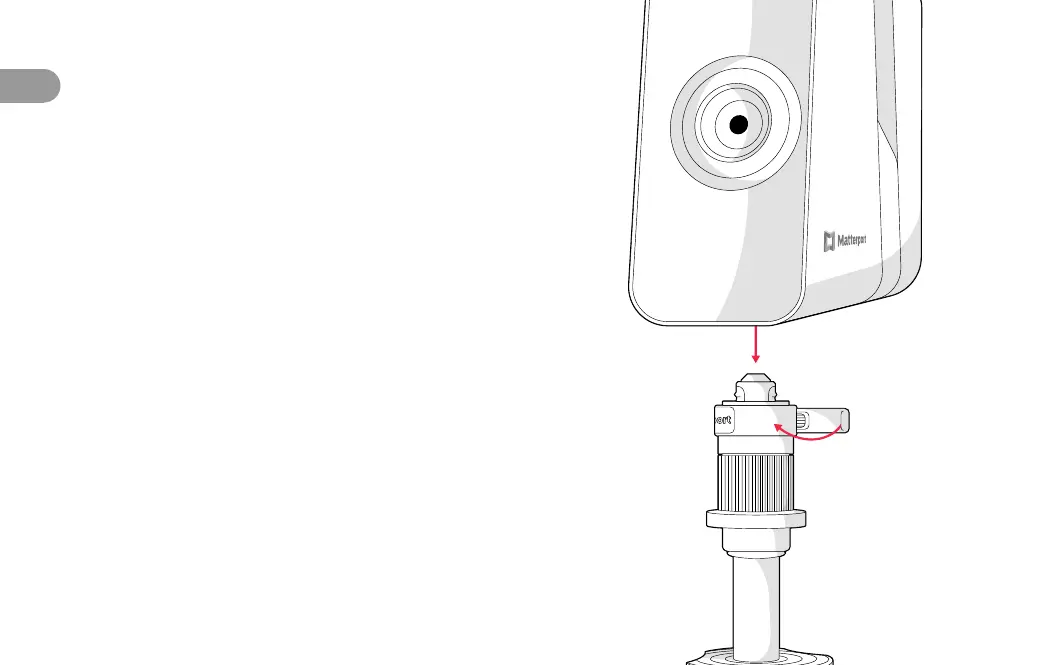
5 Mount Pro3 on tripod.
Open the clamp on the side of the tripod
mount. Align the tripod mount socket on
the bottom of the camera with the top of
the tripod column, and lower the camera
into place. Keep one hand on the top of the
camera to hold it steady as you close the
clamp to secure it.
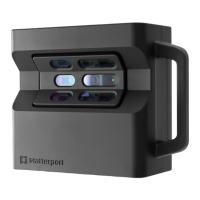
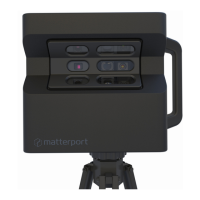
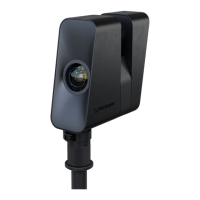
The camera’s rotational axis is aligned with the lens, not
the center of the camera. Designed for optimal capture,
this unique prole is stable and secure when properly
mounted as detailed above.


 To Next Page