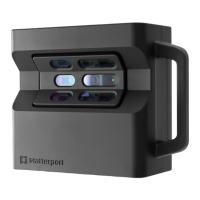
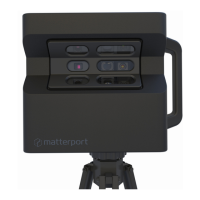
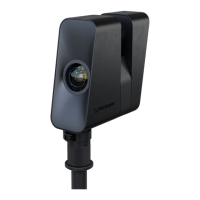
Part 810-00008Model PRO3
Made in Taiwan
352 East Java Drive
Sunnyvale, CA 94089 U.S.A.
ISED ID 12345678
Contains
FCC ID 12345678
Complies with 21 CFR
1040.10 and 1040.11
except for conformance
with IEC 60825-1 Ed. 3.,
as described in Laser
Notice No. 56, dated
May 8, 2019.
Serial Number
8
EN
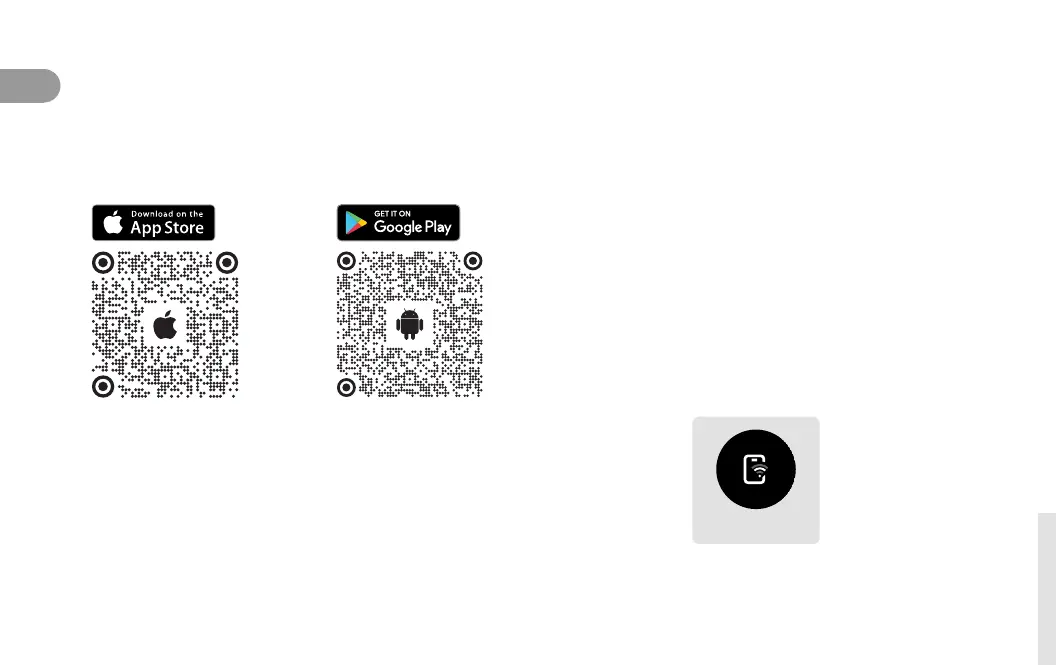
1 Get the app.
Download the Matterport app for your iOS or
Android device to start using Pro3.
Ready to Pair
2 Conrmcamerareadiness.
Once the camera is done booting, the Ready to
Pair symbol will appear on the camera display.
3 Enable Bluetooth.
Make sure Bluetooth is turned on within your
device settings and that the Matterport app has
permission to use it.
Get Connected
Camera Display


 To Next Page