Step 3:
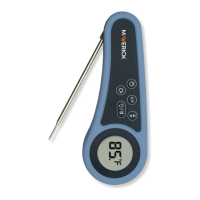
Remove protective plastic film from the ET-735 Thermometer
front screen. On the back of the unit, press ON/OFF Probe
button for 3 seconds. Blue LED and Bluetooth Icon will be
blinking. If they don’t blink, press BLUETOOTH Icon button to
connect. Press
0
C/
0
F button to select temperature mode.
3
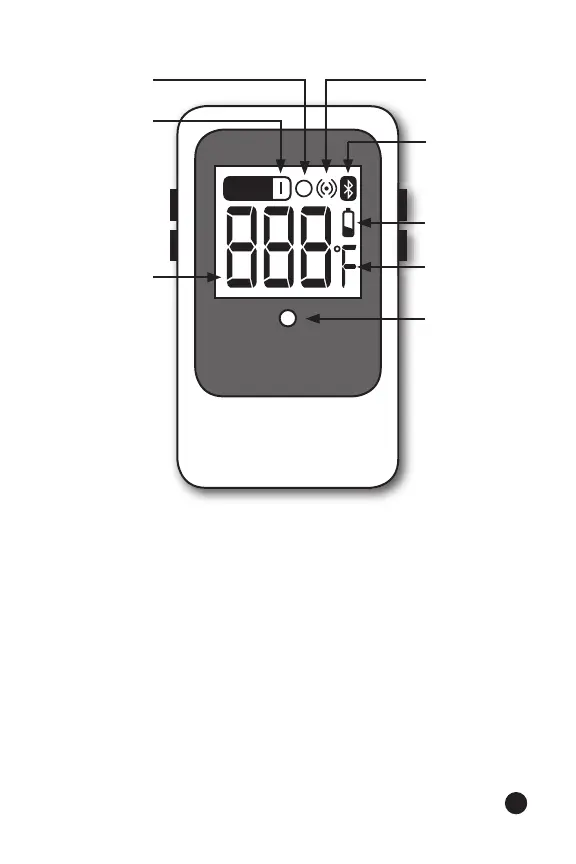
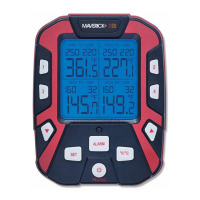
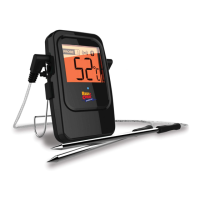
Front of the ET-735 Barbecue Thermometer shown here
Current
Temperature
Probe
Indicator
Cycling Icon Alert Sound
Icon
Bluetooth
Icon
Battery
Status
Blue LED
PROBE
0
C/
0
F


 To Next Page