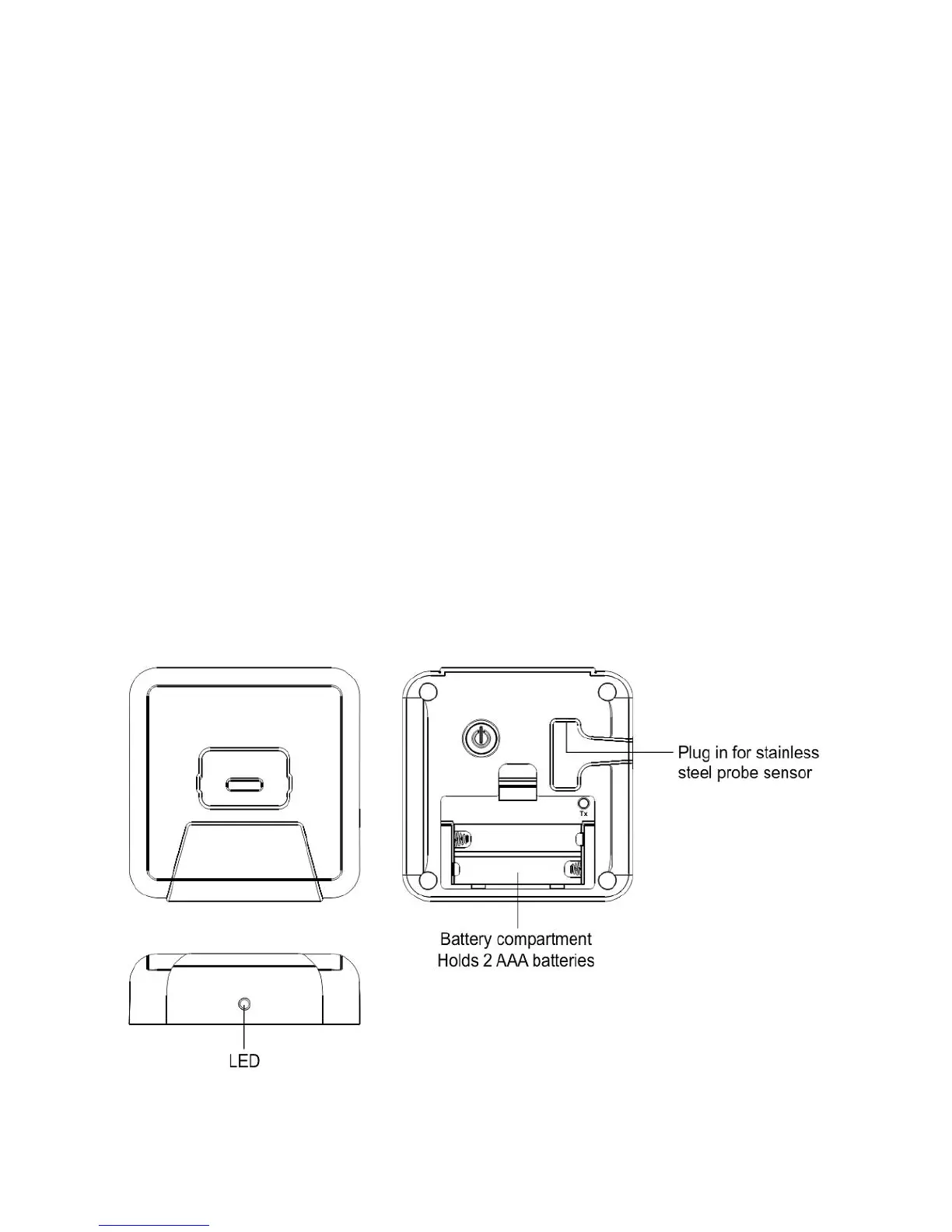
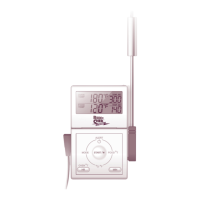
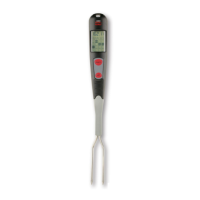
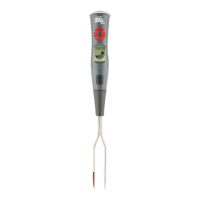
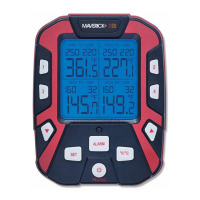
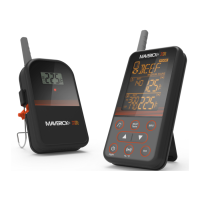
Transmitter/Base Features
In Timer mode, press to set hour from 0hr to 23hr. Press and hold for 2 seconds; the hour setting will
increase at a faster rate. In Thermometer mode, press to increase the manual temperature from 14ºF to 482ºF.
Press and hold for 2 seconds, the temper
ature setting will increase at a faster rate.
In Timer mode, press to set minutes from 0 min to 59 min. Press and hold for 2 seconds; the minute
setting will increase at a faster rate. In Thermometer mode, press to decrease the manual temperature
. Press and hold for 2 seco
nds; the temperature setting will decrease at a faster rate.
While the timer countdown or count
up process is stopped, press once to clear the timer reading to
zero. In thermometer mode, press to select temperature unit in Celsius or Fahrenheit.
Press to select Thermometer or Timer mode. Press and hold for 2 seconds to enter RF registration
‘ icon will appear in the place of the probe temperature and flash in 1Hz; press [Mode] button
again to stop the RF registration.
Press to start or stop the timer countdown or count
Press to stop the temperature/timer
In Thermometer mode, press [MEAT] button to select meat type: BEEF
In Thermometer mode, press [TASTE] button to select the taste level: WELL DONE, MEDIUM, and
Power switch for the receiver unit.
Press once to turn on backlight for 10 seconds. While the backlight is on,
press any key will extend
the backlight illumination for another 10 seconds.



 To Next Page