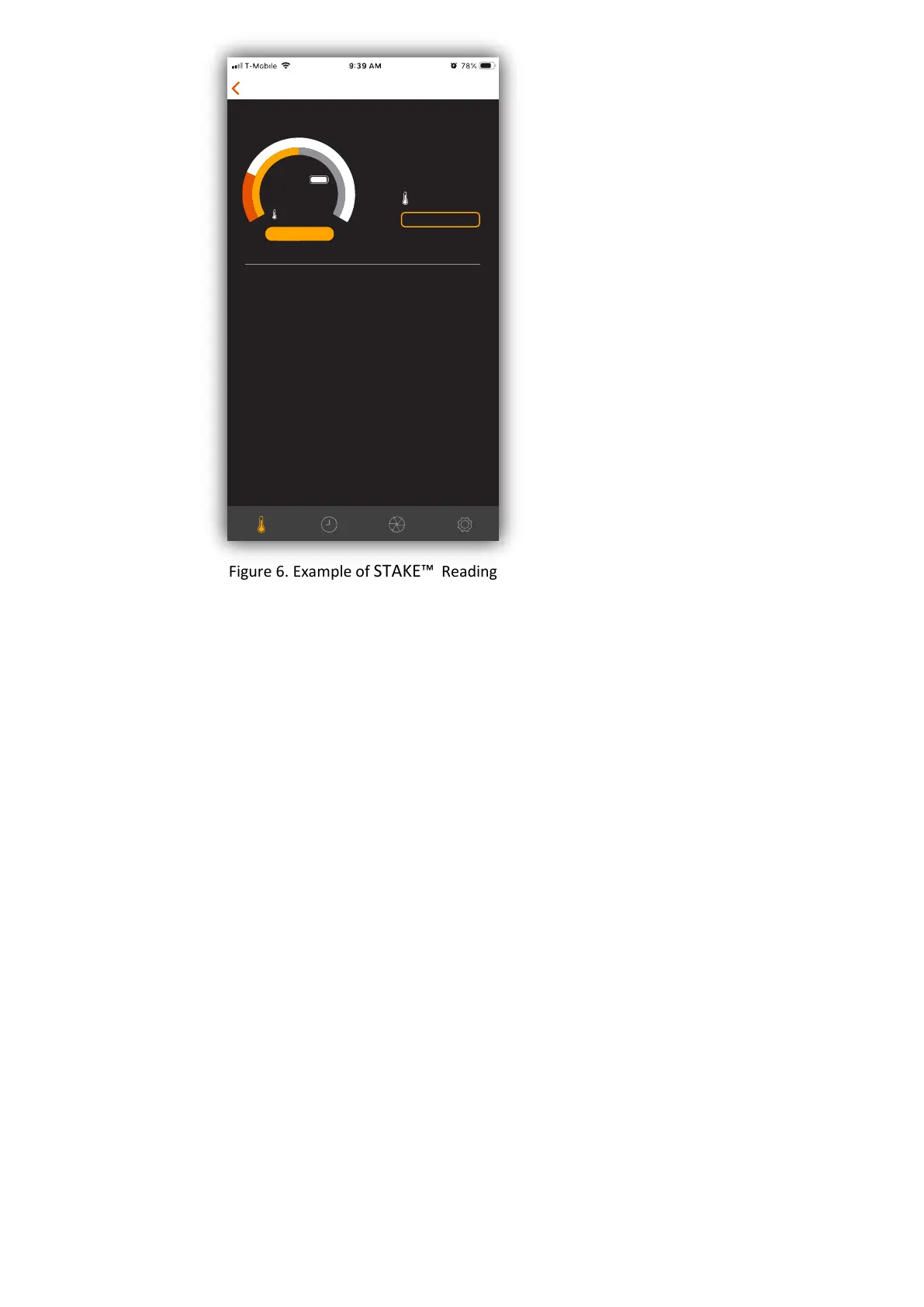
Figure 6. Example of STAKE™ Reading
2.2 Guided Cook
STAKE™ APP has some built- in programs that can help you to cook the meat/food to the
desirable condion with STAKE™. Please follow these steps.
1. Insert STAKE™ to the meat/food.
Please make sure STAKE™ is fully charged. To obtain the best result, please make sure the
enre metal tube is inserted into the meat, up to the ceramic head. For best results, make
sure the charging pole is facing upwards.
2. Tap the field of informaon for the probe you are using on the “Available Probes” screen, the
“Cook Setup” screen will appear as shown in Figure 7.
3. Choose the type of meat to cook by tapping “I want to cook” once and then selecng the
meat type (see Figure 8).
4. Choose the cut of meat to cook by tapping “Cu
t of meat” once and then selecng the cut of
meat (see Figure 8).
5. Choose the doneness by tapping “Doneness” once and then select the desirable
doneness (see Figure 8).
72
°
F
Back
Available Probes
PROBE 1
122
°
F
TARGET:
CURRENT
READY TO USE


 To Next Page