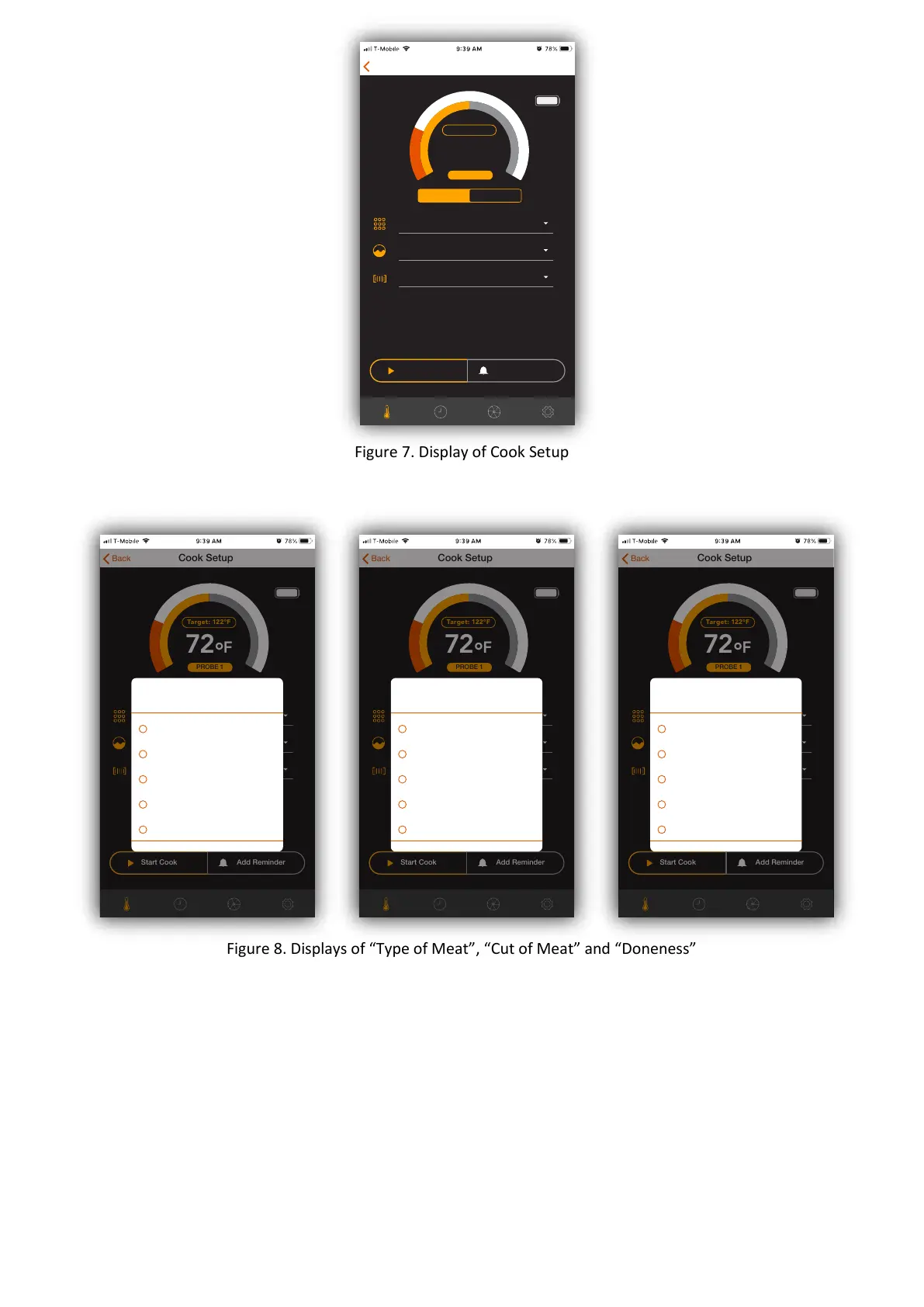
Figure 7. Display of Cook Setup
Figure 8. Displays of “Type of Meat”, “Cut of Meat” and “Doneness”
6. Seng up temperature reminder or me reminder(oponal). You can setup reminders
on temperature and me. For example, if you want to flip over the steak aer 1 minute
of cooking, you can setup a me reminder at 1 minute. Once the mer reaches 1 minute,
a reminder message is popped up on the screen with alerts.
7. Preheat the oven to the desirable temperature and put the meat/food into t
he oven.
8. Tap the “Start Cook” to start monitoring the meat/food during cooking. You will see the
cooking screen in your mobile phone as shown in Figure 9.
72
°
F
Target: 122°F
Back
Guided Cook
Cook Setup
I want to cook:
Previous Cook
Cut of meat:
Doneness:
Start Cook Add Reminder
PROBE 1
72
°
F
Target: 122°F
Back
Guided Cook
Cook Setup
I want to cook:
Previous Cook
Cut of meat:
Doneness:
Start Cook Add Reminder
PROBE 1
Guided Cook
Previous Cook
Cut of meat:
Doneness:
I want to cook:
Beef
Pork
Lamb
Poultry
Fish
72
°
F
Target: 122°F
Back
Guided Cook
Cook Setup
I want to cook:
Previous Cook
Cut of meat:
Doneness:
Start Cook Add Reminder
PROBE 1
Guided Cook
Previous Cook
Cut of meat:
Doneness:
Cut of meat:
Sirloin
Rib
Round
Brisket
Chuck
72
°
F
Target: 122°F
Back
Guided Cook
Cook Setup
I want to cook:
Previous Cook
Cut of meat:
Doneness:
Start Cook Add Reminder
PROBE 1
Guided Cook
Previous Cook
Cut of meat:
Doneness:
Doneness:
Well Done
Medium Well
Medium
Medium Rare
Rare


 To Next Page