5 max mobility
®
PushTracker User’s Manual 6
4. Batteries
Battery Information
e PushTracker houses a rechargeable Lithium Ion Polymer (LIP) battery used to
power it.
e battery is designed to last for an entire day of SmartDrive operation and
wheelchair propulsion activity monitoring. Low PushTracker battery is indicated by a
ashing battery symbol on the display.
It is encouraged to charge the battery every night to avoid running out of charge
during daily use. e life of the battery will not be deteriorated by charging when it is
partially drained.
Make sure the charging receptacle is completely dry and free from debris. Blow water
out of the receptacle if you suspect there being water in it.
Refer to the SmartDrive User’s Manual for its battery information.
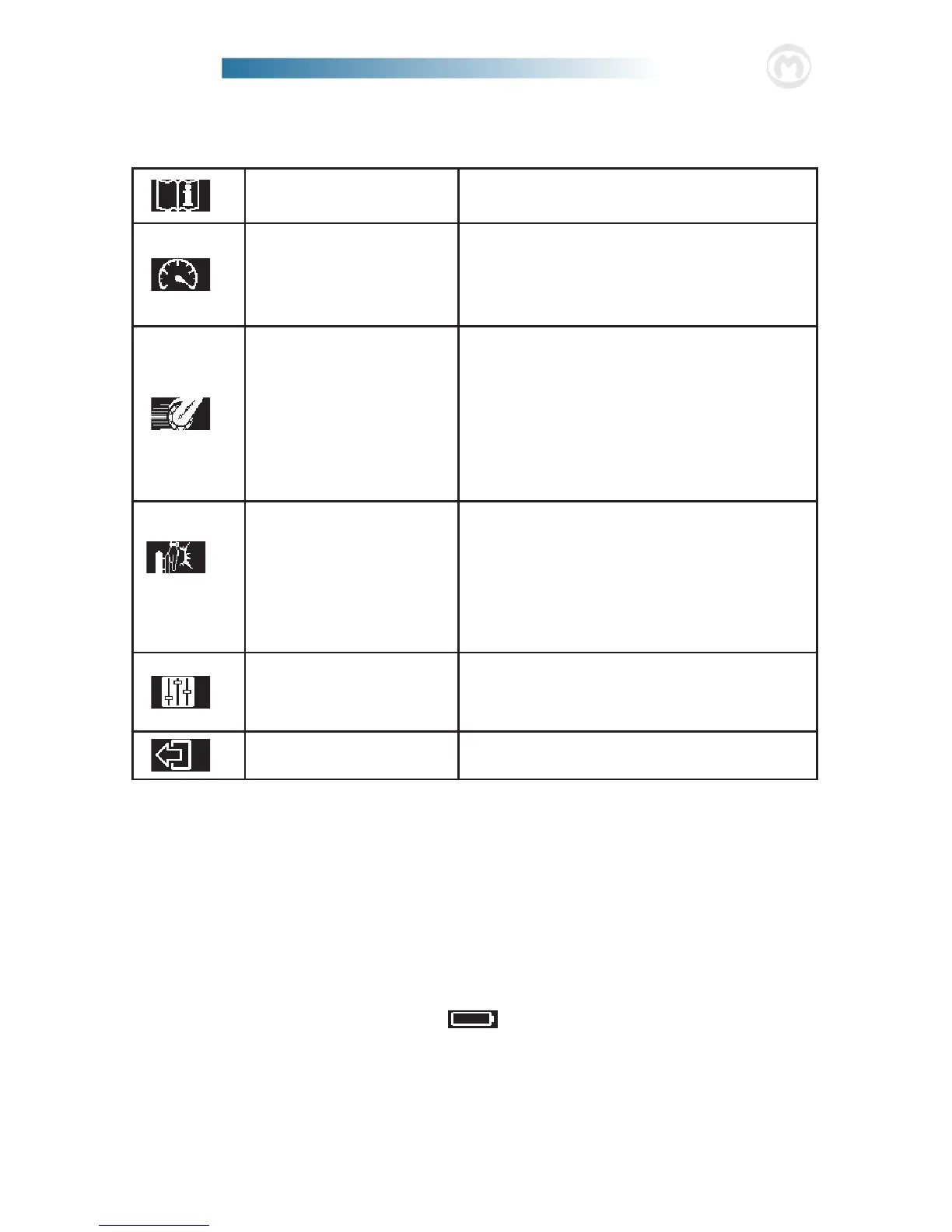
SmartDrive Settings
See User’s Manual
Refer to this and the SmartDrive User’s
Manual prior to changing any settings.
Max Speed
Adjust the maximum drive speed of the
SmartDrive [refer to the SmartDrive
User’s Manual for more information].
Defaults to 70% or 4 mph (6 km/h).
Acceleration
Adjust the acceleration / speed ramp
rate of the SmartDrive for select Control
Modes [refer to the SmartDrive
User’s Manual for more information].
Defaults to 50% or 1.0 ft/s
2
, and the
lower the percentage is set the slower the
SmartDrive will accelerate.
Tap Sensitivity
Adjust the tap sensitivity of the Push-
Tracker [refer to the SmartDrive User’s
Manual for more information]. Defaults
to 100%, and the lower the percentage is
set the HARDER you need to tap [LESS
sensitive it is].
Control Mode
Change the Control Mode of your
SmartDrive [refer to the SmartDrive
User’s Manual for more info].
Exit
Return back to Main Menu.


 To Next Page