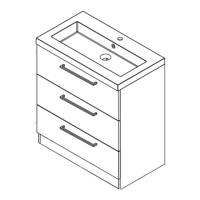
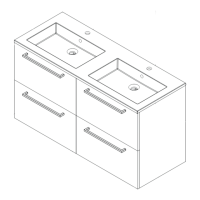
15.0
16.2
16.0
15.1
17.0
16.1
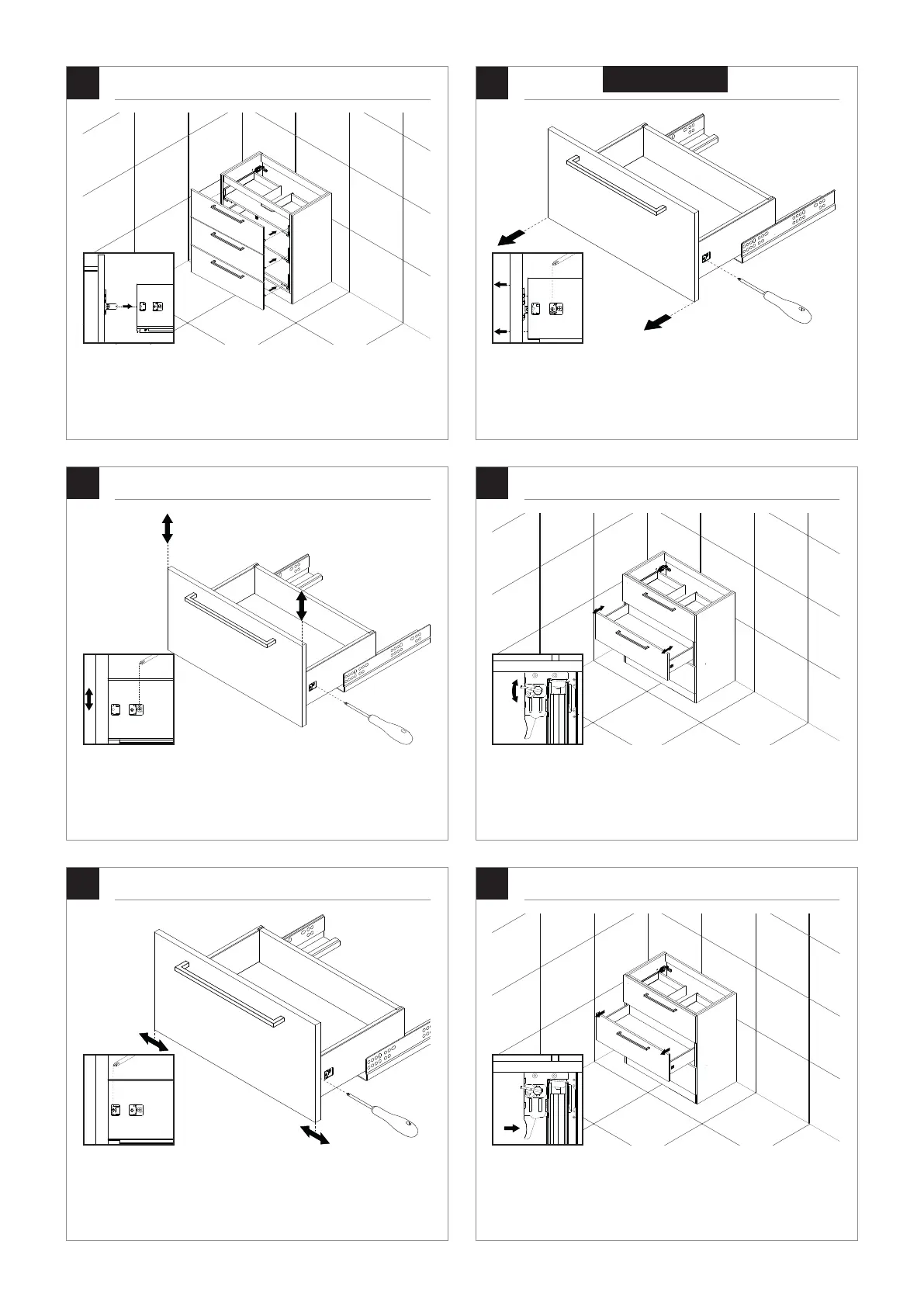
Klik het front op de lade.
Click the front panel on the drawer.
Gebruik de linkerschroef om het front naar links of rechts te verstellen.
Use this screw to adjust the horizontal position of the front panel.
Gebruik de rechterschroef om het front omhoog of omlaag te verstellen.
Use this screw to adjust vertical position of the front panel.
Indien u het front wilt verwijderen, draait u de aangegeven schroef een kwartslag
om het front vervolgens uit de lade te duwen.
In case you want to remove the drawer, you can turn the indicated screw. This will
push the front panel out of the drawer.
Gebruik hiervoor de clips aan de onderzijde van de lade.
Use the clips at the bottom of the drawer to do so.
Gebruik de clips aan de onderzijde van de lade om ervoor te zorgen dat het front
aansluit op de kast.
Use the clips on the bottom of the drawer to adjust the distance between the
frontpanel and the cabinet.
8
Optioneel


 To Next Page
 Loading...