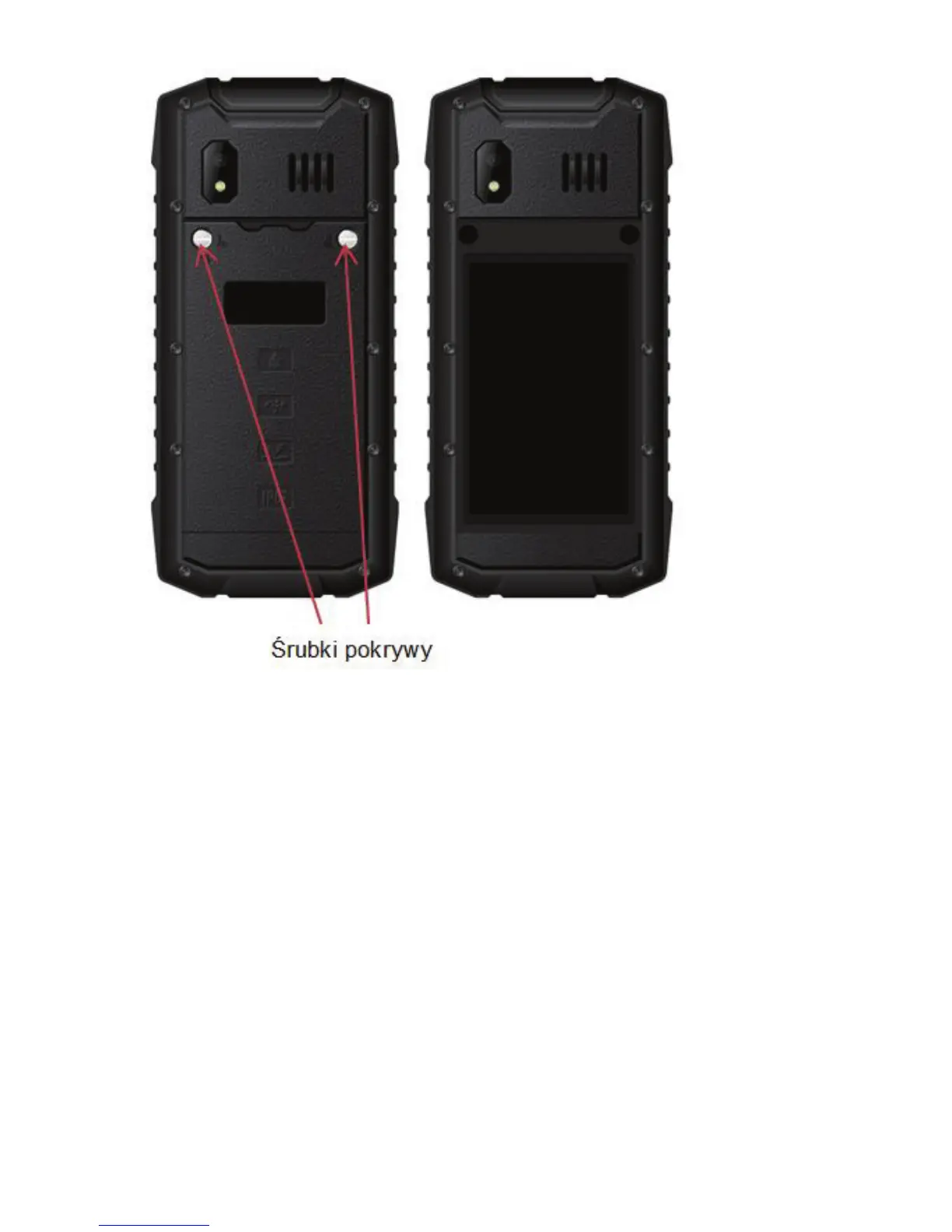
If there are no screws on the cover, they will be in
the package, next to the screwdriver.
x Remove the battery, use your fingernail to
unsnap,
x Insert the SIM Card to „SIM1 socket”
(socket 3G) (first socket on the left ) so that
metal contacts will face downwards and the
notch is placed as shown in the illustration
below.
x As an option, you might insert the SIM2
card (2G only) to “SIM2 socket” (socket on the
right).



 To Next Page