Charging
Charging Indicator Status
Please fully charge the ONE after unboxing.
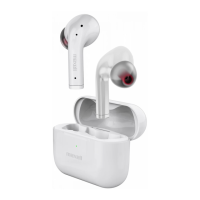
Use Type-C cable to charge the charging case.
Charging Case Indicator light ON (By Type C charging)
Charging by Type C: Charging Case indicator flashes red
1 time/ 2 seconds
Fully Charged by Type C: Charging Case indicators always ON white
Charging Case Indicator light ON (Without Type C charging)
Red Indicator lights ON while charging the earbuds
(automatically light off after 5 seconds)
Charging cas battery low: Red indicator blinking
Indicator lights OFF while charging case runs out of energy
Earbuds Indicator
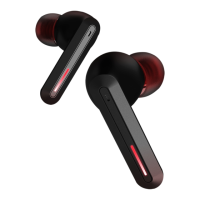
Charging: Earbuds indicator light ON RED
Fully Charged: Earbuds RED indicators light OFF
Battery Low: Red indicator flashes 1 time / 5 seconds
3
EN


 To Next Page