MENU 5 - LANGUAGE
This menu allows you to select the language menus of the Control Panel.
The available languages vary according the firmware version installed on
the unit.
In the edition for the Portuguese market can select between Portuguese, Spanish and English.
MENU 6 - INSTALLER MENU
This menu allows activate the information of the installer or technician
responsible for installing, in order to facilitate the later contact of the
customer for future interventions as are necessary
MENU 6-1 - Installer Info
The Menu “Installer info”, allows you to write 2 rows of information
normally intended to a “Name” and “Phone Number”.
MENU 6-2 - Info Enable
The Menu “Enable Info” lets you define if the Control Panel shows the
programmed information on the menu 6-1.
MENU 7 - KEYBOARD KEY
This menu allows you to enable the functionality of access to level 2 by
mechanical key (installation kit sold separately).
MENU 8 - DEFAULT VALUES
This menu allows you to reset Values by selecting the menu, you should
press the “Ent / Esc” to reset Values, or hold for more than 3 seconds to
exit the menu without resetting to factory defaults.
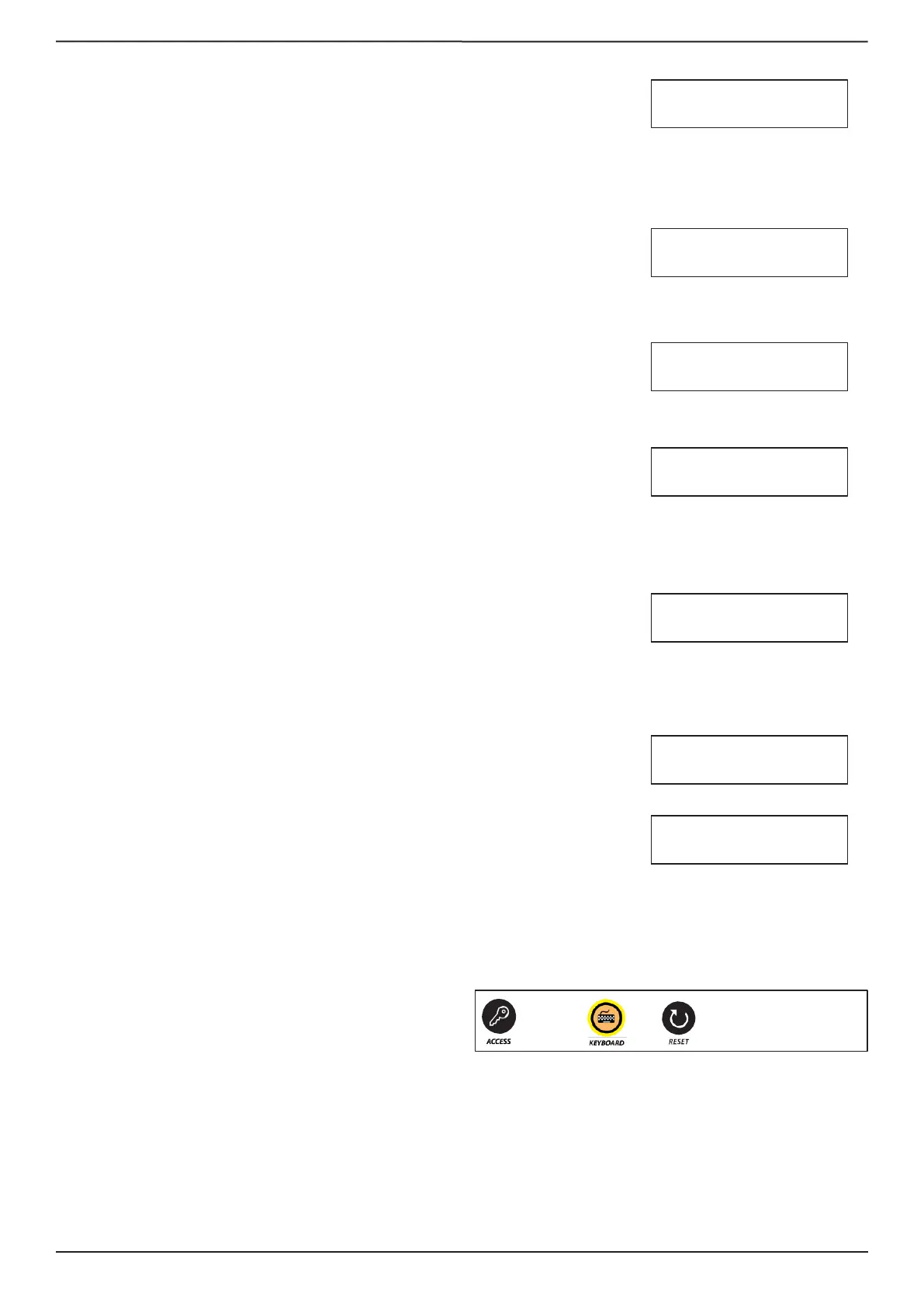
Reset
To make reset you must:
1. Activate the keyboard
2. Press the “Reset” button until all the LEDs light up.



 To Next Page
 Loading...