Maxi-Cosi
I
Air Purifier
I
7 6
I
Air Purifier
I
Maxi-Cosi
Getting Started
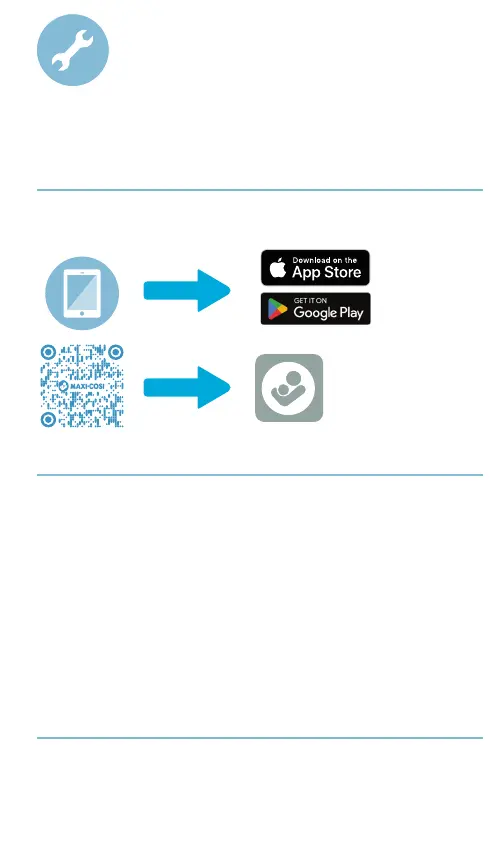
Download the Maxi-Cosi Connected Home app by searching for
Maxi-Cosi in the app store.
Setup
1. Remove air purifier and HEPA filter from packaging.
2. Install HEPA filter
3. Plug air purifier into power source. The Wi-Fi indicator will flash
when ready for pairing.
4. On your mobile device, follow the step-by-step instructions in
the Maxi-Cosi Connected Home app for setup.
5. Once paired, the Wi-Fi indicator on the control panel will light up
(white).
6. Explore the features and functionality within the Maxi-Cosi
Connected Home app.
Wi-Fi Connectivity
A 2.4GHz Wi-Fi internet connection is required.
Check the Wi-Fi signal strength from your router.
To reduce signal interference,
avoid placing the air purifier near
major electrical appliances, large metal or concrete surfaces.



 To Next Page