Maxim Integrated
│
19
www.maximintegrated.com
Evaluates: MAX86140 and MAX86141
MAX86140/MAX86141
Evaluation System
Detailed Description of Hardware
Status LED Indicators
The onboard tri-color LEDs are use as status indicator.
LED Green
Toggling (1Hz 50% duty cycle) = BLE advertising
Toggling (1Hz 10% duty cycle) = BLE connected
LED Red
USB-C cable connected to charger
On = charging
O = charge complete
Flash Logging
On = busy preparing the ash memory or ash
memory is full
Toggling (synchronously with the green LED)
= logging
O = not logging
Note that ash logging indication takes precedence over
the charging indication. I.e., if the device is plugged into
a charger, the red LED indicates charge status. If ash
logging is enabled while plugged into the charger, the red
LED indicates ash log status.
Power Switch
Press the power switch (SW) to turn on/o the device.
When powered on, the green LED will toggle per the LED
indicator section. When powered o, the green LED will
go out. The red LED may light temporarily, indicating that
the ash log is closing. Plugging in the USB-C cable will
also power up the device.
Battery/Charging
Use the USB-C cable to charge the integrated single-cell
LiPo battery. The integrated PMIC initiates and stops
charging automatically. Charge status is indicated through
the red LED and GUI.
#Denotes RoHS compliant.
Component List
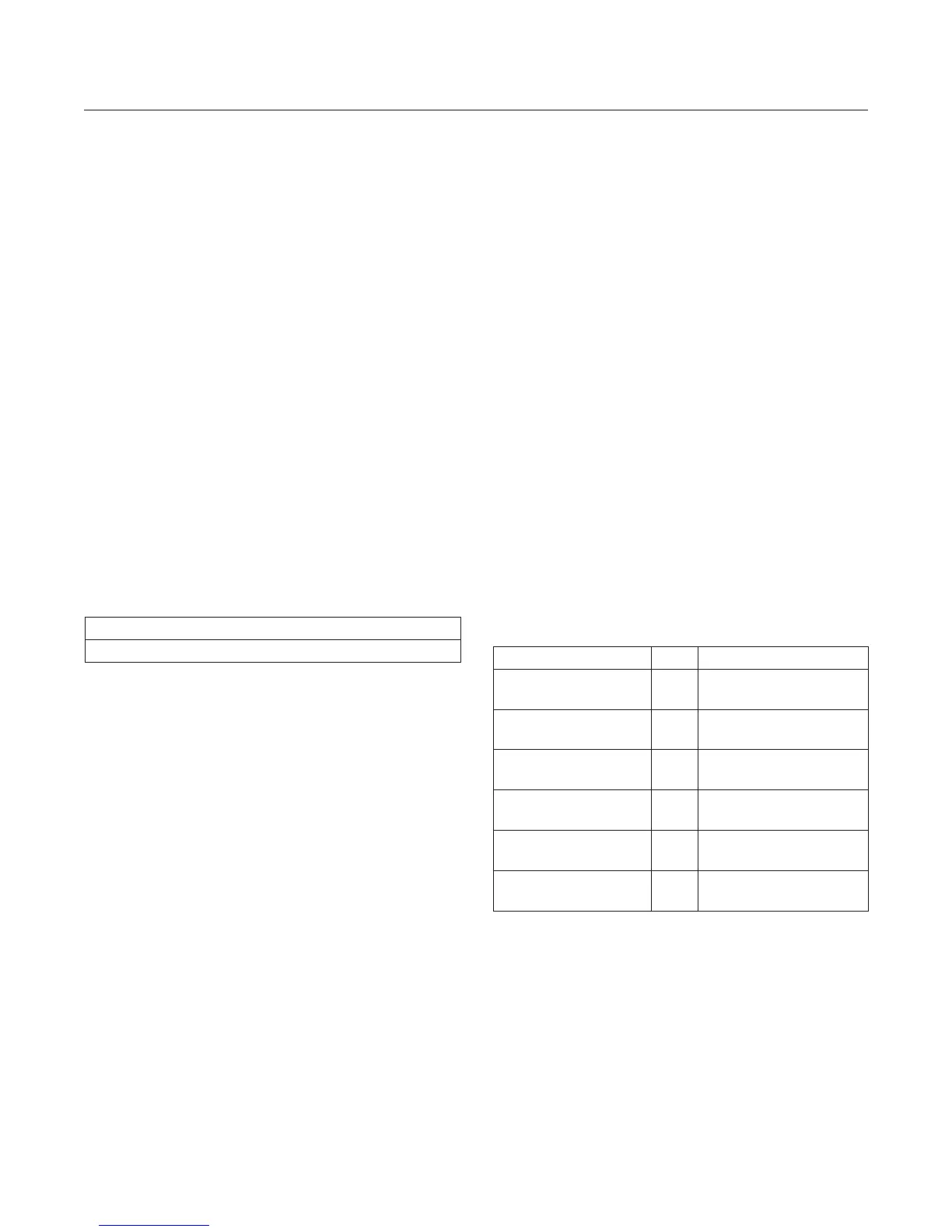
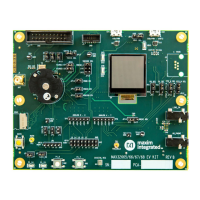
MAX86140 EVSYS
Ordering Information
PART QTY DESCRIPTION
MAXSensorBLE_EVKIT 1
MAX86140 EVSYS µC
PCB
MAX86140OSB_EVKIT 1
MAX86140 EVSYS
Sensor PCB
MAX86141OSB_EVKIT 1
MAX86141 EVSYS
Sensor PCB
150150225 1
Molex, Flex Cable, 25
Pins
CY5677 1 Cypress, BLE Dongle
101181XX-000XXX 1
USB-C to USB-A Cable,
3 Ft.
PART TYPE
MAX86140EVSYS# EVSYS


 To Next Page