20
Display Setting
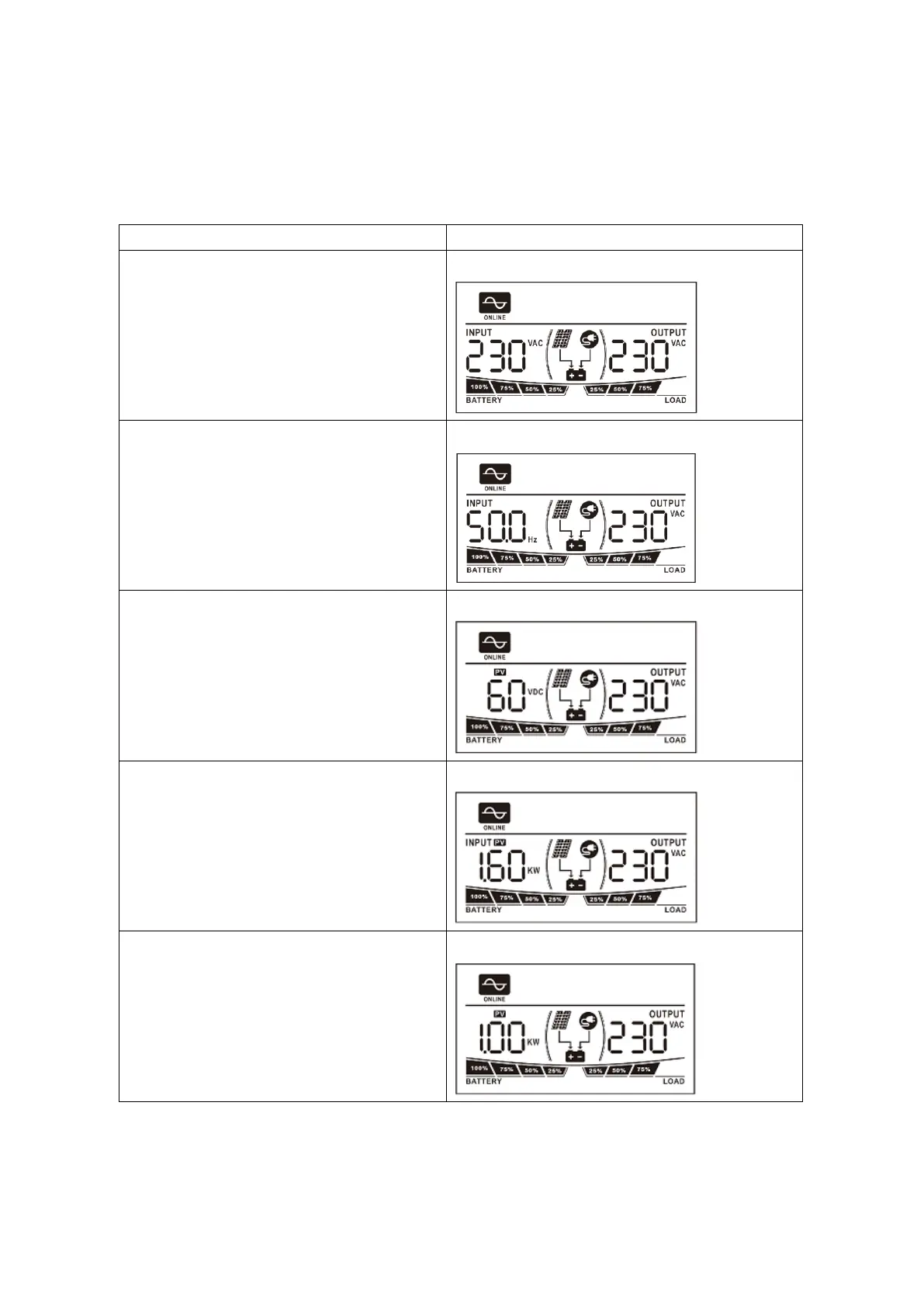
The LCD display information will be switched in turns by pressing “SELECT” key. The selectable information is
switched to display in order as below: input voltage/output voltage, input frequency, PV voltage, total
charging power, solar charging power, battery voltage/output frequency, main CPU Version and second
CPU Version.
Input voltage/Output voltage
(Default Display Screen)
Input Voltage=230V, output voltage=230V
Total charging power=1600W
Solar charging power=1000W



 To Next Page