1. INTRODUCTION
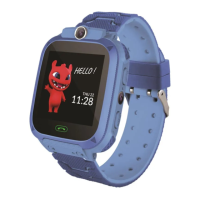
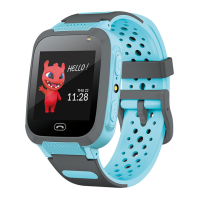
Thank you for purchasing a Maxlife product. Before use, please read this manual carefully and
keep it for future reference. We hope that the Maxlife product will meet your expectations.
Before using the kids watch for the first time, read and understand the instructions in order
to ensure that it works correctly. A kids watch is a small telecommunications device used to
locate its position and transmit data. The device is based on the GSM/GPRS cellular network.
2. IMPORTANT!
The device requires the installation of a micro SIM card with an active service of making/
receiving calls, with disabled PIN lock. Suggested to disable voicemail. When sending location
information, the watch will need access to mobile Internet, so it is worth buying a minimum
1 GB package. When using the watch, network and connection fees may be charged in
accordance with the operator’s tariff.
3. CHARGING
Open the microUSB port cover. Then connect the microUSB cable (included in the set) to the
watch. Connect the other end of the cable to a power source. It is recommended to use a
power supply with 5V output parameters. The power supply is not included in the set. It takes
about 2 hours to fully charge the watch.
4. USER MANUAL
Installing the SIM card
• Make sure your watch is turned off before inserting or removing the SIM
card.
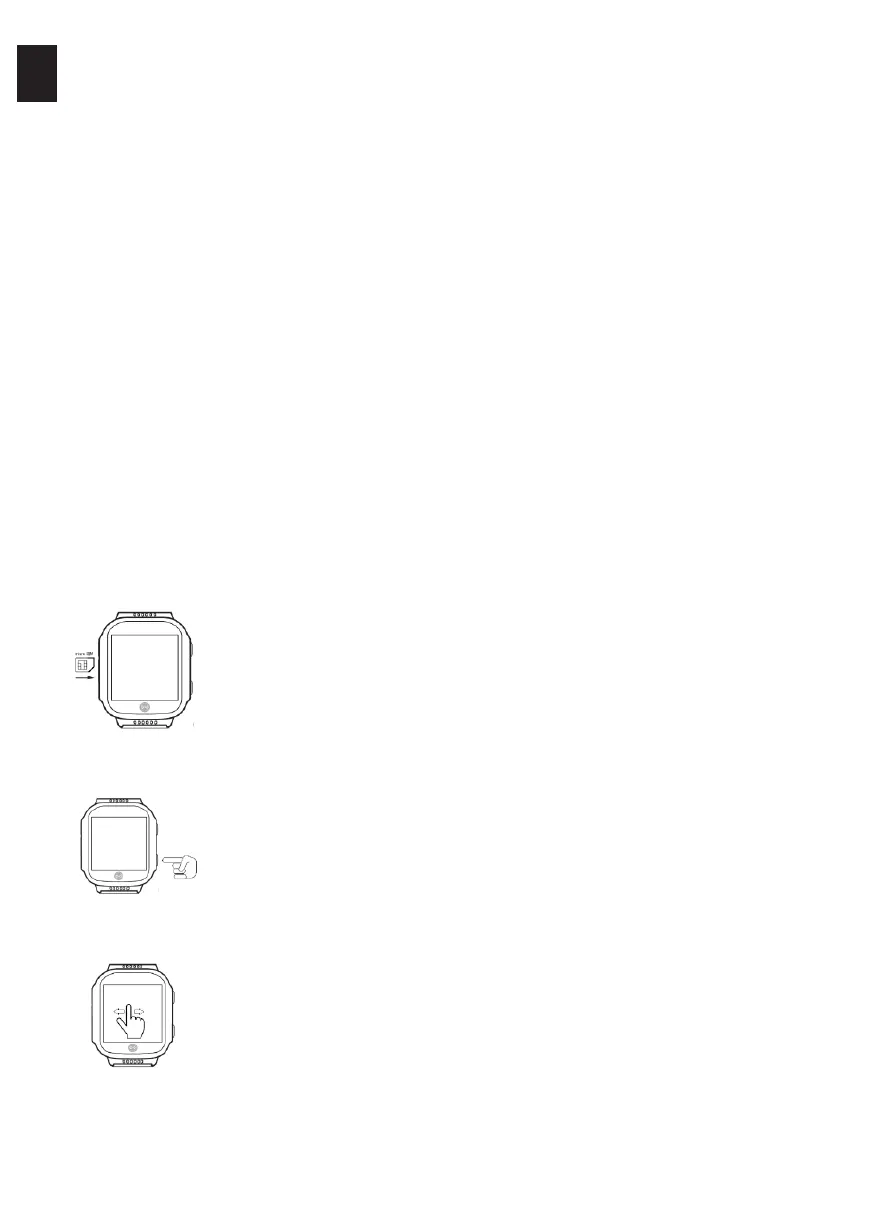
• Gently open the rubber protection, then push the SIM card in until you hear
a click. Cover the entrance.
NOTE: usually for the correct installation of the card, it is necessary to use an
additional tool that will allow us to push it to the right place.
First run
• After installing the SIM card in the watch and charging the device, you can
start it by pressing and holding the (5) ON/OFF buton.
• After starting, the watch will connect to the mobile network automatically.
Watch operation
• We operate the watch via a touch screen. By sliding your finger on the
screen, you can switch between individual functions and you select a given
function by pressing the screen.
• To exit or return use the function key (6).
EN
3


 To Next Page