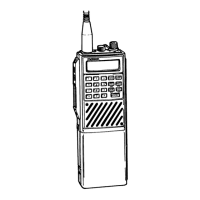
RADIO ON/OFF, POWER UP
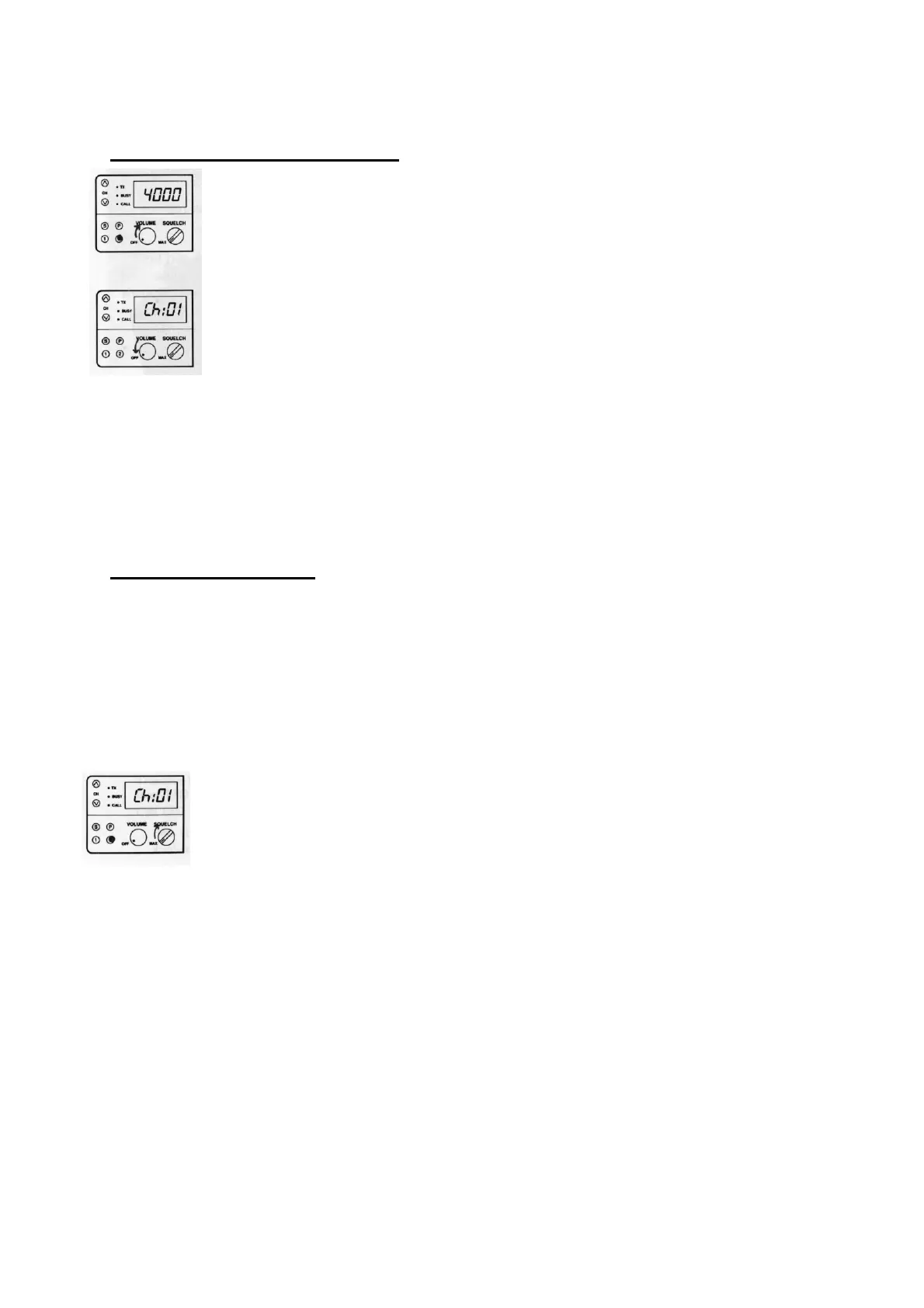
1. Turn the radio on by rotating the volume control 1/2
turn clockwise. "4000" appears in the display for
approximately 1 second. A power up alert tone is then
generated to indicate that the radio has passed a self-check
of the microprocessor. The Monitor Button/LED 2 will be
illuminated to indicate that you are now in monitor mode; all
receiver tone options are off (disabled) until you press the
Monitor Button/LED 2 and the GREEN backlight goes out.
2. The display will change to Channel (Ch:01).
3.
Turn the radio off by rotating the volume control fully
counterclockwise
.
RECEIVING A CALL
1. Turn the radio on and select the desired frequency by
pressing either of the channel select buttons until the channel
number is visible in the display.
2. With the Monitor Button/LED 2 lit, adjust the volume
control to a comfortable listening level.
3. Rotate the squelch control clockwise (to the right) until
the squelch noise (the rushing sound) is no longer heard from
the speaker and the BUSY LED turns off. This setting should
keep the receiver quiet when there is no signal present on the
channel.
4. Depress the Monitor Button/LED 2 to extinguish the
GREEN backlight.
NOTE: Do not adjust the squelch control while other parties are using
the channel.
NOTE: If your SMX-4150 is equipped with tone or digital coded squelch
options, depress the Monitor Button/LED 2 to enable the option, the CALL
LED will no longer be illuminated.


 To Next Page