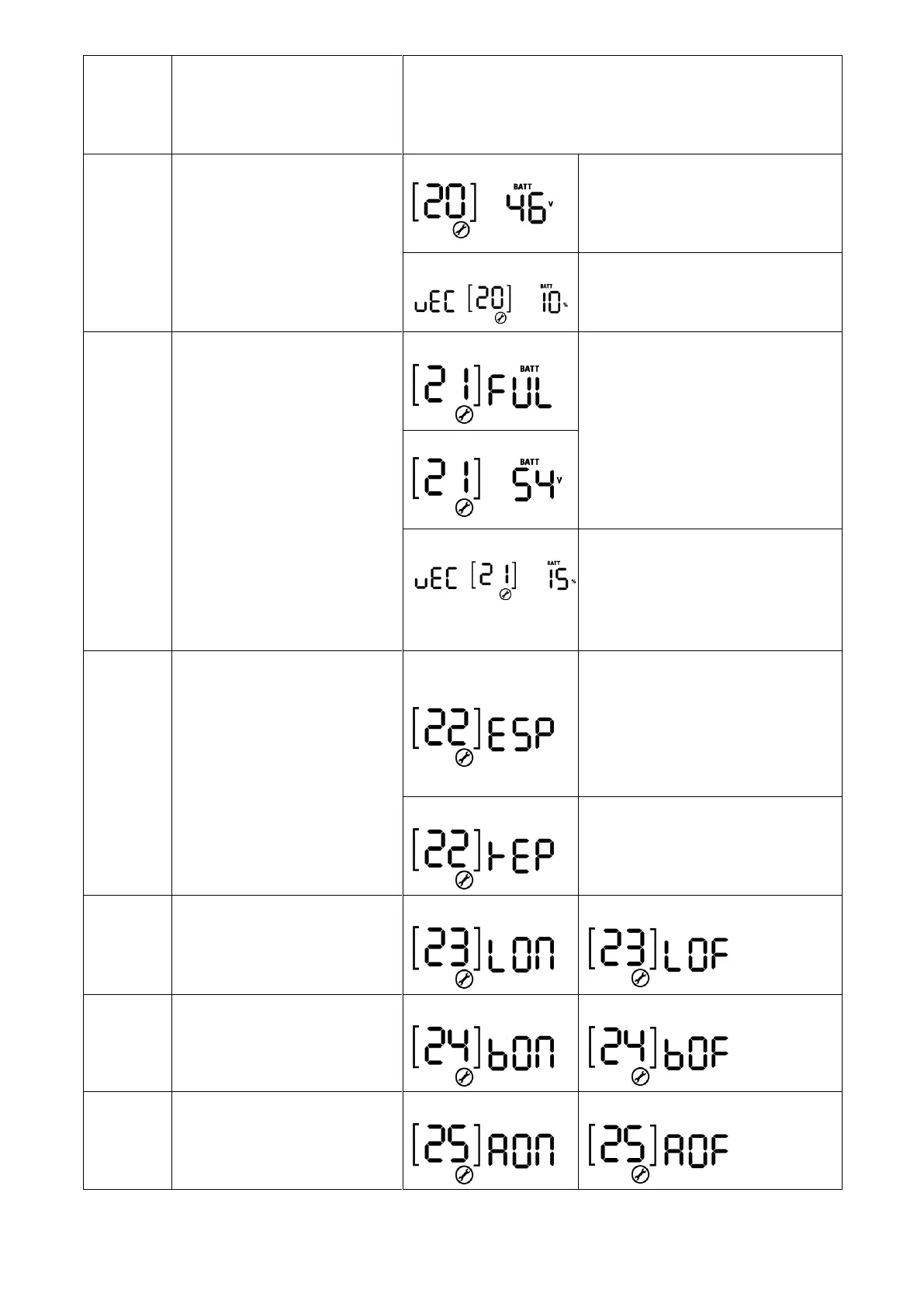
If self-defined is selected in program 14, this program can be
set up. Setting range is from 40.8V to 48.0V. Increment of
each click is 0.1V. Low DC cut-off voltage will be fixed to
setting value no matter what percentage of load is connected.
Battery stop discharging
voltage when grid is available
Setting range is from 44V to 51V
and increment of each click is 1V.
If “WECO battery” is selected in
program 14, the parameter will be
fixed at 10% SOC of battery.
Battery stop charging voltage
when grid is available
The setting range is from 48V to 58V
and increment of each click is 1V.
If “WECO battery” is selected in
program 14, this parameter will
refer to the SOC of battery and
adjustable from 15 to 100%.
Increment of each click is 5%.
Auto return to default display
screen
Return to default
display screen (default)
If selected, no matter how users
switch display screen, it will
automatically return to default
display screen (Input voltage
/output voltage) after no button is
pressed for 1 minute.
If selected, the display screen will
stay at latest screen user finally
switches.
Beeps while primary source is
interrupted



 To Next Page