8
After Sales Support
UK/N.IRELAND HELPLINE N
O
:
REP.IRELAND HELPLINE N
O
:
WEBSITE:
EMAIL:
01270 508538
1800 995 036
www.quesh.co.uk
enquiries@quesh.co.uk
Instructions
Auto Tune FM
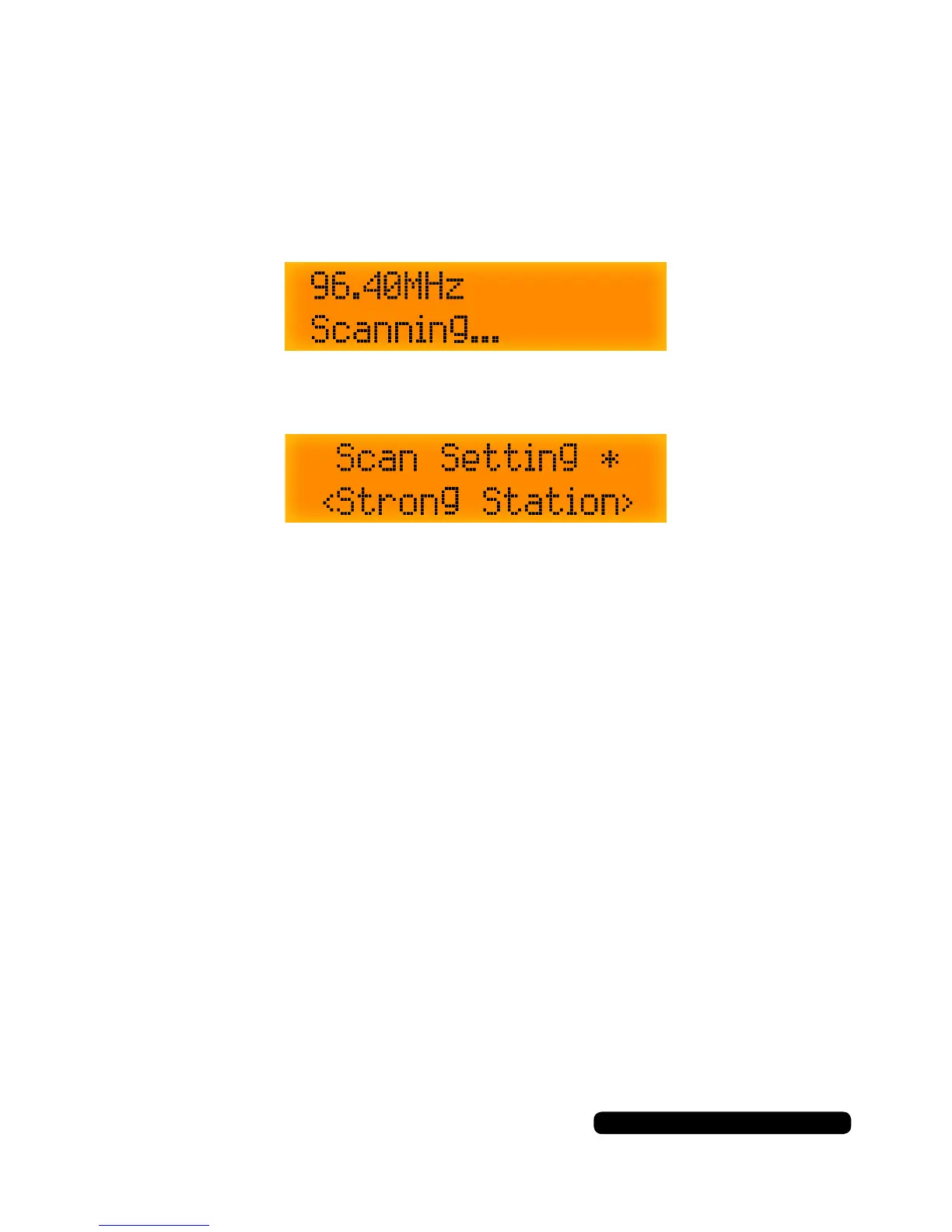
Pressing ‘Scan’ will change the FM channel to the next station
available. Depending on the scan setting the radio will either nd the
next station or the next strongest station.
To change the type of scan used, press and hold the ‘Tune/Enter’ dial
till Scan Setting appears on the display.
Rotate the ‘Tune/Enter’ dial to select either ‘Strong Stations’ or
‘All Stations’ and press the ‘Tune/Enter’ to conrm selection.
Manually tune FM
Rotate the ‘Tune/Enter’ dial in either direction to tune the radio in FM
mode. This helps in poor signal areas to get a clear signal. Repeat the
storing preset procedure to save the current tuning.



 To Next Page