10
After Sales Support
UK/N.IRELAND HELPLINE N
O
:
REP.IRELAND HELPLINE N
O
:
WEBSITE:
EMAIL:
01270 508538
1800 995 036
www.quesh.co.uk
enquiries@quesh.co.uk
Instructions
Bluetooth
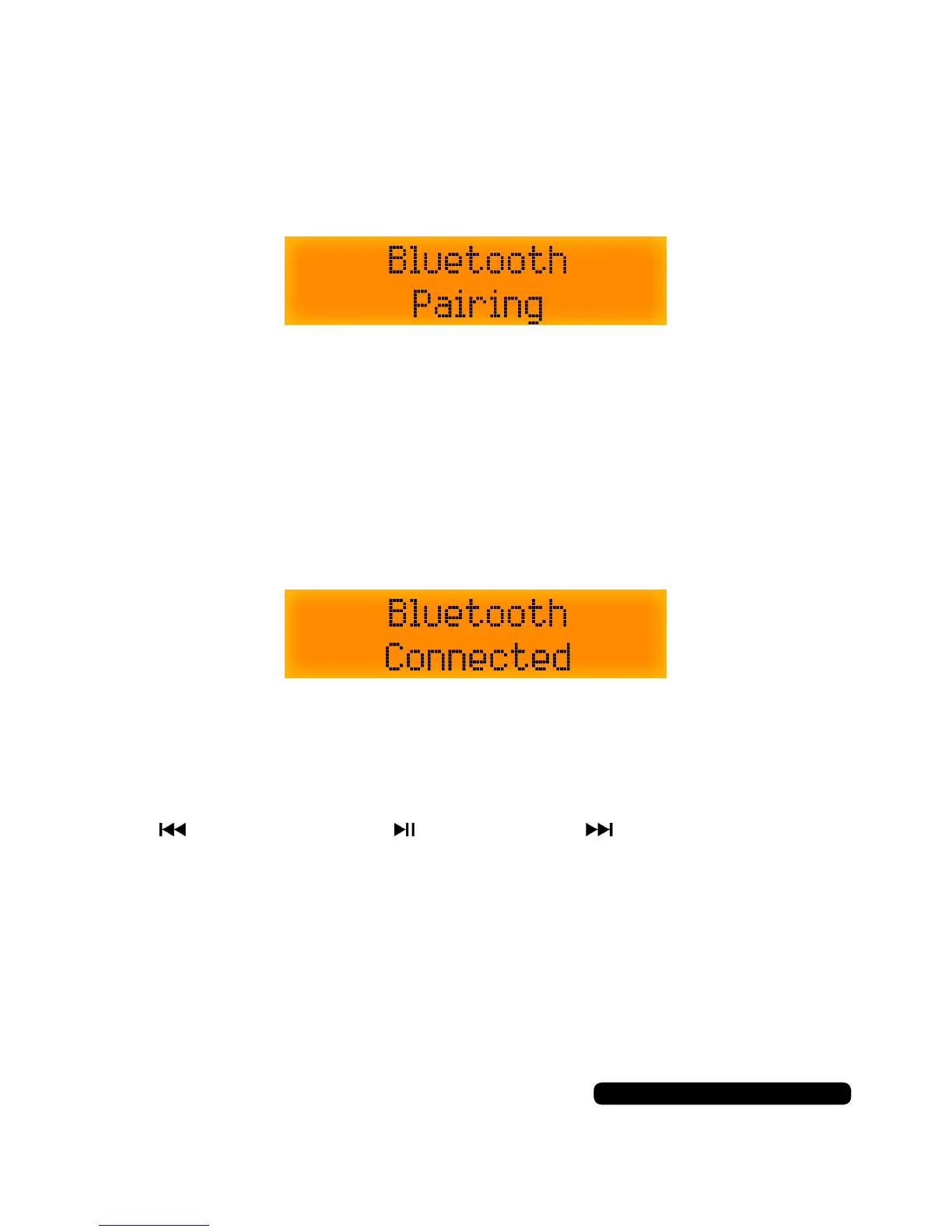
Press the ‘Mode’ button till ‘Bluetooth’ appears on the screen.
The radio will automatically go into paring mode.
A voice will conrm that the unit is in pairing mode.
Make sure your bluetooth device is active and in pairing mode.
Search for “MAXTEK AUDIO” in your available bluetooth device list
and select it. There is no security so the unit will pair automatically.
If successful ‘Bluetooth Connected’ will appear on the screen for the
duration of the connection.
A voice will conrm that the bluetooth device is connected.
You can play, pause and skip tracks with the buttons on top marked:
Skip Back Play/Pause Skip Forward
Once paired, as long as the unit remains in your list of paired devices,
the unit will automatically pair next time you come to use this feature.



 To Next Page