9
After Sales Support
UK/N.IRELAND HELPLINE N
O
:
REP.IRELAND HELPLINE N
O
:
WEBSITE:
EMAIL:
01270 508538
1800 995 036
www.quesh.co.uk
enquiries@quesh.co.uk
Instructions
Reset
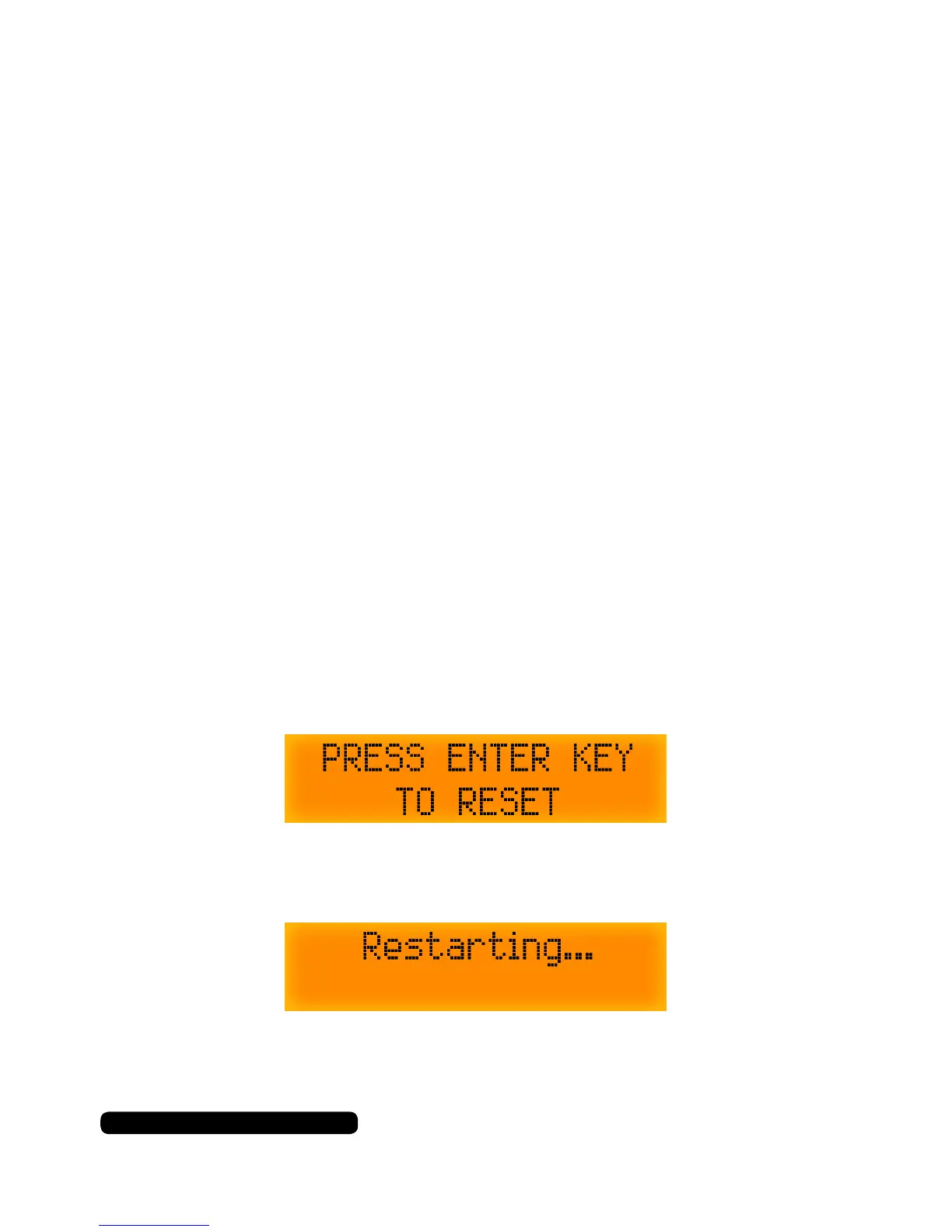
To reset the unit make sure you are in DAB mode, then press and
hold the ‘Mode’ button till the reset message appears on the screen.
Quickly let go of the ‘DAB/FM’ button and press the ‘Tune/Enter’ dial
and you should see the conrmation message.
The radio has been reset and will auto scan.
DAB/FM information
When listening in DAB or FM mode you can cycle through the
available information from the broadcasting service by pressing the
‘Info’button.
The information cycle:
DAB
• Current title screen
• Signal Strength
• Music genre
• National/Local designation
• MHz Frequency
• Signal Errors
• Kbps data transfer rate
• Time
• Date
FM
• Current title screen
• Music genre
• MHz Frequency
• Mono/Stereo
• Time
• Date



 To Next Page