7
After Sales Support
UK/N.IRELAND HELPLINE N
O
:
REP.IRELAND HELPLINE N
O
:
WEBSITE:
EMAIL:
01270 508538
1800 995 036
www.quesh.co.uk
enquiries@quesh.co.uk
Selecting a preset DAB/FM station
Press a number on the top of the radio corresponding to the station
you have previously saved. As before when saving in the 6-10 preset
slots, press the shift button and make sure the 6-10 is displayed and
then press the desired number button.
Auto Tune DAB
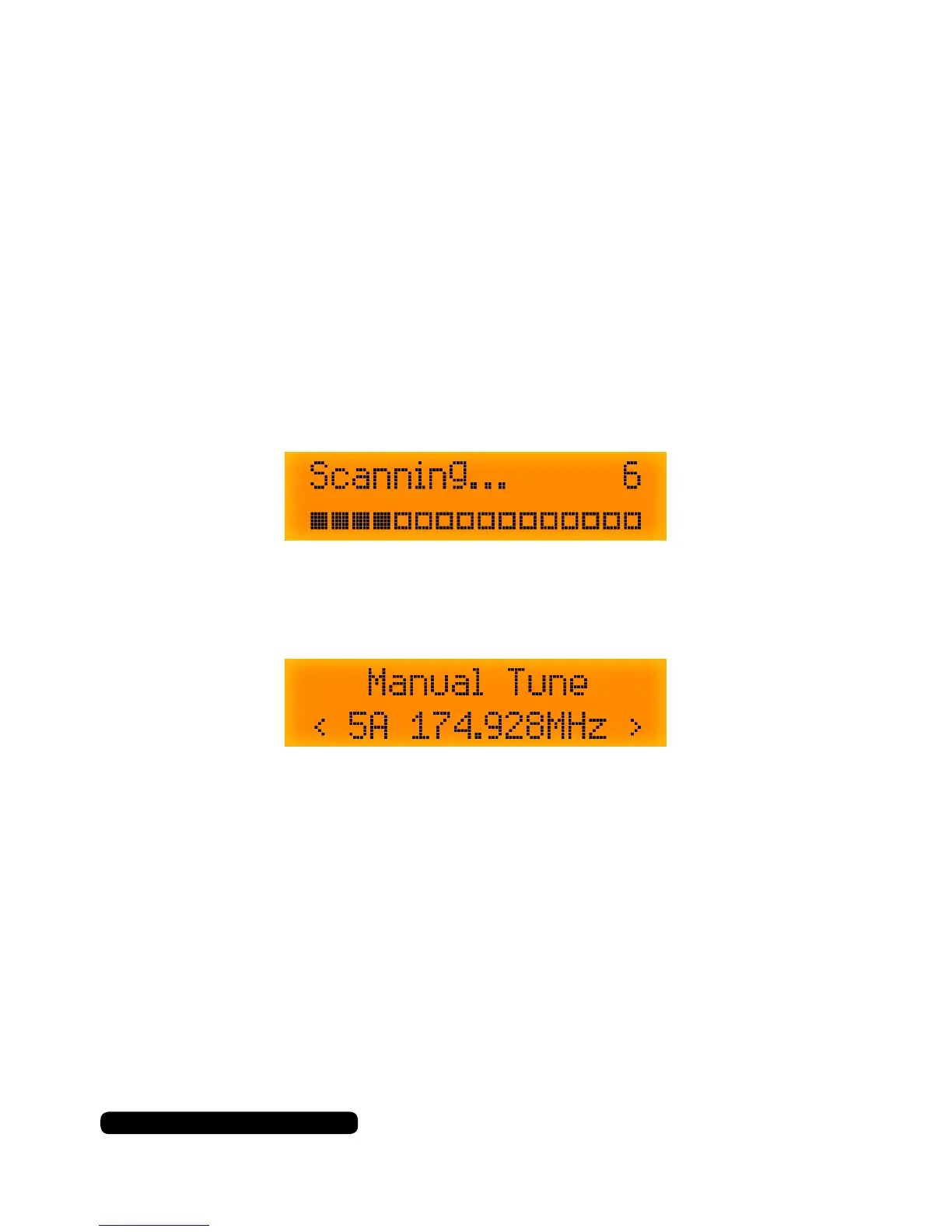
To fully retune all of the available stations on DAB press the ‘Scan’
button.This will scan through all the available channels the radio can
receive.
Manually tune DAB
To manually tune the radio, press and hold the ‘Tune/Enter’ dial till you
see ‘Manual Tune’ appear on the screen.
Rotate the ‘Tune/Enter’ dial in either direction to tune the radio in. This
helps in poor signal areas to get a clear signal. Repeat the storing a
preset procedure to save the current tuning.
Instructions



 To Next Page