7
After Sales Support
UK/N.IRELAND HELPLINE N
O
:
REP.IRELAND HELPLINE N
O
:
WEBSITE:
EMAIL:
01270 508538
1800 995 036
www.quesh.co.uk
enquiries@quesh.co.uk
Setup
Turning the Camera On
After the camera has been fully charged and mounted correctly,
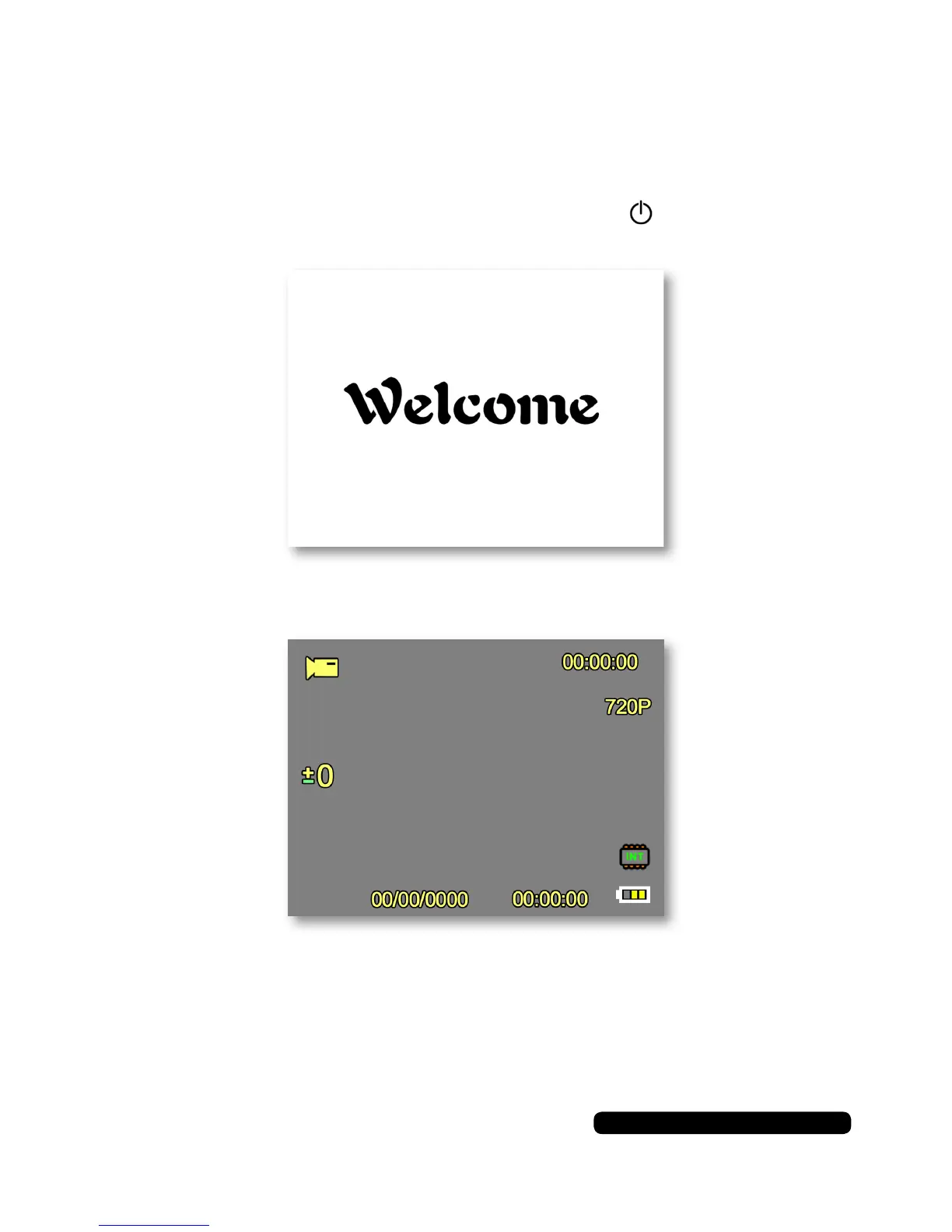
Press and hold the button on the side marked till the ‘Welcome’
screen appears on the display.
The camera will load up and show the HUD overlay and the live view.
You can start to record by pressing the ‘OK’ button. This will record to
the 1Mb internal memory unless you have inserted a Micro SD Card.



 To Next Page