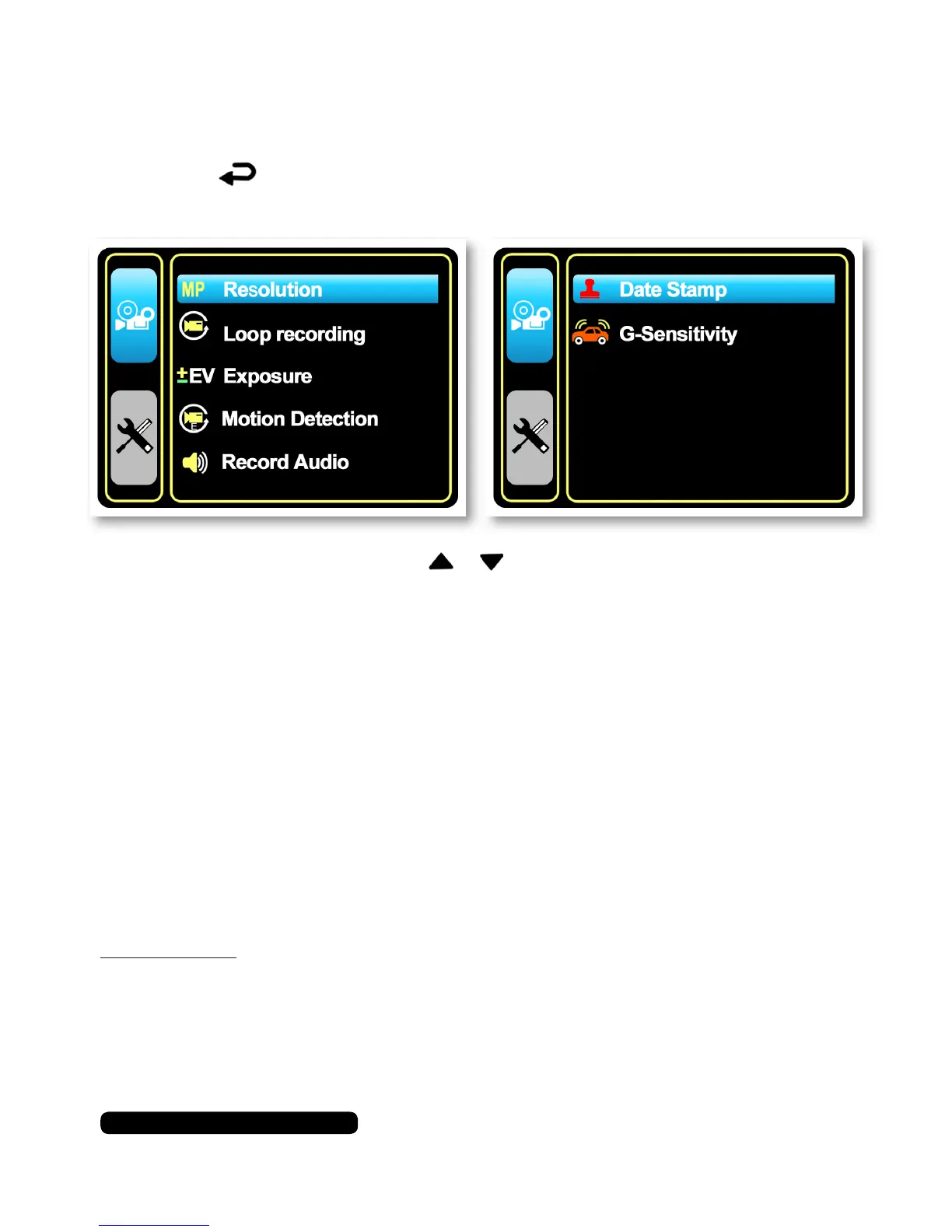
Camera Options Menu
Press the button to access the camera’s menu. Here you can
change various settings linked to the camera as well as features.
To navigate the menu use the & to move up and down the
available options and the ‘OK’ button to select.
Resolution
Thisoptionwillallowyoutoselecttherecordingresolution.
Options:
1080FHD 1920 x 1080
1080P 1440 x 1080
720P 1280 x 720
WVGA 848 x 480
VGA 640 x 480
QUGA 320 x 240
Please Note:
Thelargerthepixelsizethelargerthelesizeisgoingtobewhen
recording.
Video Options
10
After Sales Support
UK/N.IRELAND HELPLINE N
O
:
REP.IRELAND HELPLINE N
O
:
WEBSITE:
EMAIL:
01270 508538
1800 995 036
www.quesh.co.uk
enquiries@quesh.co.uk



 To Next Page