14
After Sales Support
UK/N.IRELAND HELPLINE N
O
:
REP.IRELAND HELPLINE N
O
:
WEBSITE:
EMAIL:
01270 508538
1800 995 036
www.quesh.co.uk
enquiries@quesh.co.uk
FM
Preset Store
To save a preset, connect the radio to the required station so it is
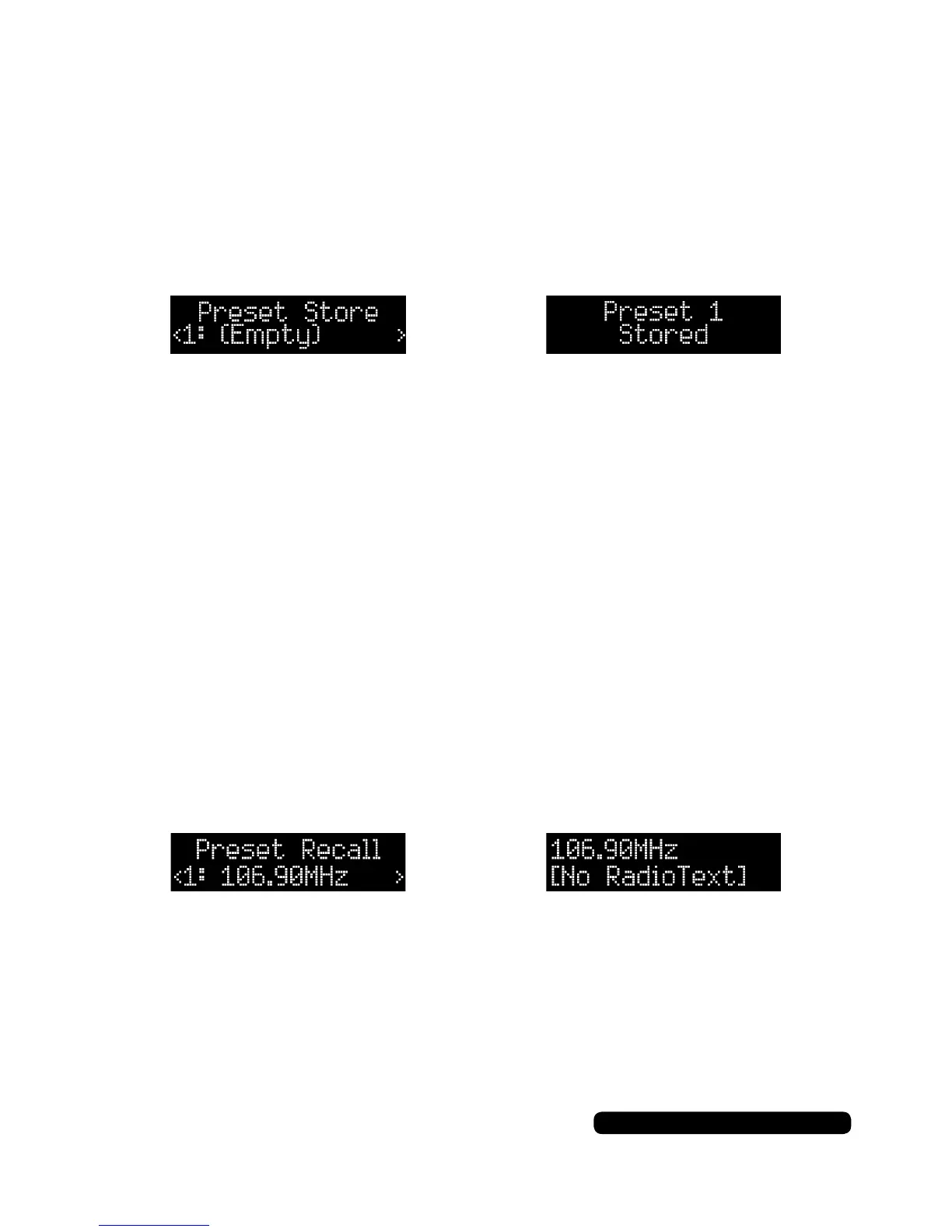
playing. Press and hold the ‘Preset’ button for 2 seconds. You will
see ‘Preset Store’, press the tune +/- to cycle through the available
preset slots. Press the dial to save the station in the selected slot.
There are 10 preset slots available. The display splash
‘Preset # Stored’ will show if the save is successful.
If there is no station saved in a preset slot it will show up as ‘(Empty)’.
You can save a new station by saving over the one listed in the slot.
Preset Recall
Press the ‘Preset’ button. You will see ‘Preset Recall’, press the
tune +/- button to cycle through the saved stations and press the
dial to recall the saved station.
If there is no station saved in a preset slot it will show up as ‘(Empty)’.



 To Next Page