19
After Sales Support
UK/N.IRELAND HELPLINE N
O
:
REP.IRELAND HELPLINE N
O
:
WEBSITE:
EMAIL:
01270 508538
1800 995 036
www.quesh.co.uk
enquiries@quesh.co.uk
Time
From here you can set the date and time manually, update it from
different sources, change the time format and the date format.
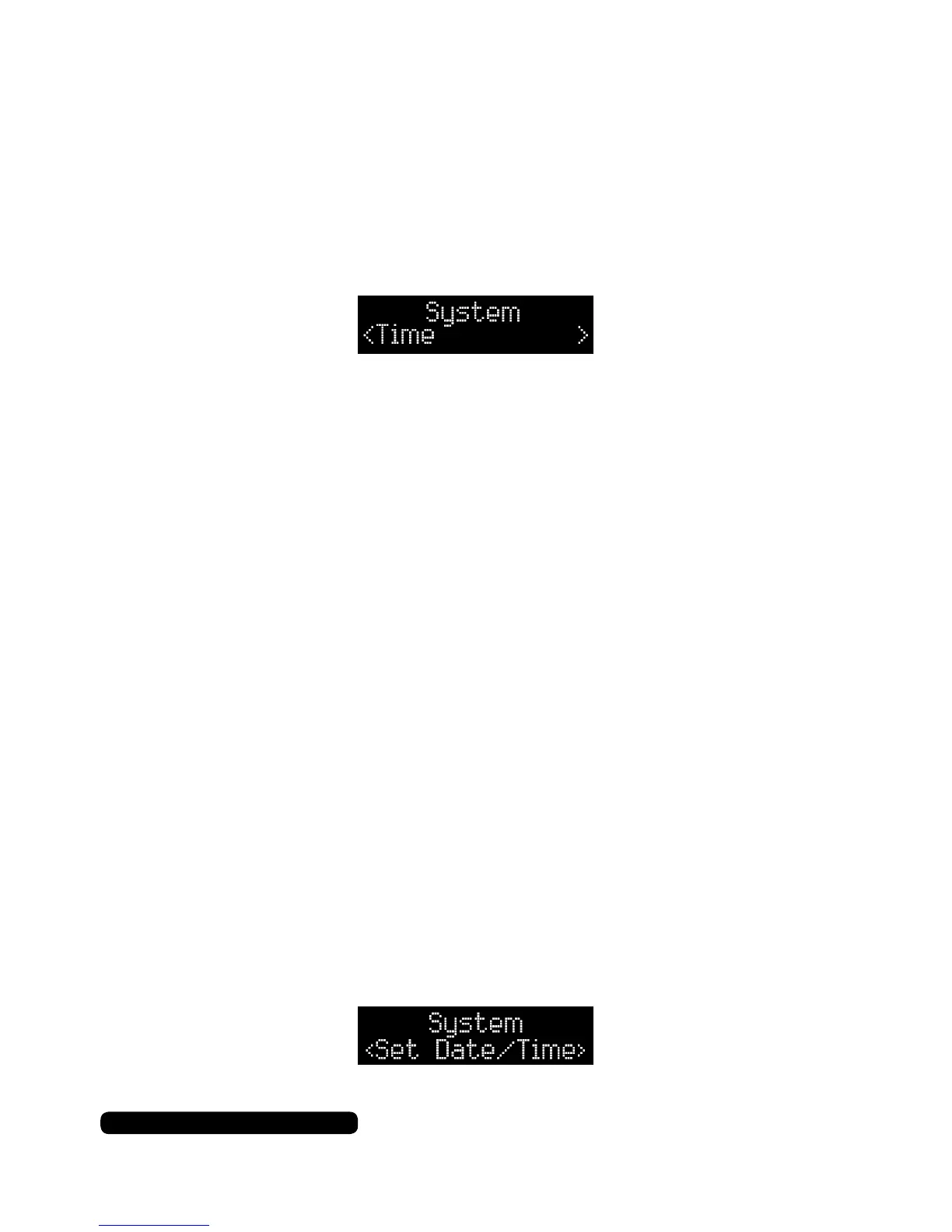
Once in the system menu list, press the tune +/- button repeatedly
until you get to ‘Time’ and then press the dial to select this feature.
In this sub menu you can choose from the following:
• Set Time/Date
• Auto Update
• Set 12/24 Hour
• Set Date Format
Once in the Time sub menu list, press the tune +/- button to cycle
through the available options and then press the dial to set the
selected option.
Time - Set Time/Date
Manually set the date and time with this option.
The process is controlled by using the tune +/- button to cycle
through the available options/values and press the dial to conrm
the option/value selected.
Process ow:
Time:
Date:
Hour > Minutes
Day > Month > Year
The date format will change depending on the current selected
date format.
System



 To Next Page