10
Operating the System
Turning on the System
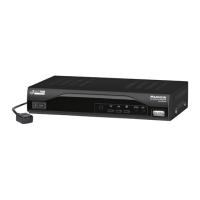
Follow the steps below to turn on your Maxview Max-Dome.
1. Make sure the antenna has a clear view of the sky.
2. Turn on your Satellite Receiver and TV.
3. Turn the Control Box power to the ‘ON’ position.
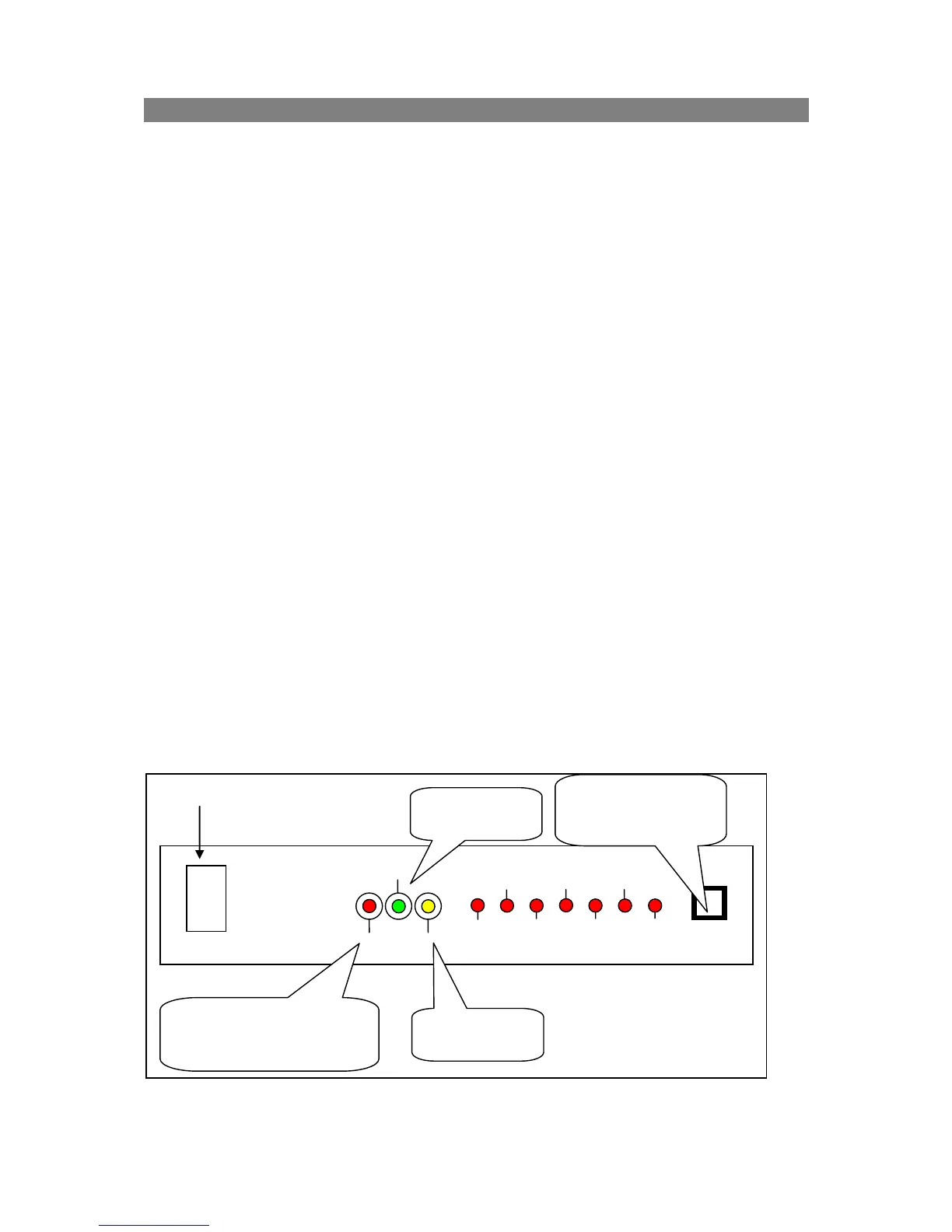
4. Push the SATELLITE SELECT button to select a satellite within 5 seconds. If not the
system will automatically search the last found satellite.
5. When the satellite LED stops flashing the antenna will begin the search.
6. The LOCK LED will illuminate when the satellite is found and the Control Box will
enter a standby mode allowing the satellite signal to be viewed through the Satellite
Receiver.
Turning off the System
Follow the steps below to turn off your Maxview Max-Dome.
1. Turn the Control Box power to the ‘OFF’ position.
2. Turn off your Satellite Receiver and TV.
Switching between Satellites
You can switch between satellites using the Control Box by pressing the SATELLITE
SELECT button. Follow the steps below to switch to another satellite.
1. With the Control Box already illuminating the LOCK led press the SATELLITE
SELECT button to switch to another satellite
2. When the satellite LED stops flashing the antenna will begin the search.
3. The LOCK LED will illuminate when the satellite is found and the Control Box will
enter a standby mode allowing the satellite signal to be viewed through your Satellite
Receiver.
If the antenna cannot find the selected satellite, then the antenna will search the satellite
again.


 To Next Page