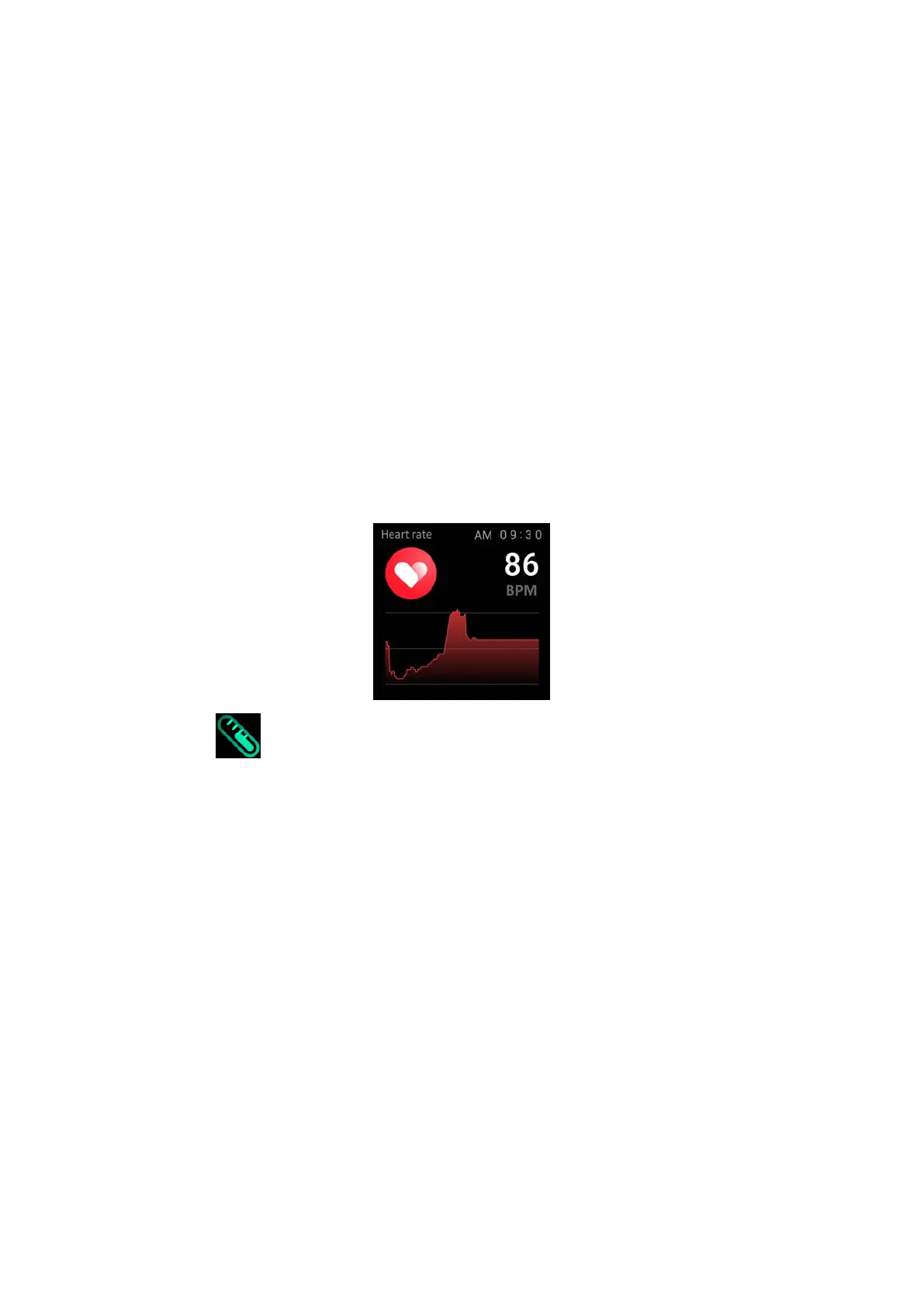
the screen will automatically go out.
(2) Operating instructions:
Heart rate measurement: slide to the left on the main interface and
click the heart rate static icon to switch to the heart rate
measurement interface. Once the interface is entered, the
measurement will start. During the measurement, the interface value
will be zero. After the measurement is completed, the value will be
displayed. If the result cannot be detected, it will always be displayed.
The display value is zero until standby.
5.3.4 Temperature
(1) Function introduction:
Temperature measurement: The watch will measure the user's
temperature under the temperature measurement interface. After
the test is completed, the vibration will display the result. After no
operation, the screen will automatically go out.
(2) Operating instructions:
Temperature measurement: slide to the left on the main interface
and click the temperature static icon to switch to the temperature
measurement interface. Once the interface is entered, the


 To Next Page