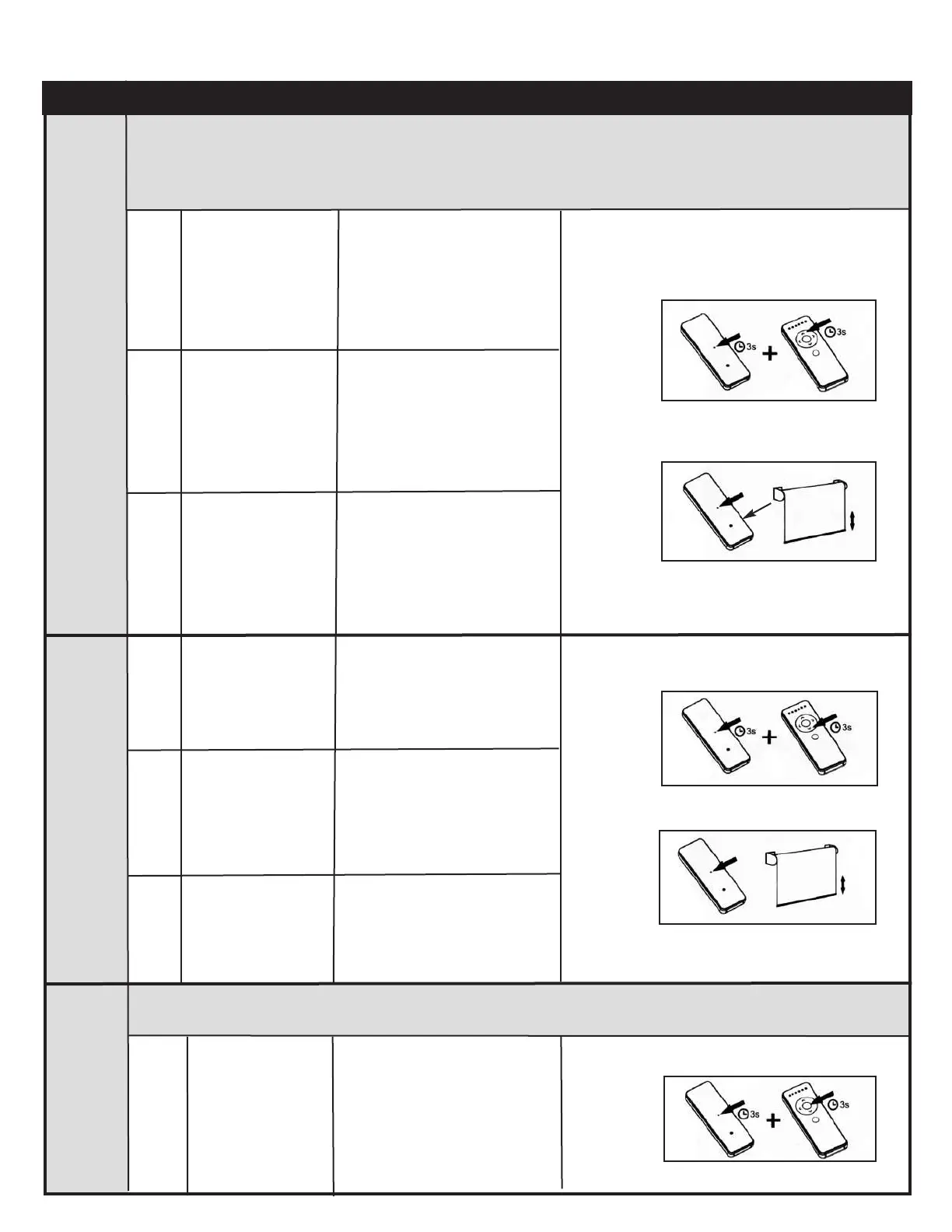
Command
Item
Key Combination
Description
Illustration
Upper
Limit
Setting
2
Use UP, STOP and
DOWN buttons
Hold the SET + UP
buttons at the same
time for 3 seconds
1
The motor will move up and
down to indicate the process
to set up the upper limit has
started
3
Press SET button
on the back of the
remote control
To go to the desired upper
position
The motor will move up and
down to confirm that the new
upper limit position has been
saved
Basic Operation - 1 and 5 Channel Remote Controls Continued
1
3
Lower
Limit
Setting
Deleting
Limits
Hold the SET +
DOWN buttons at
the same
time for 3 seconds
1
The motor will move up and
down to indicate the process
to set up the lower limit has
started
1
Use UP, STOP and
DOWN buttons
2
To go to the desired lower
position
Press SET button
on the back of the
remote control
3
3
Hold the
SET + STOP
buttons at the same
time for 3 seconds
1
The motor will move up and
down to indicate the limits
have been deleted
1
Attention: This procedure deletes the upper and lower limits and the favourite positions 1 & 2. A blind without
upper and lower limits will only move a small amount when UP or DOWN is pressed or held down.
Setting or Adjusting Limits
The motorʼs upper and lower rotational limits are set individually.
Donʼt forget to always select the correct channel of the motor you want to adjust.
The motor will move up and
down to confirm that the new
lower limit position has been
saved



 To Next Page