EN
14
AT A GLANCE
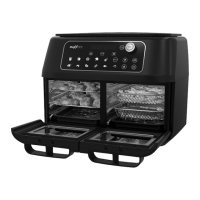
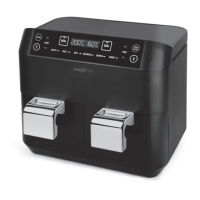
(Picture A)
1 Control panel
2 Rack
3 Drawer
4 Handle
5 - 8 Ventilation openings
9 Chamber with heating element (cook-
ing zone)
Control Panel
(Picture B)
10 POWER button: Switch device
on / off; exit all functions
11 TEMP button: Increase tempera-
ture, reduce temperature
12 MEAL button: Synchronise the end
of the cooking time for both cooking
zones
13 Display of the temperature and cook-
ing time for cooking zone 1
14 Display of the temperature and cook-
ing time for cooking zone 2
15 DUAL button: Apply all settings for
cooking zone 1 to cooking zone 2
16 TIME button: Increase
cooking
time, reduce
cooking time
17 START / PAUSE button: Start / stop
cooking process
18 Button 2: Call up setting mode for
cooking zone2
19 Buttons with control lamps for calling
up the programmes
AIR FRY
ROAST
BAKE
DEHYDRATE
DEFROST
REHEAT
20 Button 1: Call up setting mode for
cooking zone1
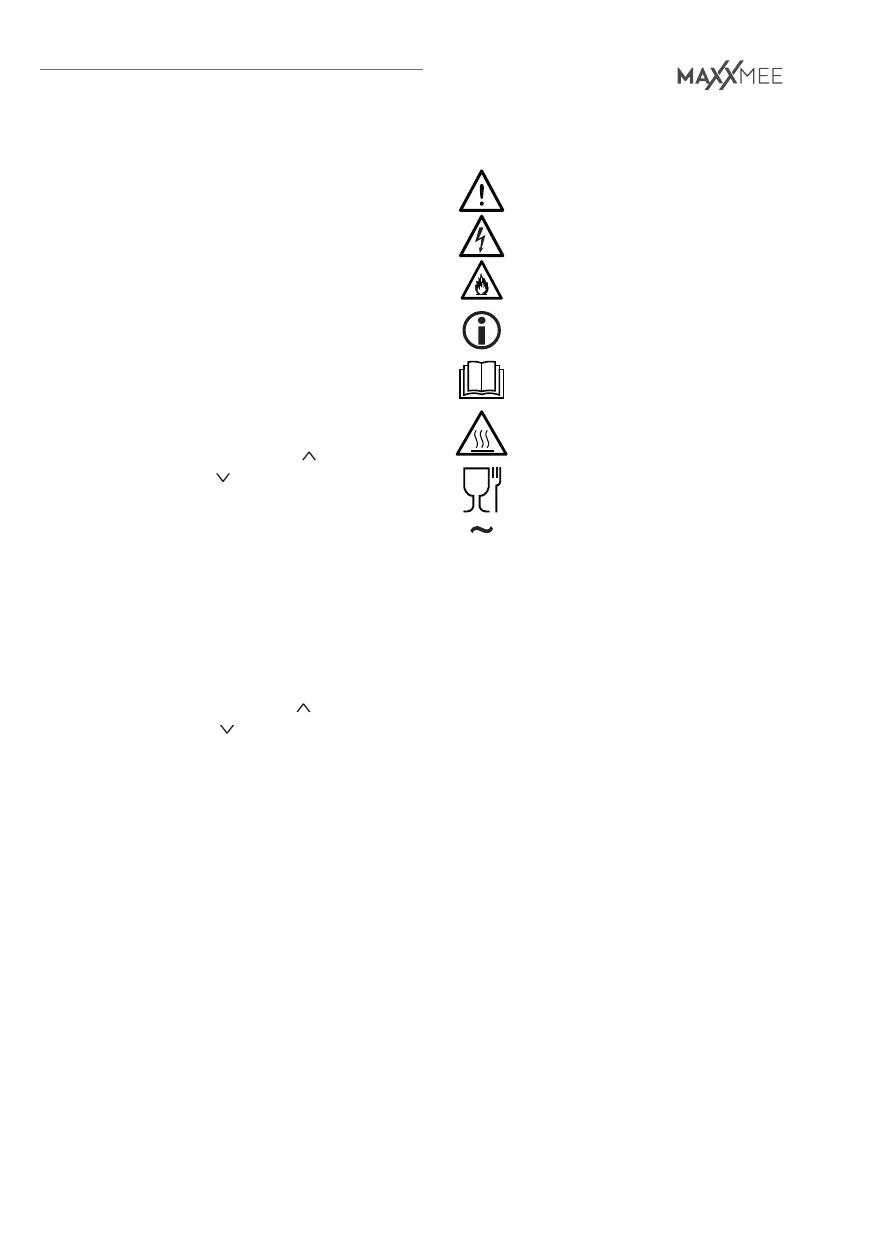
SYMBOLS
Danger symbols: These symbols
indicate possible dangers. Read
the associated safety notices
carefully and follow them.
Supplementary information
Read the operating instructions
before use!
Caution: hot surfaces!
Suitable for use with food.
Alternating current
SIGNAL WORDS
Signal words indicate hazards if the asso-
ciated notices are not followed.
DANGER – high risk, results in serious
injury or death
WARNING – medium risk, may result in
serious injury or death
NOTICE – may result in risk of damage to
material
FURTHER EXPLANATIONS
Key numbers are shown as follows: (1)
Picture references are shown as follows:
(Picture A)


 To Next Page