516532 B PUBLICATION DATE 1 JUN 2007.DOC PROGRAMMING MANUAL 43
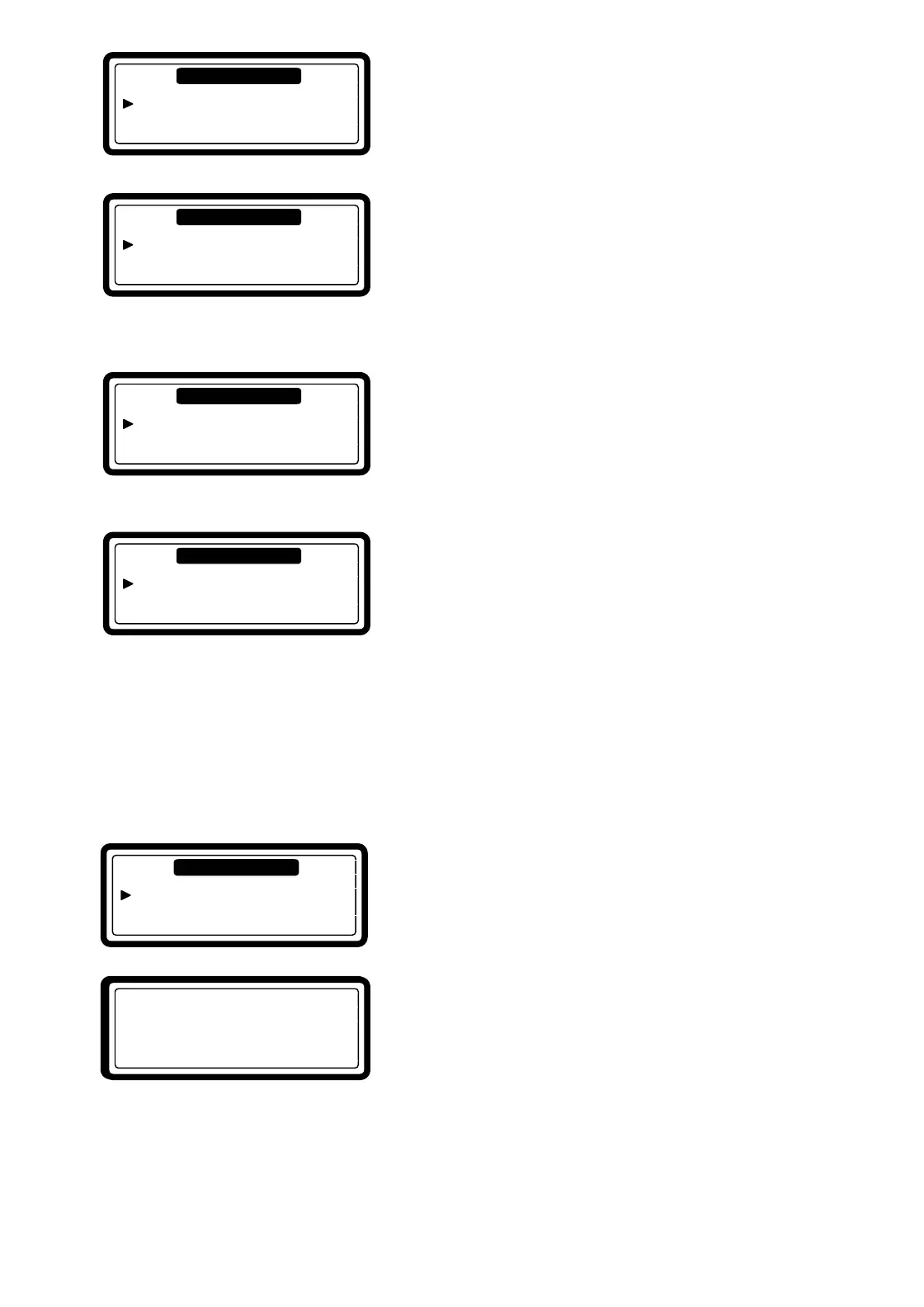
• By selecting Yes, the Escrow will be reset to „0“.
• In the Escrow is kept the remainder that the customer has
paid too much to start a wash cycle.
• By selecting Yes and by confirming „Are You Sure? Yes“
the Cycle Count Menu Item will be shown in the Tool Box
menu.
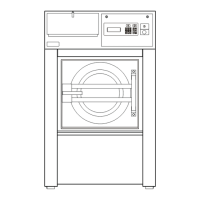
• Once the Cycle Count Menu item is shown, the Cycle Counter
menu item is hidden.
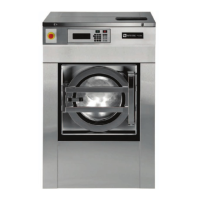
• At the Cycle count menu item, we see the number of cycles
that the washing machine has been washing.
• The Cycle count menu item is hidden, until the it has been
selected by the Cycle Counter Menu item.
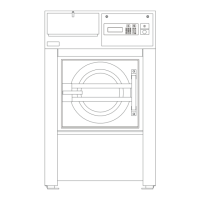
• For future options it is possible to select a Model Code 11.
• Model Code 9 is the default value.
8.6. DIAGNOSTIC CYCLE
The purpose of the diagnostic program is to test the washing machine functions one by one.
T HOW TO GET INTO THE DIAGNOSTIC MENU
The Diagnostic menu can only be Started when no other wash cycle is running.
Select first the Diagnostic Program Sub-menu in the Service Menu.
• If you want to start the diagnostic program, select YES and
press the ENTER button.
• Press „ANY KEY“ if you want to start the diagnostic
program.
Diagnostic Prog. …
Service Menu
Diagnostic Prog. No
Exi
Service Menu
PR : Tes
Press ANY KEY !
Reset Current Escrow No
Service Tool Box
Cycle Counter No
Service Tool Box
Cycle Count xxx
Service Tool Box
Model Code 9
Service Tool Box


 To Next Page