13
Step
Step
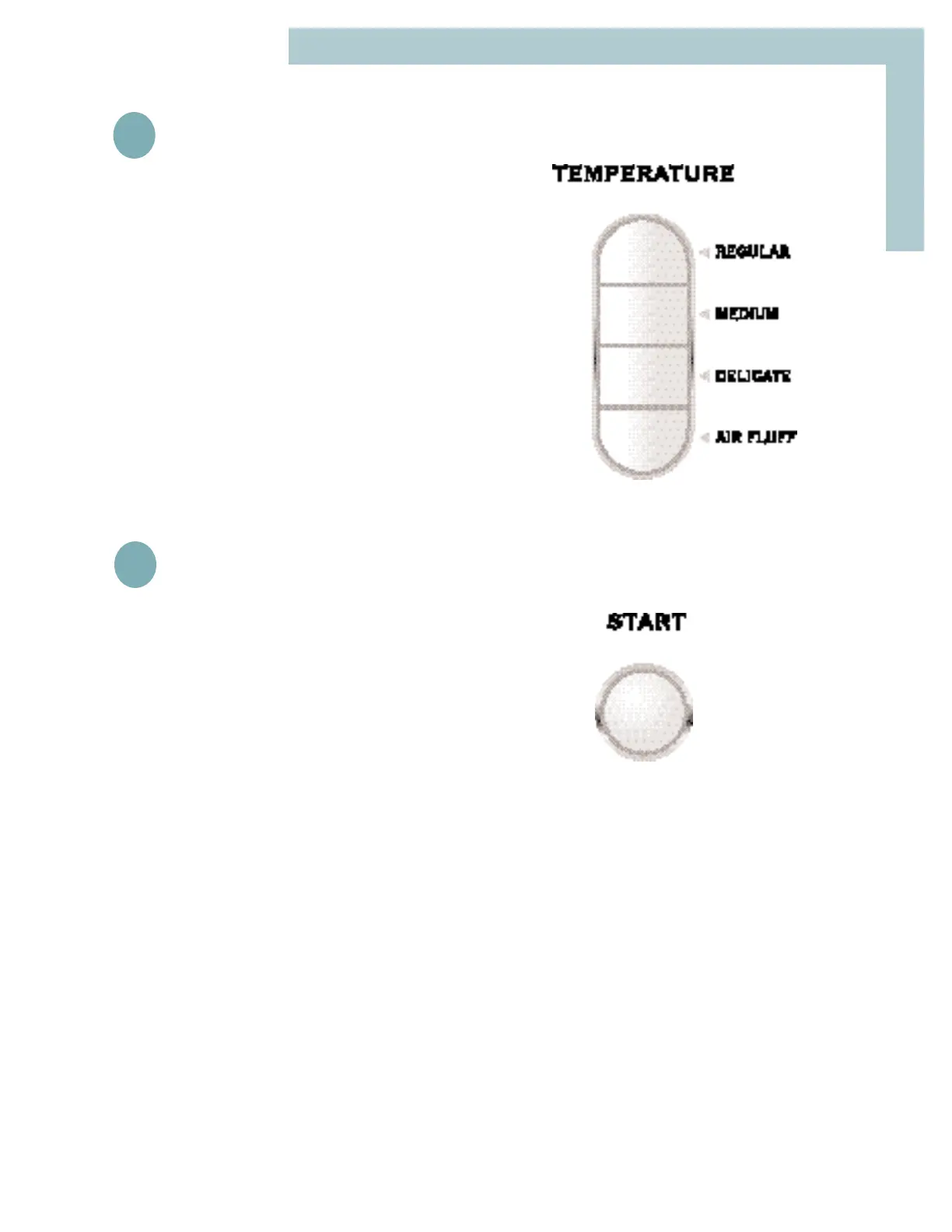
Select Temperature
Press Start
Push this button to start the dryer. The dryer door
must be shut for the dryer to operate. If the door is
opened during the cycle, the start button must be
pushed again to resume the cycle after the door is
closed.
When the cycle is complete, a signal will sound
momentarily.
2
2
3
3
REGULAR – for sturdy cottons or those labeled
“Tumble Dry”.
MEDIUM – for permanent press, synthetics, light-
weight cottons or items labeled “Tumble Dry
Medium”.
DELICATE – for heat sensitive items labeled
“Tumble Dry Low” or “Tumble Dry Warm”.
AIR FLUFF – tumbles without heat. Used for sen-
sitive loads or items needing freshening.



 To Next Page