EasyManua.ls Logo

Maytronics Dolphin M400 - User Manual

Maytronics Dolphin M400
17 pages
Print Icon
To Next Page IconTo Next Page
Loading...
8180032 Rev. 01
User Instructions
EN
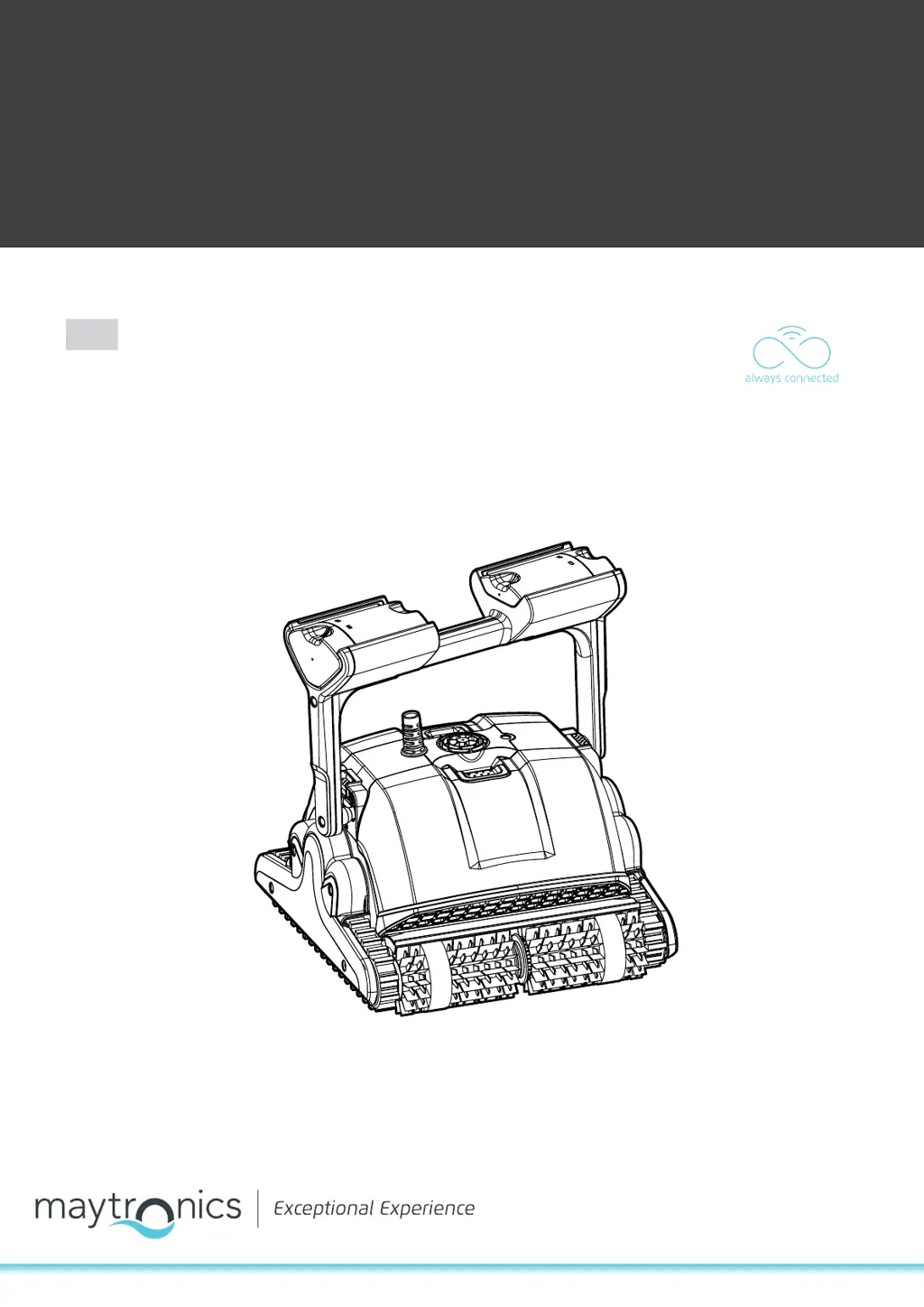
Maytronics Dolphin robotic pool cleaner
CLASSIC 7+ / TOP 7 / TOP 9

Questions and Answers

  • K
    Kristin JohnsonJul 27, 2025
    What to do if my Maytronics Dolphin M400 Swimming Pool Vacuum motor is not working?
    • B
      Brittany TaylorJul 27, 2025
      If the motor of your Maytronics Swimming Pool Vacuum isn't working, check if the impeller or drive system is blocked. For electrical issues, check the power source. If the power source is fine, please contact your Dolphin distributor.
  • S
    Stacy WardJul 31, 2025
    Why is my Maytronics Swimming Pool Vacuum not climbing walls?
    • M
      margaretthompsonJul 31, 2025
      If your Maytronics Swimming Pool Vacuum isn't climbing walls, ensure the filter cartridge is clean. If it's the start of the season, try using Net filters. Check the brushes for suitability and wear, replacing them if needed. Also, make sure the impeller area is clean and, for M500 models, verify the remote control is set for climbing.
  • J
    Jonathan SimonAug 4, 2025
    How to stop my Maytronics Dolphin M400 cable from twisting?
    • T
      Teresa NortonAug 4, 2025
      If your Maytronics Swimming Pool Vacuum cable is twisting or coiling up, inspect the pool for any obstructions. Remove any excess cable from the pool. Ensure the filter cartridge is clean. Straighten the cable and lay it in the sun periodically.
  • B
    Brent JohnsonAug 8, 2025
    What to do if my Maytronics Dolphin M400 Swimming Pool Vacuum moves in circles?
    • A
      alyssarussellAug 8, 2025
      If your Maytronics Swimming Pool Vacuum is moving in circles or not reaching all pool areas, check for foreign objects in the moving parts. Ensure the filter cartridge is clean, well-mounted, and that the filter doors are closed. Make sure enough cable is laid out to cover the entire pool. If it's the beginning of the season, brush any algae from the pool's floor and walls before using the vacuum.
  • R
    Richard SmithAug 13, 2025
    How to adjust Maytronics Dolphin M400 Swimming Pool Vacuum to travel sideways on walls?
    • T
      Troy BrooksAug 13, 2025
      If your Maytronics Swimming Pool Vacuum is not traveling sideways on walls, adjust the diagonal angle of the handle.
  • L
    Laurie ThomasAug 17, 2025
    Why is my Maytronics Dolphin M400 Swimming Pool Vacuum not sinking?
    • C
      Christina StewartAug 18, 2025
      If your Maytronics Swimming Pool Vacuum isn't sinking, make sure the Wonder brushes or combined brushes are soaked in water.
  • M
    mary03Aug 22, 2025
    Why is my Maytronics Dolphin M400 Swimming Pool Vacuum remote control not working?
    • B
      Benjamin SchmidtAug 22, 2025
      Check if the batteries of your Maytronics Swimming Pool Vacuum remote control need replacing.

Summary

Introduction and Specifications

General Safety Instructions

Read and follow all safety instructions and warnings for the robotic pool cleaner.

Electrical Safety and Connection

Ensure GFCI protection, proper outlet, no extension cords, and immediate repair of damaged cords.

Usage and Supervision Restrictions

Keep out of reach of unsupervised persons; use only with permanently installed pools.

Using the Pool Cleaner

Initial Setup and Preparation

Prepare the pool cleaner by unwinding the cable and removing brush covers.

Power Supply Connection

Position the power supply, connect the floating cable, and plug it in.

Placing Cleaner in Pool

Dip brushes if needed, submerge the cleaner, ensure cable clearance, and turn on power.

MyDolphin Plus Mobile App Usage

Routine Maintenance Procedures

Filter Cartridge Cleaning and Reassembly

Detailed steps for cleaning, reassembling filter cartridges, and filter basket.

Troubleshooting Common Issues

Power Supply and Connectivity Problems

Troubleshoot issues with power, movement, direction, and general connectivity problems.

MyDolphin Plus Troubleshooting

App Connectivity and Wi-Fi Issues

Resolve issues with app connection to Wi-Fi, cloud, or network changes.

Maytronics Dolphin M400 Specifications

General IconGeneral
Cycle Time2.5 hours
Energy SourceElectric
Pool TypeIn-ground
Warranty2 years
Cable Length18 m
Cleaning CoverageFloor, walls and waterline
Pool SizeUp to 50 feet
BrushingYes
Weight24.6 lbs
NavigationCleverClean Technology

Related product manuals