7-10
In Case of an Emergency
Flat Tire
Form No. 8Q36-EA-01F
▼
Locking Lug Nuts
If your vehicle has optional antitheft
wheel lug nuts, one on each wheel will
lock and you must use a special key to
unlock them. This key is attached to the
lug wrench and is stored with the spare
tire. Register them with the lock
manufacturer by filling out the card
provided in the glove box and mailing it in
the accompanying envelope. If you lose
your key, consult an Authorized Mazda
Dealer or use the lock manufacturer’s
order form, which is with the registration
card.
To remove an antitheft lug nut
1. Get the key for the locking lug nut.
2. Place it on top of the nut, and be sure to
hold the key square to it. If you hold
the key at an angle, you may damage
both key and nut. Don’t use a power
impact wrench.
3. Place the lug wrench on top of the key
and apply pressure. Turn the wrench
counterclockwise.
To replace the nut
1. Place the key on top of the nut.
2. Place the lug wrench on top of the key,
apply pressure, and turn it clockwise.
▼
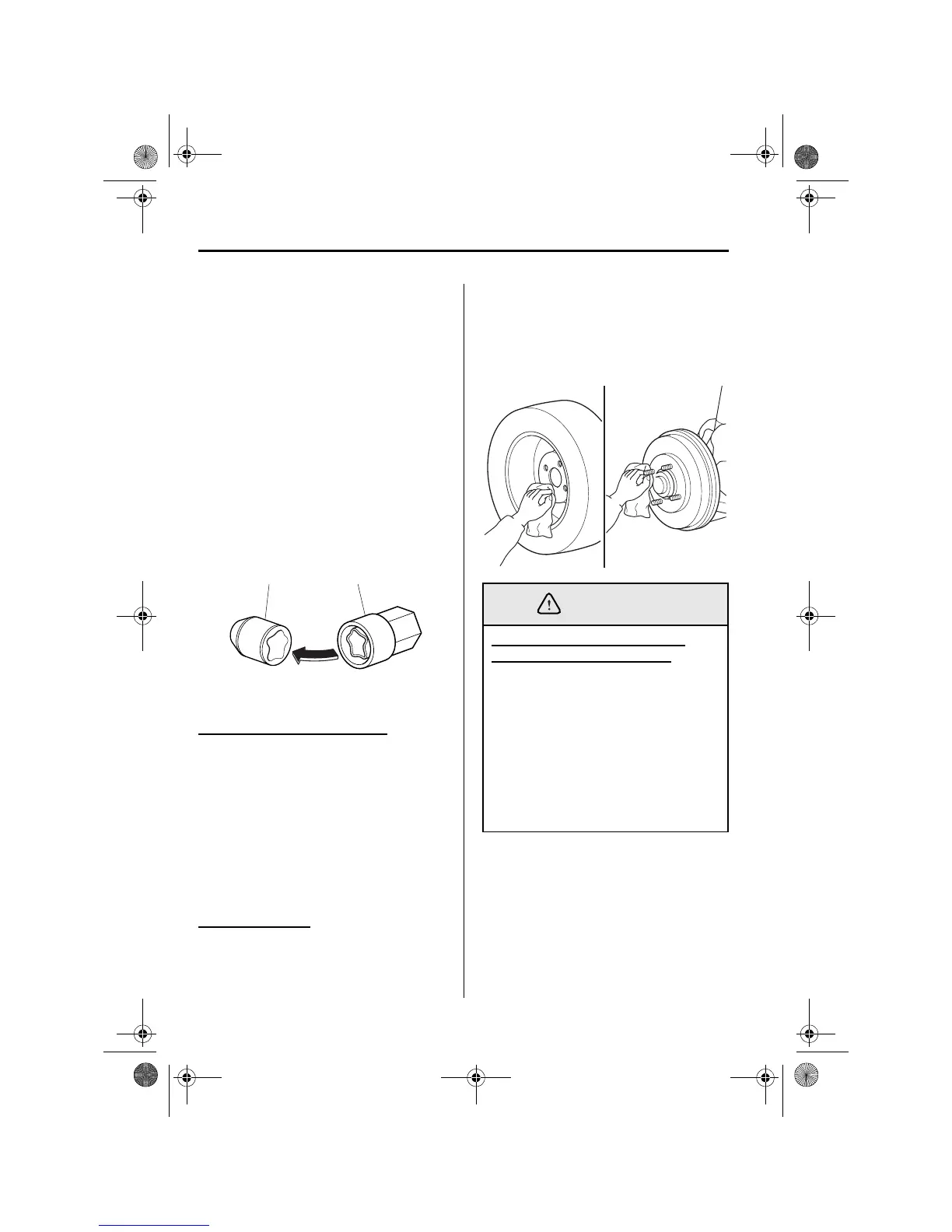
Mounting the Spare Tire
1. Remove dirt and grime from the
mounting surfaces of the wheel and
hub, including the hub bolts, with a
cloth.
2. Mount the spare tire.
Antitheft lug nut Special key
Removing Dirt and Grime from
Wheels, Hubs and Hub Bolts:
When changing or replacing a tire,
not removing dirt and grim from the
mounting surfaces of the wheel, hub
and hub bolts is dangerous. The lug
nuts could loosen while driving and
cause the tire to come off, resulting in
an accident. Make sure the mounting
surfaces of the wheel, hub and lug
nuts are clean before changing or
replacing tires.



 To Next Page