5
–
38
Interior Features
Audio System
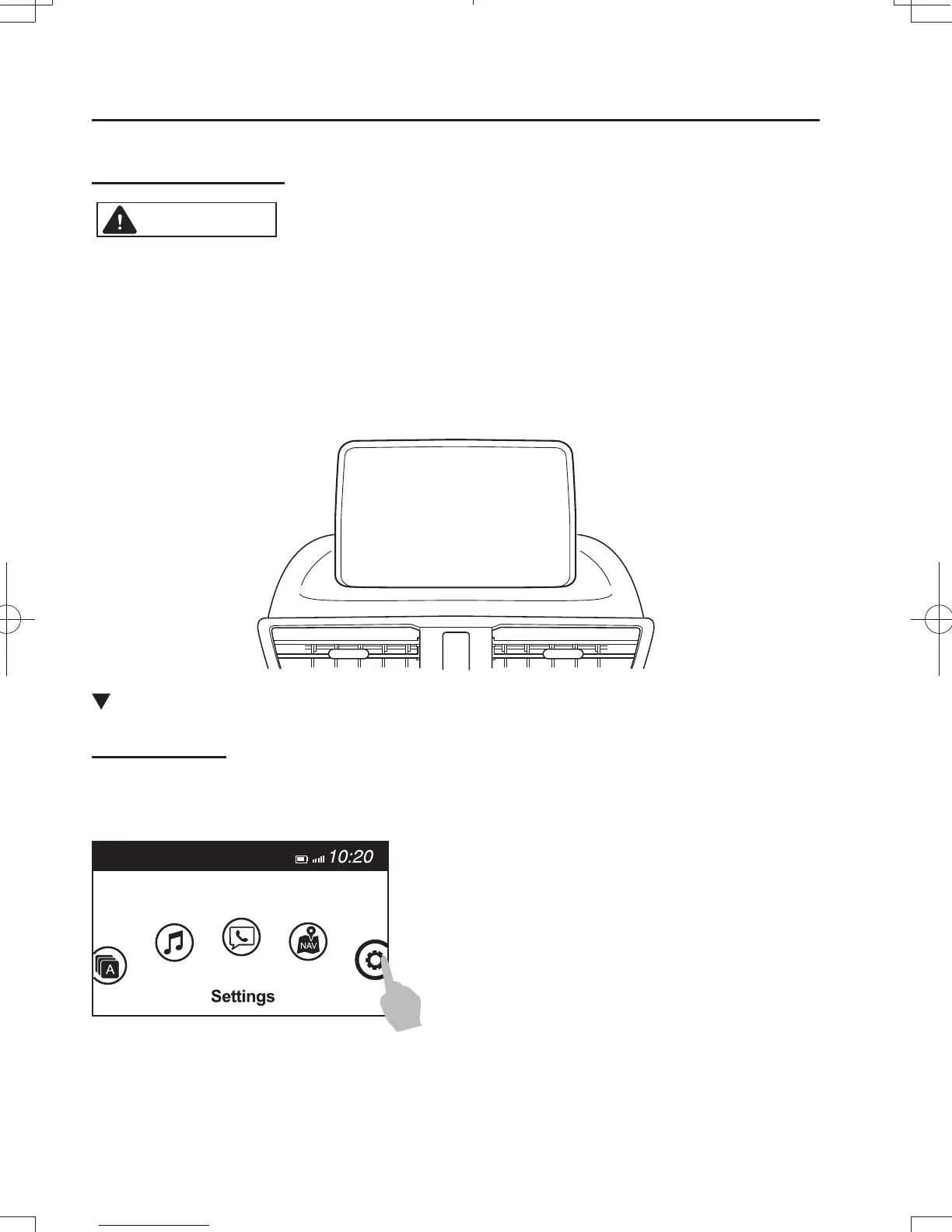
Touch panel operation
CAUTION
Do not press the screen strongly or press it with a sharp-pointed object. Otherwise, the
screen could be damaged.
N O T E
For safety reasons, operation of the center display is disabled while the vehicle is being
driven. However, items not displayed in gray can be operated using the commander switch
while the vehicle is being driven.
Basic Operation Method
T O U C H & T A P
1. Touch or tap on the item indicated on the screen.
2. The operation is launched and the next item is displayed.
Mazda38FA4-EA-15GEdition3.indb38Mazda38FA4-EA-15GEdition3.indb38 2015/12/0419:13:472015/12/0419:13:47



 To Next Page