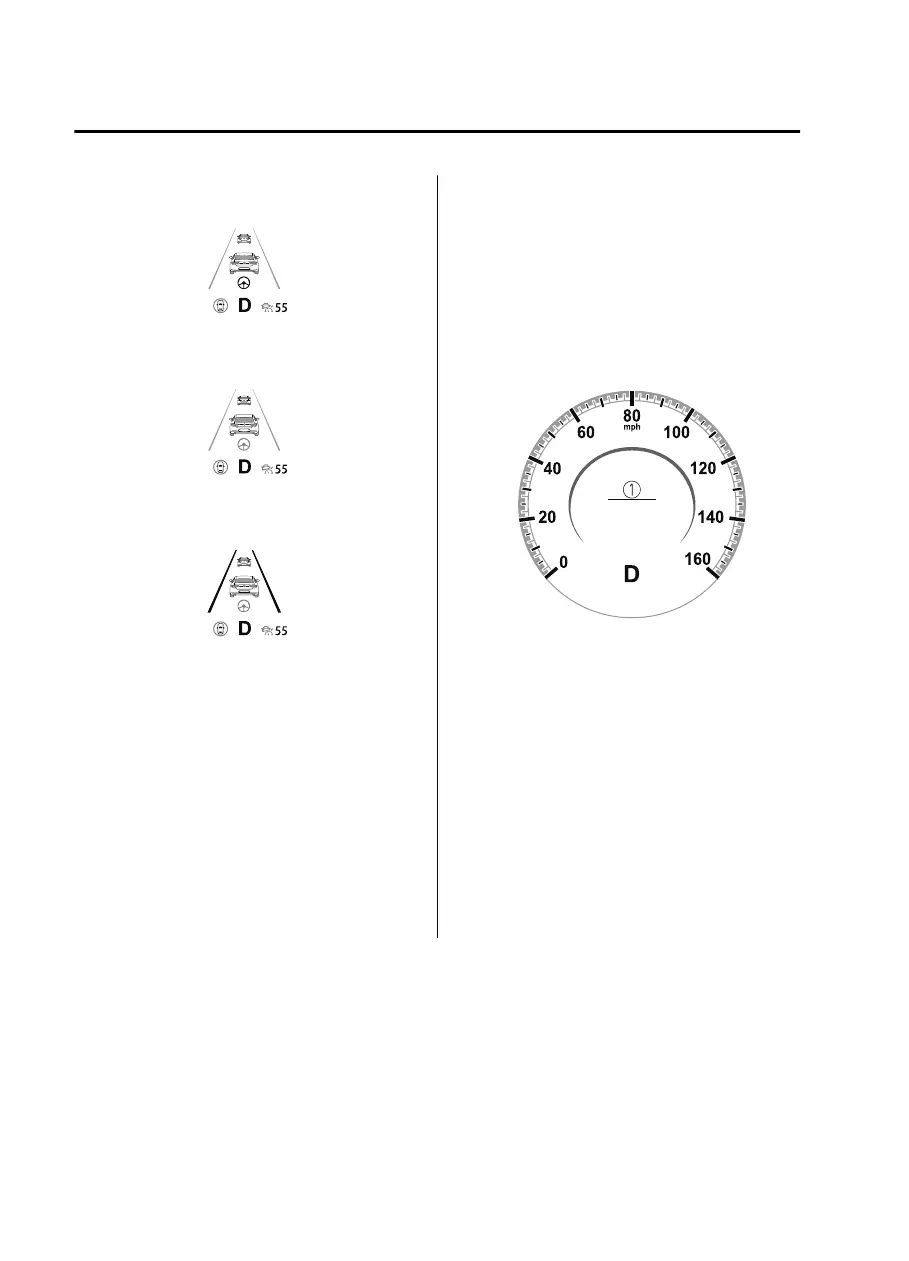
Inactive
Active (vehicle ahead)
Active (lane line)
If there is a problem with the CTS, a
message is displayed on the
multi-information display. Check the
details of the problem on the center
display and then have your vehicle
inspected by an Authorized Mazda Dealer.
Refer to If a Warning Light Turns On or
Flashes on page 7-26.
▼
Close Proximity Warning
If your vehicle rapidly closes in on the
vehicle ahead while you are traveling
under headway control, the warning sound
is activated and the brake warning is
indicated on the display. Keep a safe
distance between your vehicle and a
vehicle ahead.
1. “Depress Brake Pedal” message is
displayed
NOTE
In the following cases, the warnings and
brakes may not operate even if your
vehicle starts closing in on the vehicle
ahead.
Directly after the CTS operates.
Directly after the accelerator pedal is
released.
Another vehicle cuts into the driving
lane.
When Driving
i-ACTIVSENSE
4-140
Mazda3_8HE9-EA-18K_Edition1 2018-10-17 19:05:10


 To Next Page
 Loading...











