Black plate (222,1)
qClock
When the ignition switch is in the ACC or
ON position, the time is displayed.
Time setting
1. Press the CLK button until a beep
sounds, and “12Hr” and “24Hr” will be
displayed.
2. Press the SET button to switch between
“12Hr” and “24Hr” displays. The
selected display will flash.
To select the desir ed clock setting,
press the CLK button again while the
preferred setting is flashing.
3. “Hr. ADJUST” will be displayed next,
and the hour portion of the display will
flash. Press the SET button to set the
hour, then press the CLK button.
4. “Min. ADJUST” will be displayed
next, and the minutes porti on of the
display will flash. Press the SET button
to set the minutes, then press the CLK
button.
Time resetting
While the clock is displayed, press the
SET button 1.5 seconds or more. When
the button is released, a beep will sound
and the clock will be reset as follows:
(Example)
12:01―12:29→12:00
12:30―12:59→1:00
NOTE
When the SET button is released, the
seconds are reset to “00”.
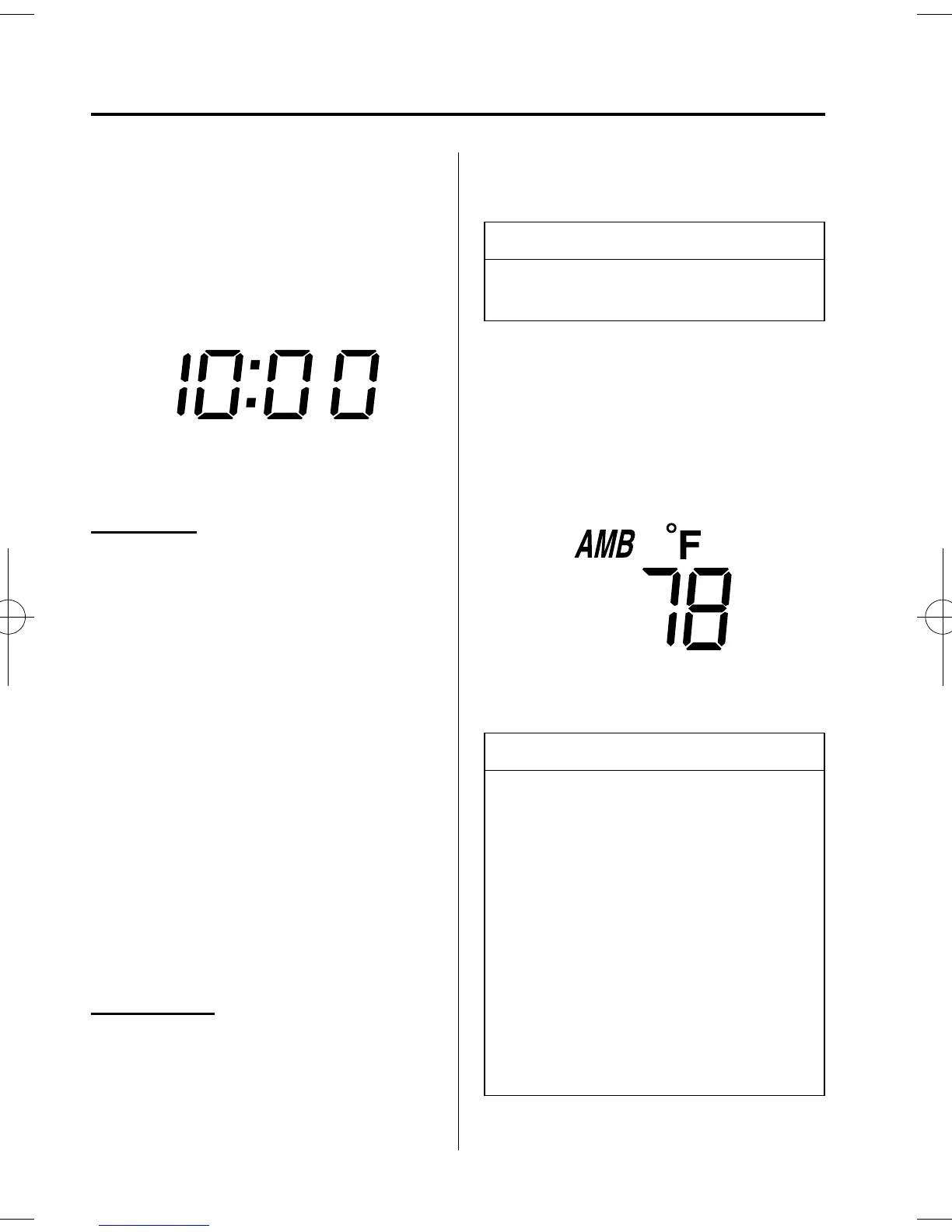
qAmbient Temperature Display
When the ignition switch is in the ON
position, press the AMB button to display
the ambient temperature.
NOTE
l
The displayed ambient temperature
may vary from the actual ambient
temperature depending on the
surrounding area and vehicle
conditions.
l
Press the AMB button 2 seconds or
more to switch the display from
Fahrenheit to Centigrade or vice
versa.
l
Press the AMB button again to
switch the display from ambient
temperature to the temperature set
for the air conditioner.
6-42
Interior Comfort
Interior Equipment
Mazdaspeed6_8U02-EC-05H_Edition1 Page222
Friday, July 15 2005 9:48 AM
Form No.8U02-EC-05H



 To Next Page