Audio Set (Type B)
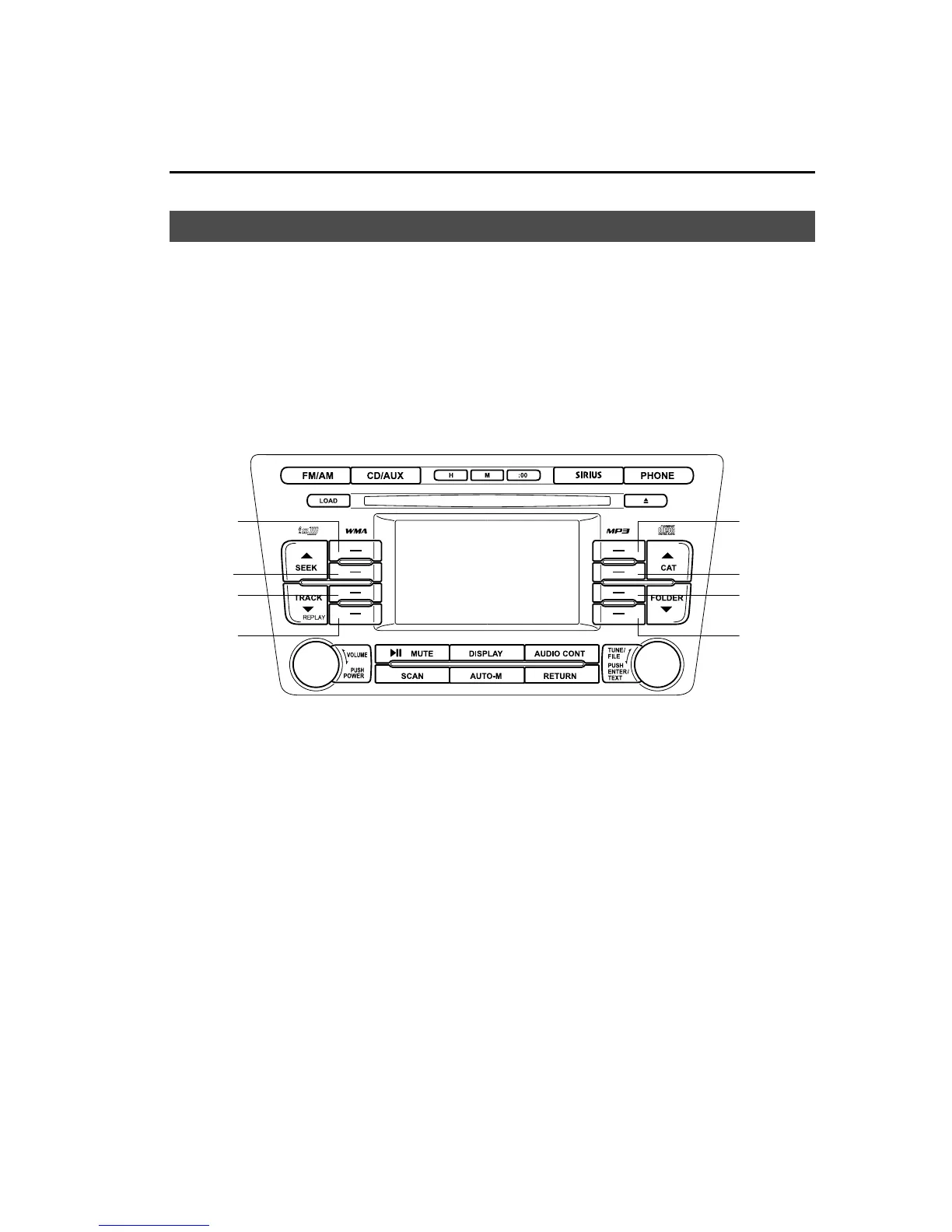
Functions and information available for the selected mode are displayed on the left and
right of the audio unit screen. To select and operate a desired function, or select
information, press the corresponding selection butt on 1―8.
Selection
button 1
Selection
button 2
Selection
button 3
Selection
button 4
Selection
button 5
Selection
button 6
Selection
button 7
Selection
button 8
Screen Adjustments and Other Settings ........................................................ ......... page 6-46
Power/Volume/Sound Controls .............................................................................. page 6-48
Operating the Radio ............................................................................................... page 6-52
Operating the Satellite Radio ................................................................................. page 6-56
Operating the In-Dash CD Changer ....................................................................... page 6-66
Operating the Auxiliary Jack .................................................................................. page 6-69
Error Indications ............................ ......................................................................... page 6-70
Interior Comfort
Audio System
6-45
Mazda6_8BG7-EC-10H_Edition1 Page269
Monday, August 2 2010 1:28 PM
Form No.8BG7-EC-10H



 To Next Page