▼
Close Proximity Warning
If your vehicle rapidly closes in on the vehicle ahead because the vehicle ahead applies the
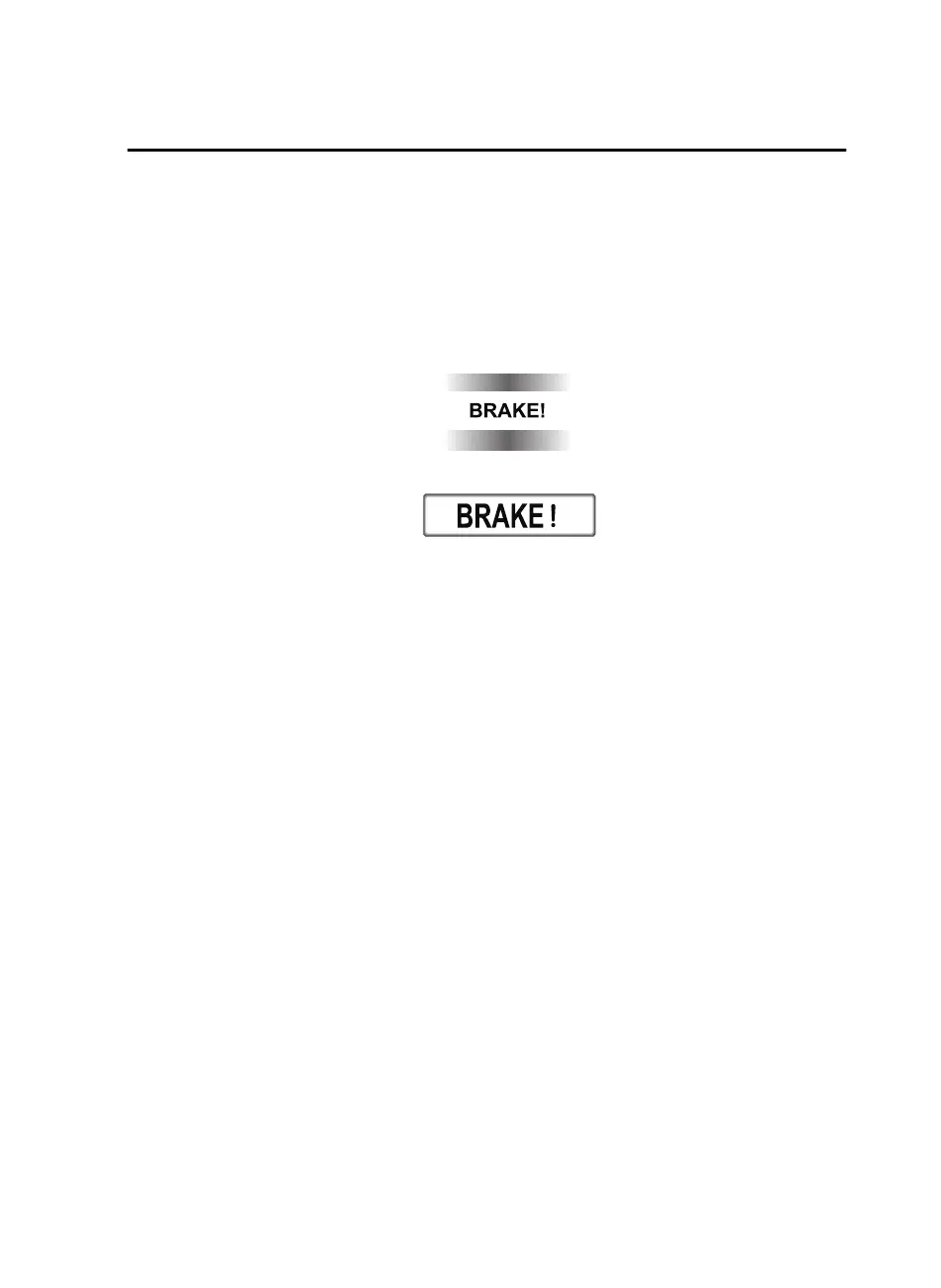
brakes suddenly while you are traveling in headway control, the warning sound activates
and the brake warning is indicated in the display. Always verify the safety of the
surrounding area and depress the brake pedal while keeping a safer distance from the
vehicle ahead. Additionally, keep a safer distance from the vehicles behind you.
Multi-information Display
Active Driving Display
NOTE
In the following cases, the warnings and brakes may not operate even if your vehicle starts
closing in on the vehicle ahead.
•
You are driving your vehicle at the same speed as the vehicle ahead.
•
Directly after the MRCC with Stop & Go function system has been set.
•
Directly after the accelerator pedal is released.
•
Another vehicle cuts into the driving lane.
▼
Setting the System
The MRCC with Stop & Go function system operates when all of the following conditions
are met.
•
Vehicle speed is 0 km/h (0 mph) to 145 km/h (90 mph)
•
The MRCC with Stop & Go function is turned on.
•
The brake pedal is not depressed.
•
The electric parking brake (EPB) is released (electric parking brake (EPB) indicator light
is turned off).
•
There is no problem with the DSC.
•
All the doors are closed.
•
The driver's seat belt is fastened.
•
The selector lever is in the drive (D) position or manual (M) position (manual mode).
When Driving
i-ACTIVSENSE
4-113
CX-9_8GC3-EA-17G_Edition1 2017-5-29 10:13:38



 To Next Page