x
When crossing a narrow bridge,
going under a low overhang, or
passing through a narrow gate, a
car washing machine, or tunnel.
x
When passing through a toll gate.
x
When entering an underground
parking area.
x
There is a metal object, bump, or a
protruding object on the road.
x
If you suddenly come close to a
vehicle ahead.
x
An animal, wall, or standing tree is
detected.
x
While the system is operating, the
driver is notified by the
multi-information display and the
active driving display.
x
If a malfunction is detected or the
system temporarily stops the
function due to dirt on the sensors or
cameras, the i-ACTIVSENSE warning
light turns on and a message is
displayed on the multi-information
display.
x
If the system performs brake control
and the vehicle is stopped, the
system will continue to hold the
brakes for a brief time unless there is
an operation performed by the
driver.
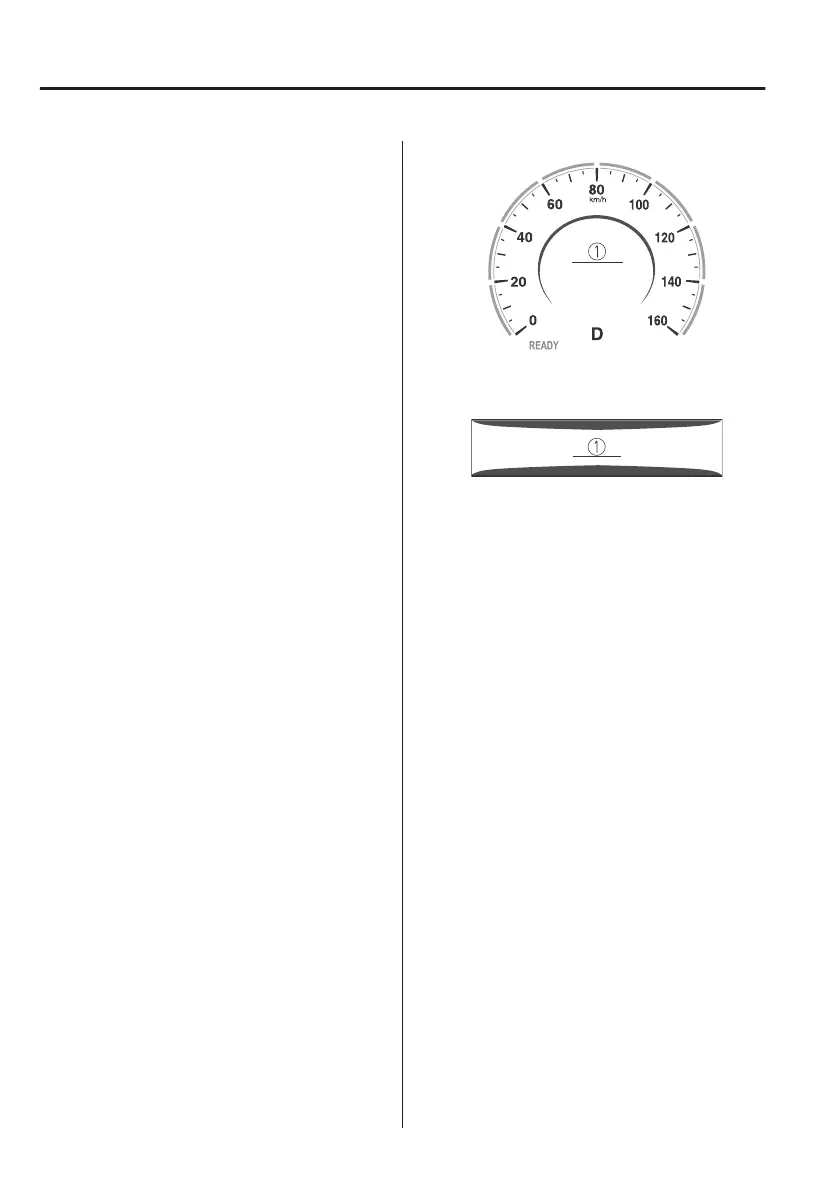
Collision warning
If there is the possibility of your vehicle
colliding with a target object at the
front, the warning sound is activated
continuously and a warning is
displayed on the multi-information
display and the active driving display.
Multi-information display
1. “BRAKE!” message is displayed
Active driving display
1. “BRAKE!” message is displayed
NOTE
x
During brake control and brake assist
operation, the collision warning
sound is activated intermittently.
x
The operation distance and volume
of the collision warning can be
changed.
Refer to the Settings section in the
Mazda Connect Owner's Manual.
When Driving
i-ACTIVSENSE
4-148



 To Next Page