5
–
53
Interior Features
Audio System
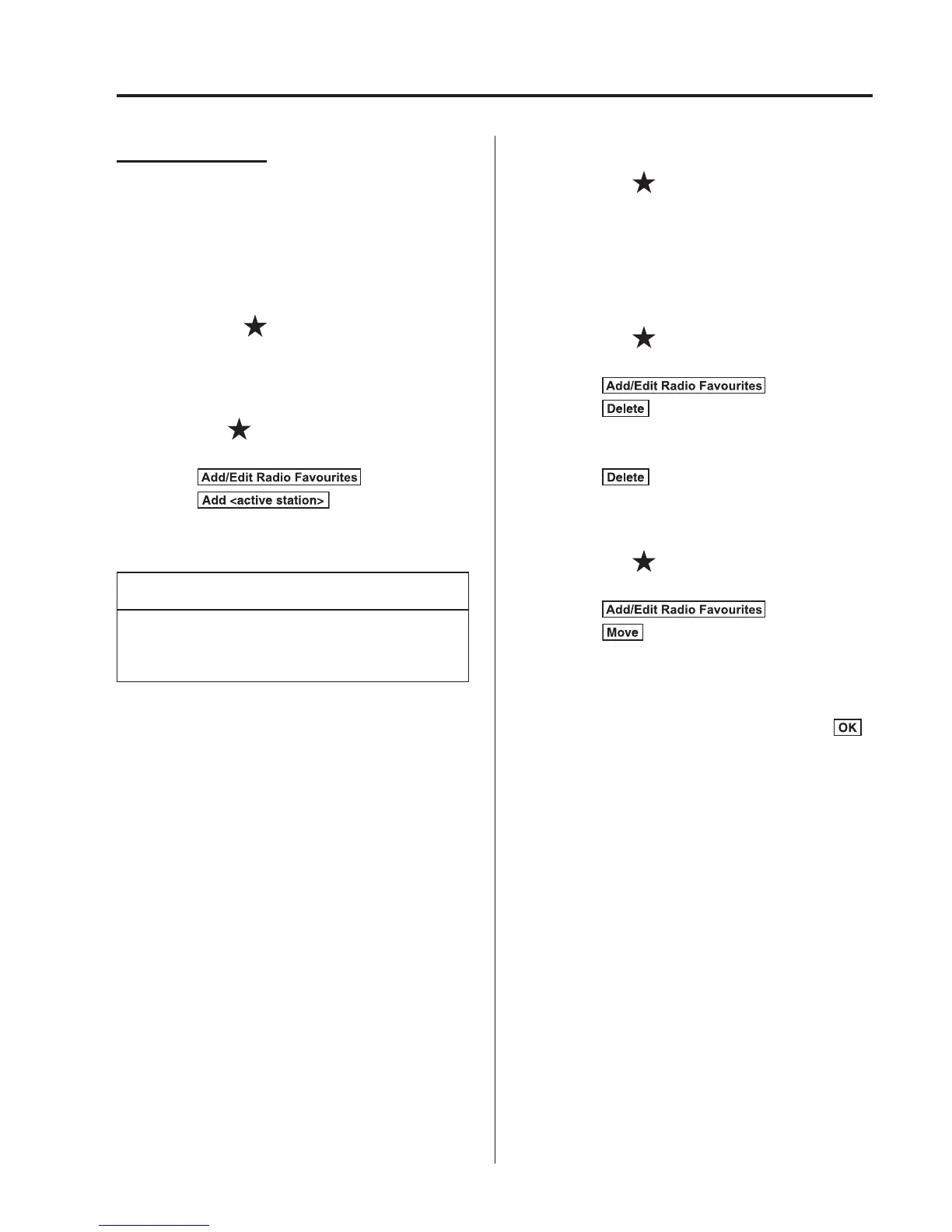
Favourites Radio
Selected stations can be registered for
convenient operation. Up to 50 stations
can be registered. The Favourites list is
common to AM and FM radio.
Registering to Favourites
Long-press the
icon to register the
current radio station. The registration can
also be performed using the following
procedure.
1. Select the
icon to display the
Favourites list.
2. Select
.
3. Select
.
4. The station is added to the bottom of
the Favourites list.
NOTE
If the battery is disconnected, your
Favourites list will not be deleted.
Selecting radio station from Favourites
1. Select the
icon to display the
Favourites list.
2. Select the radio frequency to tune in the
radio station.
Deleting from Favourites
1. Select the
icon to display the
Favourites list.
2. Select
.
3. Select
.
4. Select the radio frequency you want to
delete.
5. Select
.
Changing Favourites list order
1. Select the
icon to display the
Favourites list.
2. Select
.
3. Select
.
4. Select a radio frequency. The selected
radio station can be moved.
5. Slide the radio station or move it using
the commander switch, then select
.



 To Next Page