If Your Vehicle Stalls or Does Not Start
If the vehicle stalls or does not start, the system will pause 5 seconds, then try 4 more times to start the
vehicle (a total of five attempts). The system pauses 5 seconds between each start attempt. If the vehicle
does not start after the fifth attempt, the system will abort the start process.
Using Car Find
When the remote start system is not activated, the unit has a car find feature available. To activate car find,
press and hold the START button on the remote control transmitter for 2 seconds. The system will flash the
parking lights and beep the horn 6 times. Press and hold the START button for 2 seconds again to repeat.
Car Find Function
66
66
6
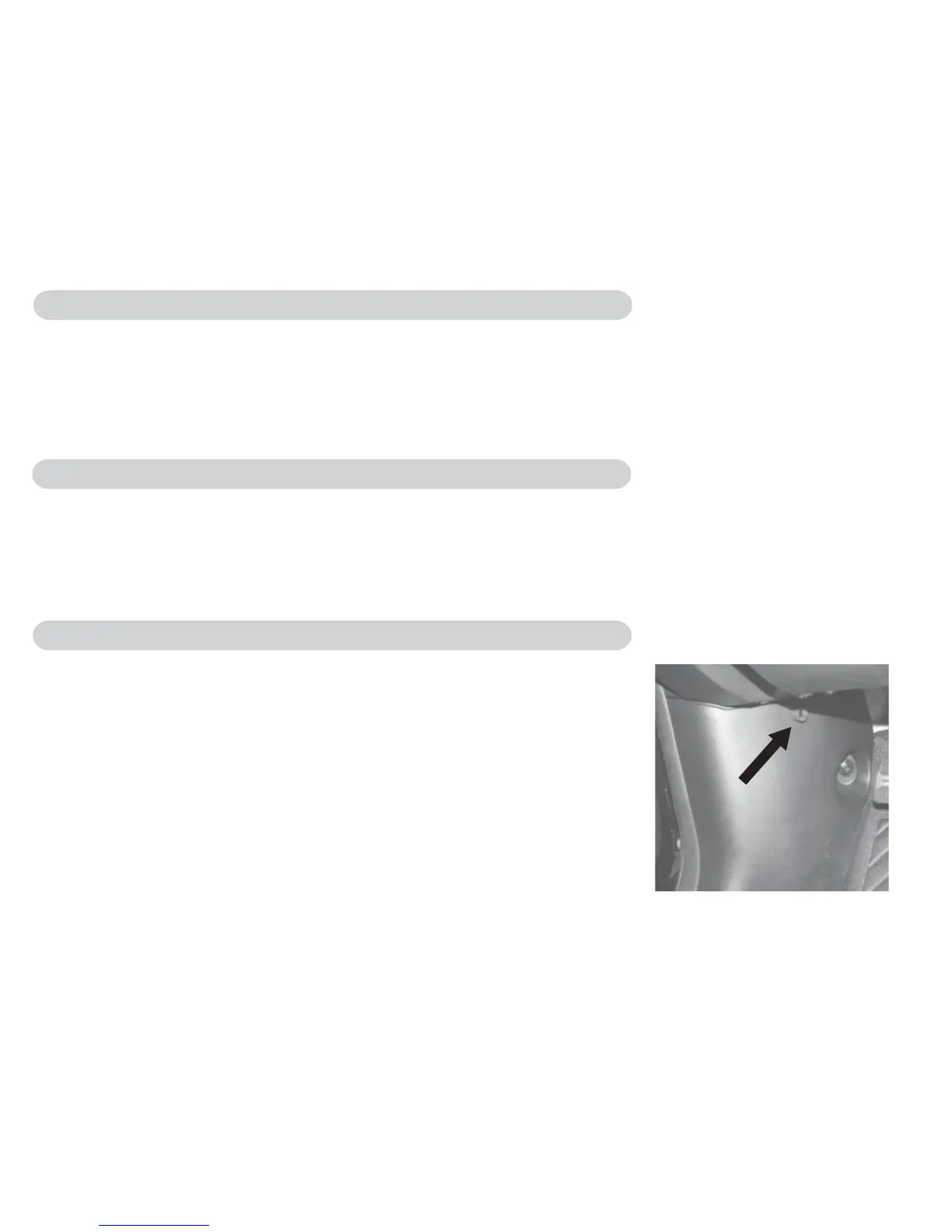
Transmitter Programming Button
The programming button is located in the driver’s kick panel and it is
used to enter the program mode and synchronize new transmitters to
the remote start system. The system can handle a maximum of 8
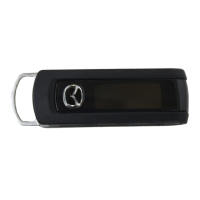
transmitters. If you need extra or replacement transmitters, please
see your Mazda Dealer.
Note: Programming instructions are included with the transmitter
replacement part. (Part Number: 0000-8F-Z02)
Normal Vehicle Functions, continued


 To Next Page