TRAFx MANUAL: PART II Mountain Bike Counter 2018 www.trafx.net
C SETTINGS
The counter has default settings (see black area below). Normally, only change these if a star below applies to you.
(The default settings are for G4 counters; however, they are also recommended for G2 and G3 counters.)
TIME - automatically set by a dock in Shuttle Mode.
START - automatically set by a dock in Shuttle Mode to:
• top of the hour after Launch for hourly totals
• 5 minutes after Launch for timestamps
PERIOD refers to the data format: hourly totals, daily totals, or timestamps (all are records)
▪ 14 000 is the maximum number of records (lines of data)
▪ Totals are much more memory efficient and download much faster than timestamps
001 = Hourly totals (default; recommended); stores 19 months of data (448 million counts max.)
024 = Daily totals (rarely used); whole days only; counting starts and stops at mid-night
000 = Timestamps (seldom used); each event creates a timestamp (14 000 counts max.)
yy-mm-dd,hr:mm,total
16-05-28,10:00,00435 Hourly totals
16-05-28,11:00,00473 (11 spans 11 to 12)
16-05-28,12:00,00530
16-05-28,13:00,00481
yy-mm-dd,hr:mm:ss,diagnostic value
16-05-28,14:15:50,18
16-05-28,14:15:56,42 Timestamps
16-05-28,14:19:08,19
16-05-28,14:19:22,31
DELAY refers to “delay after event”
▪ During DELAY, other events (triggers) are ignored
▪ DELAY values (and seconds) are shown below
A count occurs in the detection zone. The DELAY prevents counting the same bike
again, while it is still in the zone.
000
004
008 =
016
032
048
064
▪ If bikes typically move slowly, increase DELAY to 016
▪ If bikes typically are closely spaced, decrease DELAY to 004
THRESHOLD adjusts the counter’s sensitivity
008 is the default (and recommended) THRESHOLD value
▪ Use THRESHOLD 006 (G4 counters only) if you are missing bikes. 006 is maximum sensitivity
▪ The other way to increase sensitivity is simply to move the counter closer to where bikes pass
▪ A THRESHOLD value greater than 012 is not recommended
Change settings
Here are the main steps to change settings:
1. Confirm your dock is in PC Mode
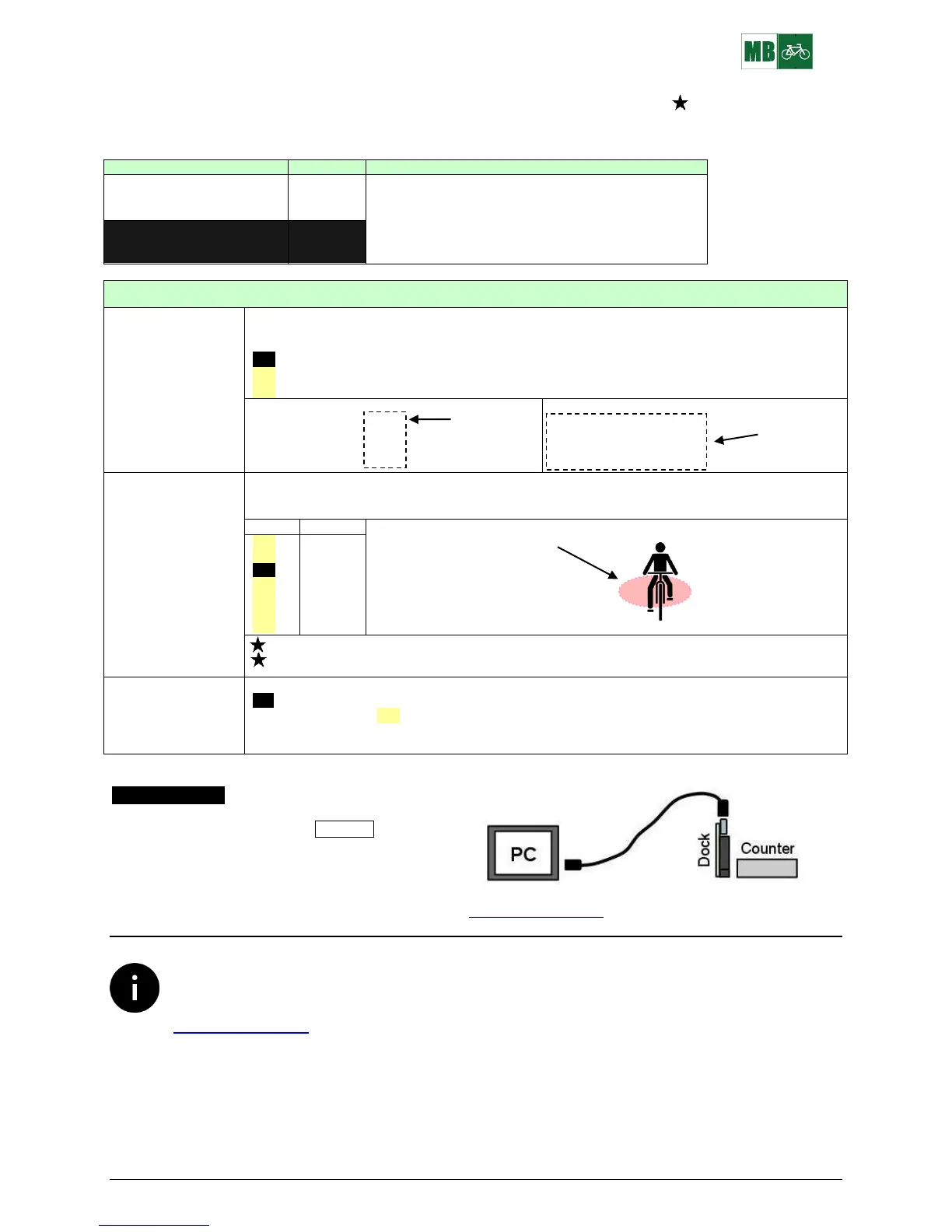
2. Connect: PC---cable(s)---dock---counter
3. Open TRAFx Communicator and click GO!
4. Enter C to configure a mode’s settings
See TRAFx Manual Part I, p. 10 for details. Download at www.trafx.net/support
Counters yield estimates. They are rarely 100% accurate. This applies to all types and brands. Counter
calibration is recommended when higher accuracy is desired. Calibration involves comparing counter
totals with those observed by a person, ideally over several hours. It is also a good opportunity to collect
additional data (youth vs. adult, etc.). For detailed instructions, download “How to calibrate a counter” at
www.trafx.net/support


 To Next Page
 Loading...