16
BioStamp nPoint User Manual
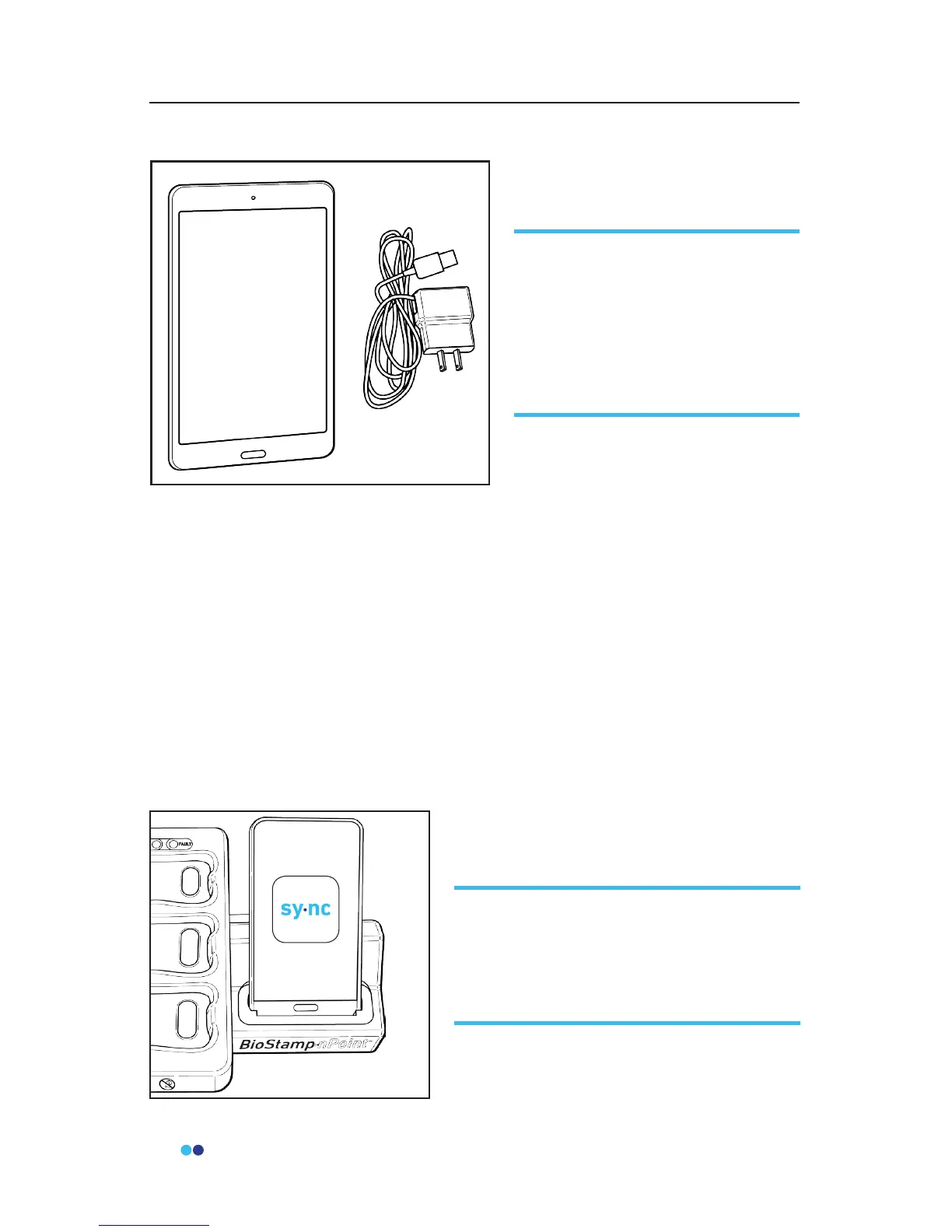
Tablet
The tablet is congured with the Android operating system (do not exchange
or alter) and the Investigator Application. The Investigator App is synchro-
nized to the study parameters set by the investigator in the Investigator Portal
any time a study is accessed. For Supervised Studies, the investigator uses the
Investigator App to assign Sensors to subjects and to initiate recordings.
Subject information in the form of activity tags and survey entries can be
entered using the Investigator App. For full functionality, the tablet must be
connected to a Wi-Fi network and have Bluetooth turned on.
You can log in to the Investigator App using your BioStamp nPoint credentials
and log out through the Investigator App settings. Turn o the tablet by
holding down the power button and selecting the “power o” option.
Sync Phone
For Supervised Studies, BioStamp
nPoint comes with a Samsung
Galaxy Tab A tablet (and charger)
for running the Investigator App,
a tool used to communicate with
Sensors and run studies in the
clinic or lab.
For Supervised Studies, BioStamp nPoint
comes with a Samsung Galaxy J3
smartphone for running the Sync App,
used to upload study data collected in
the clinic or lab.



 To Next Page