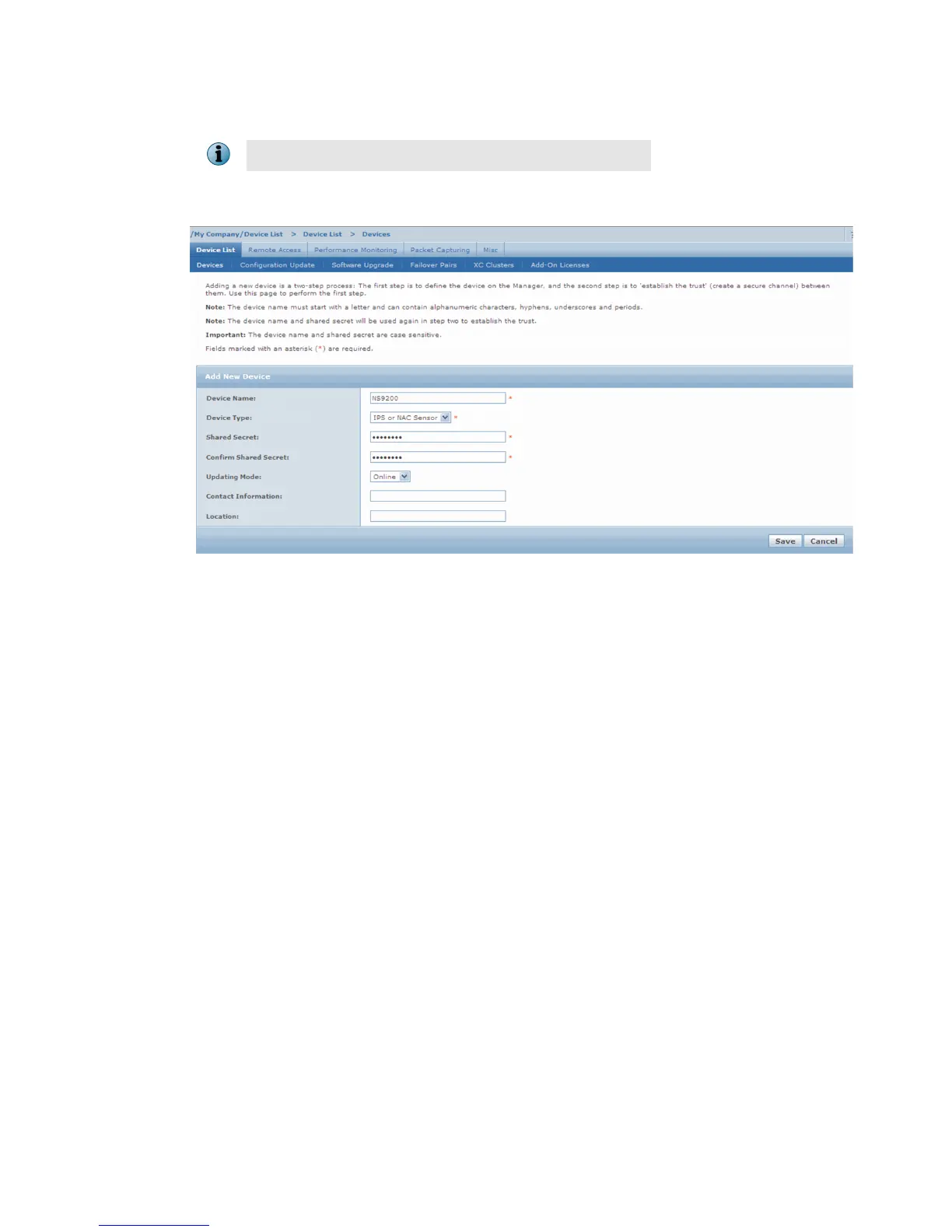
3 To add a Sensor in the Manager, click Device List | Devices, and then click New.
You do not require a license le to enable IPS on NS-series Sensors.
The Add New Device page is displayed.
4
Enter the following mandatory information in the appropriate elds.
• Device Name
The Sensor name must begin with a letter. The maximum length of the name is 25 characters.
• Device Type
Species the type of device to be added. Select IPS or NAC Sensor.
• Shared Secret
13



 To Next Page