Verify successful installation
Task
1
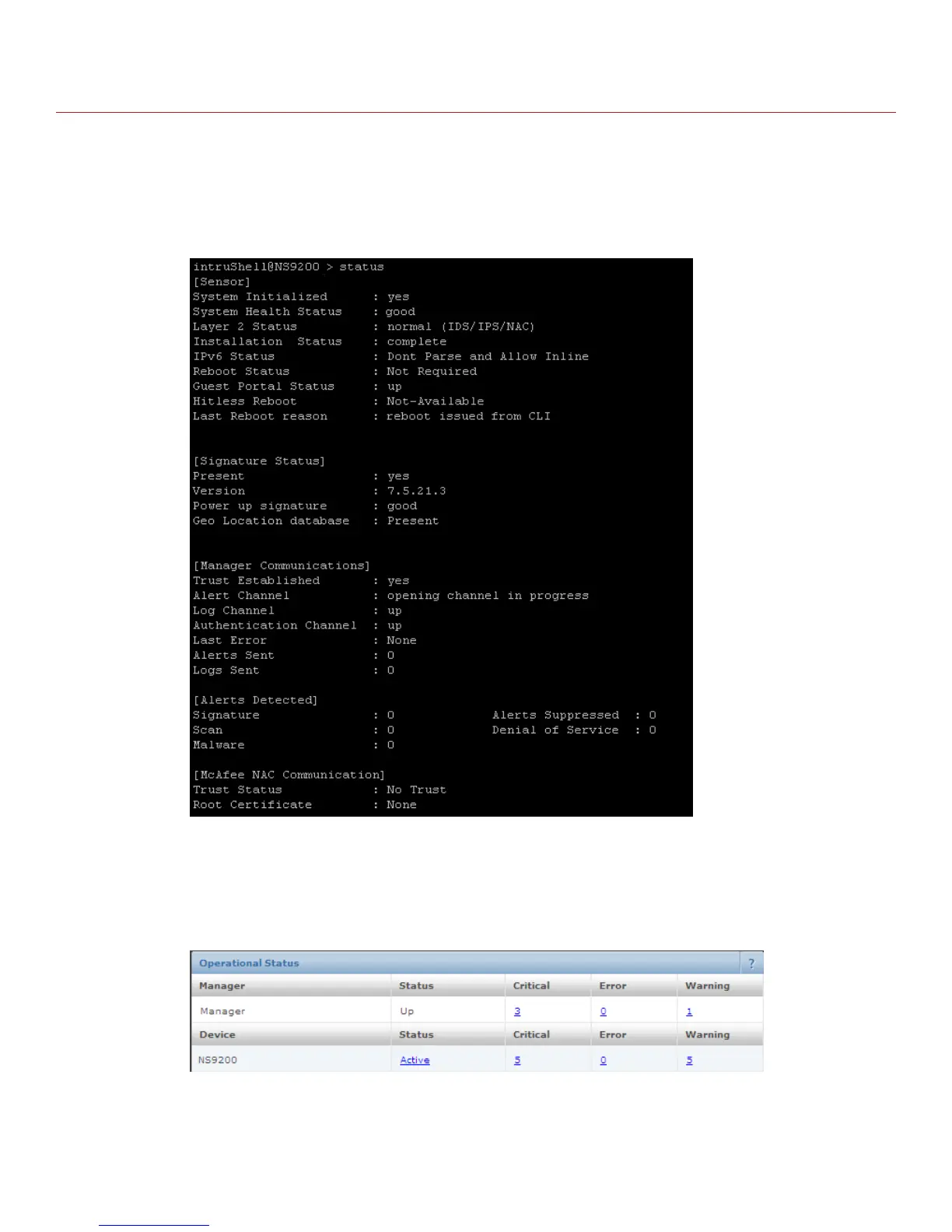
In the Sensor CLI, type: status.
The status report appears.
The Sensor parameter System Initialized should be yes, and for Manager communication Trust
Established should be yes.
2 Return to the Manager. In the Manager Home page, view the Manager status in the System Health section.
The Manager status should be up and Sensor status should be active.
3 From the Manager Home page, click Configure to open the Configuration page.
16



 To Next Page