26
°C
8
11-REMOTE CONTROL MAX
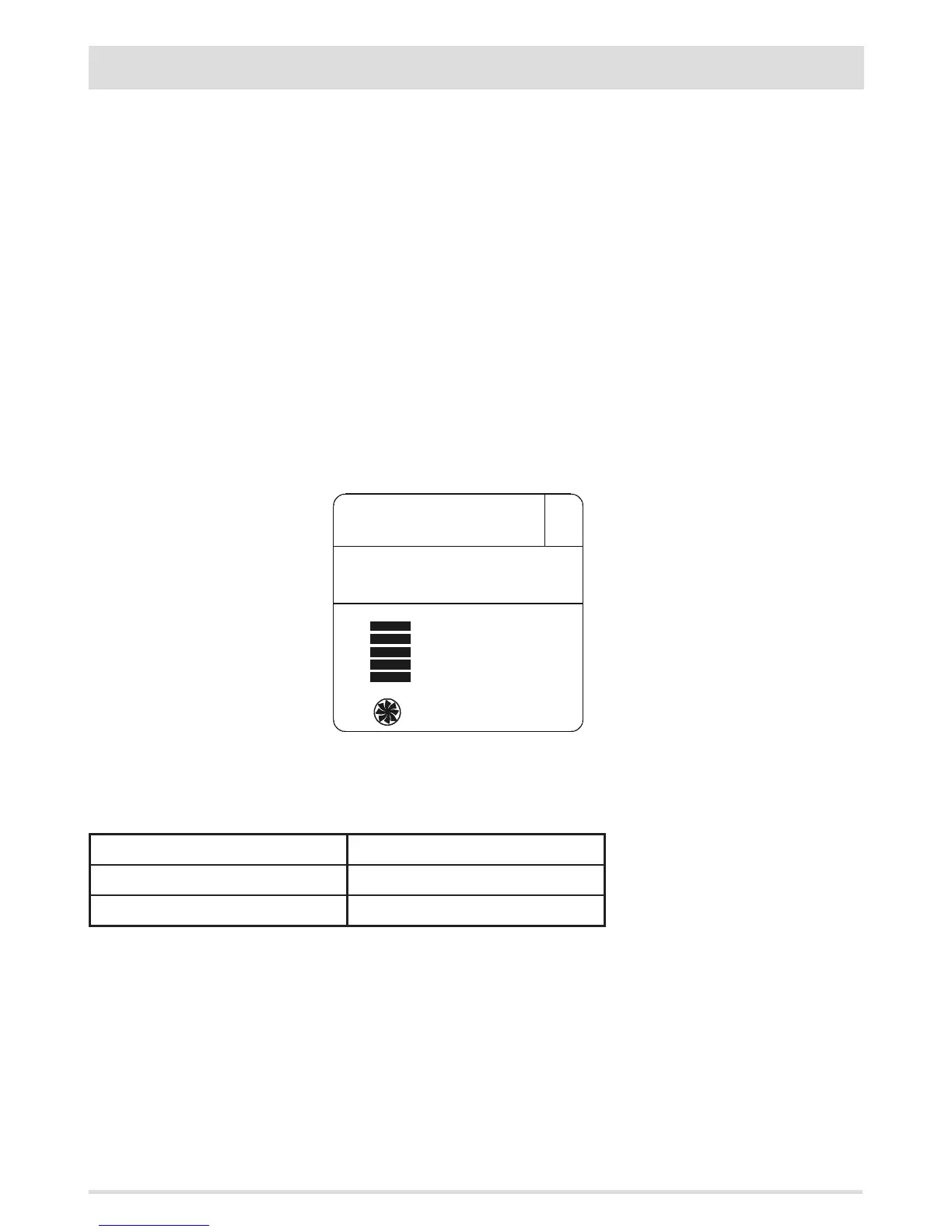
Room ventilation
Room ventilation can be adjusted as desired in all 4 operating modes described above (Manual, Automatic, Timer, Eco). Simply perform
this operation: from the basic display, press key D to access the VENTILATION adjustment mode (Fig. 6). Then press key C (arrows) to set the
desired ventilation by selecting one of the 5 levels available, independent from the ame level.
The “auto” option can also be selected, which automatically links the room ventilation speed to the ame level.
In short:
ame set on 1 > ventilation set on 1; ame set on 3 > ventilation set on 3; ame set on 5 > ventilation remains set on 3 (for silent
operation as it is in automatic mode).
In products with 2 or 3 room fans (comfort air models) via key D one can scroll and set the speed of the individual fans (identied with 1,
2 or 3 above the level bars).
NOTE: In the event a replacement remote control is purchased, if you need to change the default setting, proceed as
follows: with the remote control switched on press buttons D + E at the same time for 10 seconds (until the ashing
number appears). Press key C to select 1, 2 or 3 according to the product to which the remote control is to be paired, and
press E to exit.
IMPORTANT! Choosing the right number of fans can become a decisive factor to ensure the stove works correctly. Therefore
ensure an authorised technician conducts the settings.
The list of fans in place is shown in the table:
STOVE MODEL NO. OF FANS
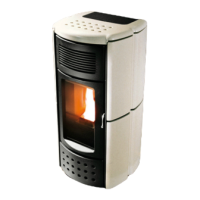
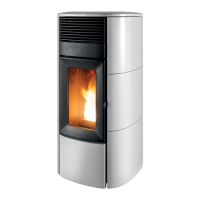
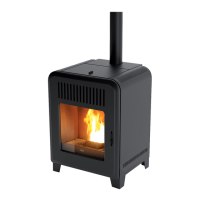
SUITE/CLUB/MUSA 2.0 AIR 1
SUITE/CLUB/MUSA 2.0 COMFORT AIR 3
FIG.6


 To Next Page