5. Press the left battery
compartment cover’s tab and
slide the cover off in the
direction of the arrow.
6. Place 4 pieces of 1.5V batteries
into the battery compartment on
top of the ribbons, matching the
polarity symbols (+ and - )
marked.
7. Replace the left battery
compartment cover.
Cautions:
z Always remove old or weak
batteries; batteries can leak
chemicals that can destroy
electronic parts.
z If you do not plan to use the
detector for a week or more,
remove the batteries.
z Dispose of old batteries
promptly and properly.
You can extend battery lift by using
headphones, which require less
power than the built-in speakers.
TESTING THE BATTERIS
If the indicator light is dim or
dark, so the detector does not turn
on, has weak volume, will not
tune properly, has erratic
operation, or drifts. Replace the
batteries.
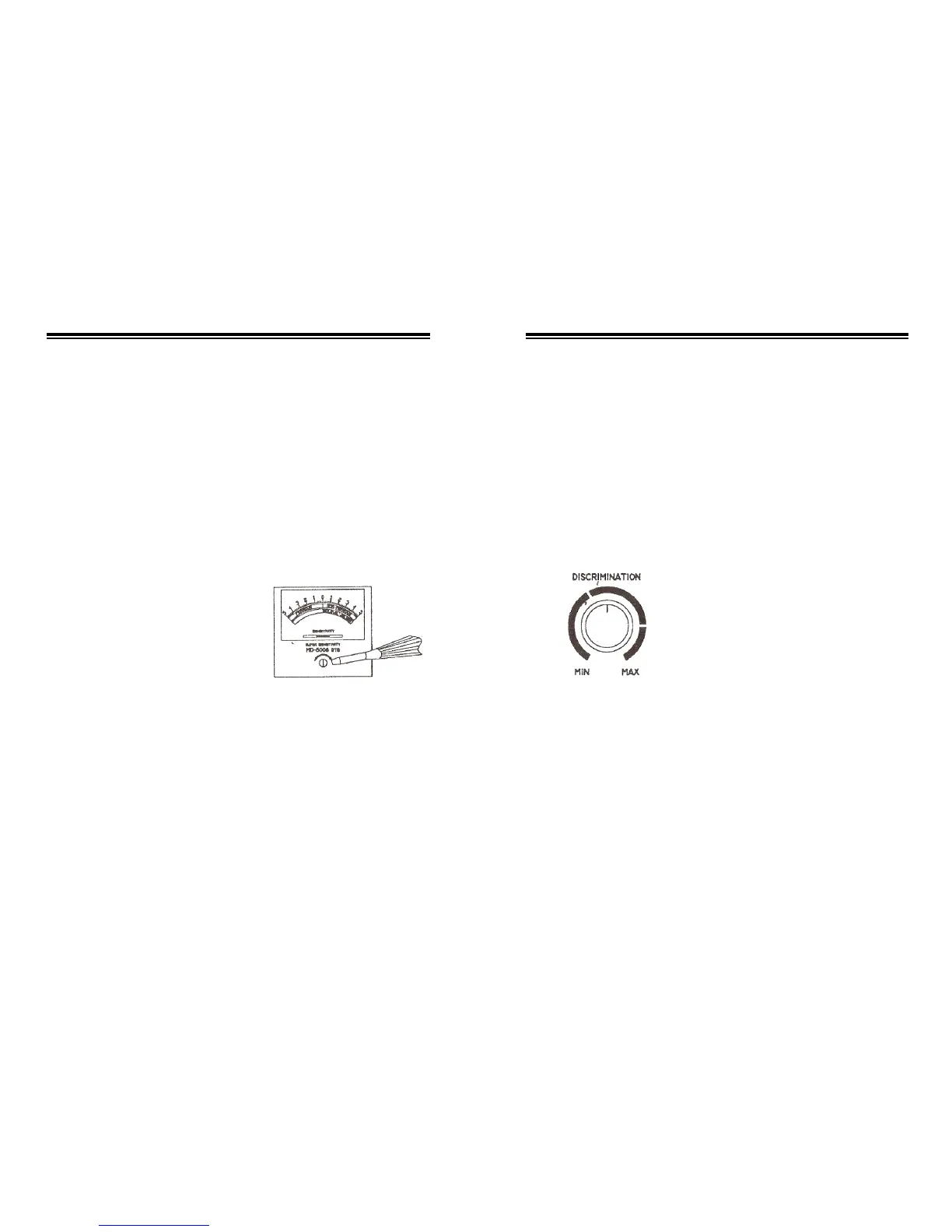
ADJUSTING THE METER
With MODE set to OFF, use a
screwdriver to adjust the
alignment control until the pointer
lines up with 0 on the scale.
USING HEADPHONES
You can connect a pair of stereo
headphones (not supplied) to the
detector so you can listen to it
privately. Using headphones also
save battery power and makes it
easier to identify subtle in the
sounds you hear, for better
detection results.
The detector eliminates the
“mineralization reaction” signal
after setting “Ground Balance”
as above, the searching coil can
sweep the ground freely and only
sounds while finding metal.
DISCRIMINATION TURN
BUTTON
The discrimination Turn button
is used when MODE is set
to “DISCRIMINATION”.
When we rotate the
“DISCRIMINATION” to different
position, we can distinguish
between ferrous metal and
non-ferrous metal by directioni to
which meter pointer swings.
NOTE: Press “Zeroing
Button” before adjusting
“DISCRIMINATION” and relieve it
after adjusting.
5 10


 To Next Page