Page 14 92555
June 1, 2012 Crossover Series
Crossover Series Operating Instructions & Function Tests
Lift/Lower
• Press and hold the Lift/Lower switch on the base control panel to lift or lower
the platform.
Test Operation
• Raise the platform until it stops. Platform should lift to full height.
• Lower the platform until it stops. Scissor assembly should close completely.
• Releasing the switch will stop Lift/Lower function.
• Pressing the Emergency Stop Switch will stop lift/lower function.
Platform Control Operation and Test
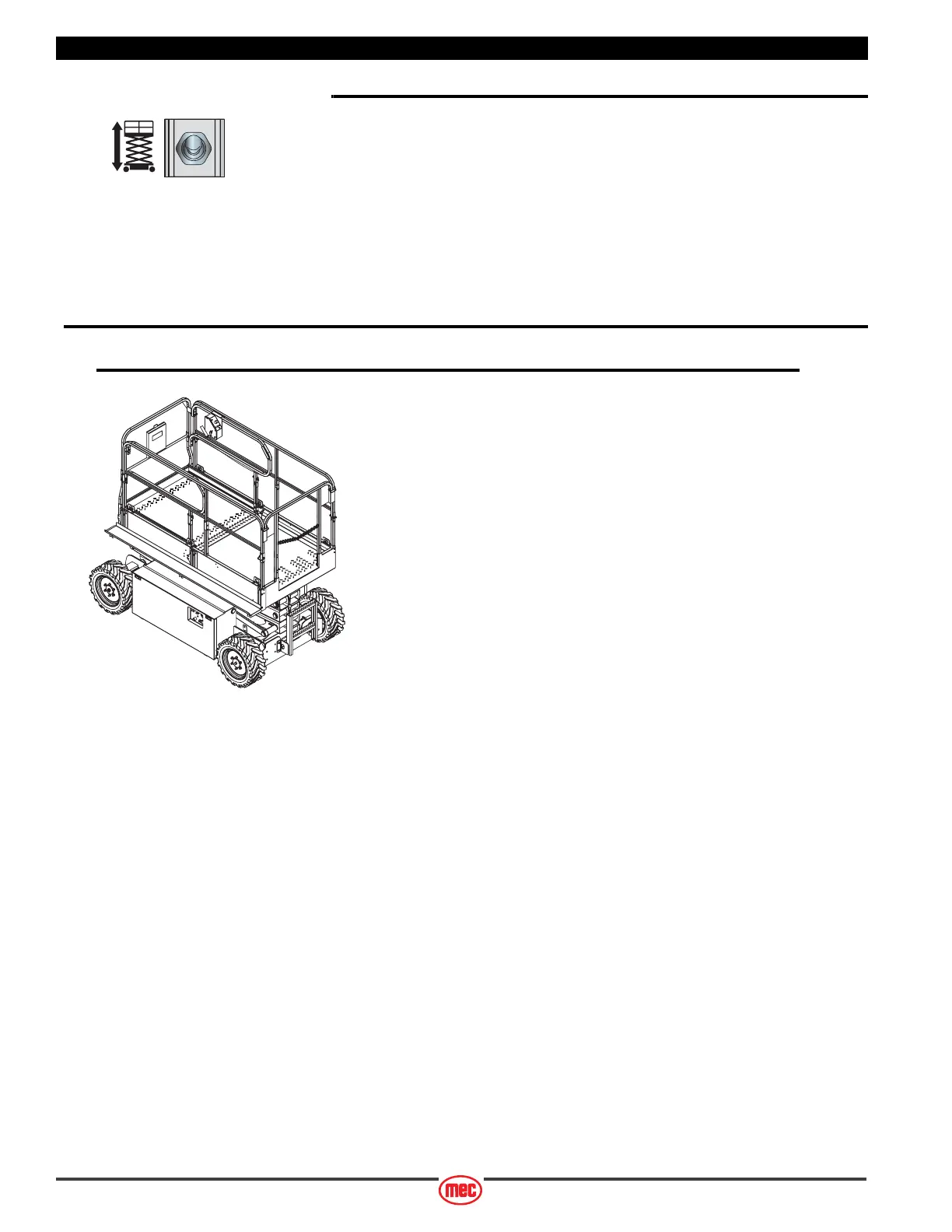
Entering The Platform
Personnel shall enter and exit the platform only at the Personnel Entry Gate.
Check that it is properly secured before operation.
ART_3822
ART_3831



 To Next Page